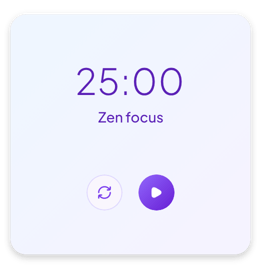
Widgets for Notion
Choose a widget, make it yours in the editor and embed it in your Notion page with a link. Charts, timers, study tools and small extras, ready to customize.
- 4 categories
- 18 widget types
- 75 variants

Chart widgets
6 typesCharts for the numbers you keep in a Notion database. Pick the labels and the values, then show them as areas, bars, lines, slices, a radar web or rings on your page.
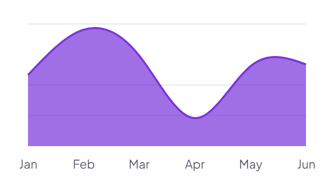 Area chart 3 variants
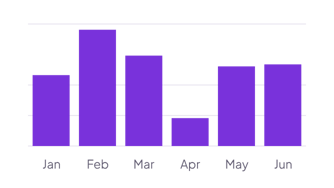 Bar chart 2 variants
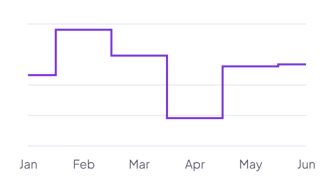 Line chart 3 variants
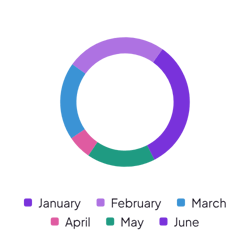 Pie chart 2 variants
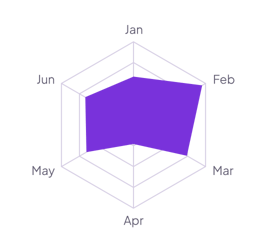 Radar chart 2 variants
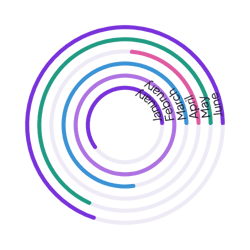 Radial chart 2 variants
- View all chart widgets
+5 more
Bar chart, line chart, pie chart, radar chart and radial chart.
Timer widgets
4 typesWidgets that keep time next to your plans in Notion. Count down to a date, run focus sessions, time a task or check the time in other cities, right on the page.
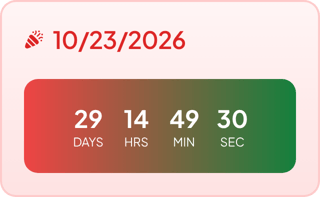 Countdown timer 6 variants
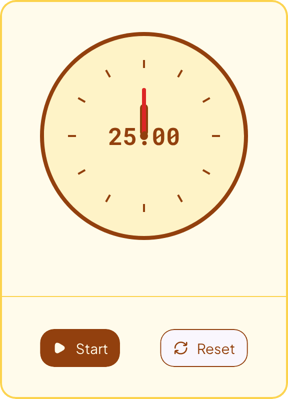 Pomodoro timer 7 variants
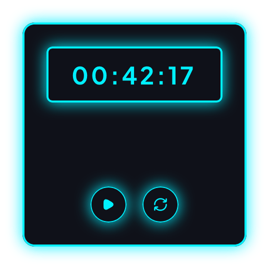 Stopwatch 5 variants
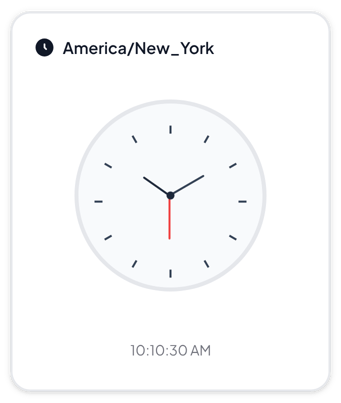 World clock 5 variants
- View all timer widgets
+3 more
Pomodoro timer, stopwatch and world clock.
Study tools
3 typesWidgets for learning in Notion. Review flashcards, mark a study habit done each day and step toward a goal, right next to your notes.
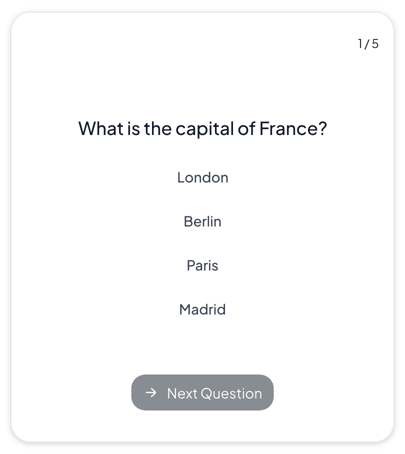 Flashcards 5 variants
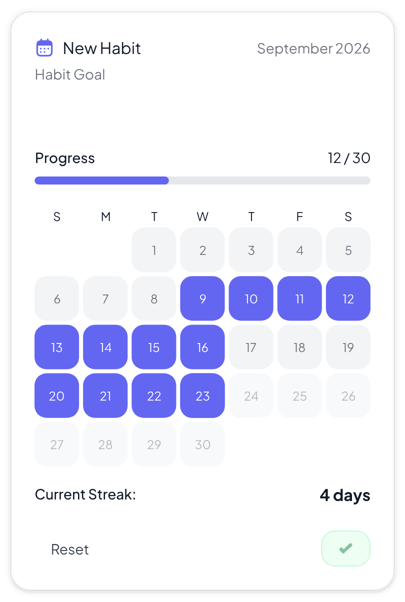 Habit tracker 6 variants
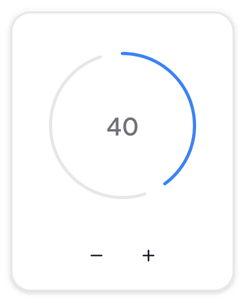 Progress tracker 5 variants
- View all study tools
+2 more
Habit tracker and progress tracker.
Misc widgets
5 typesSmall widgets for the personal side of Notion. Roll dice, read your horoscope, log your mood, show a quote or keep a streak going, right on the page.
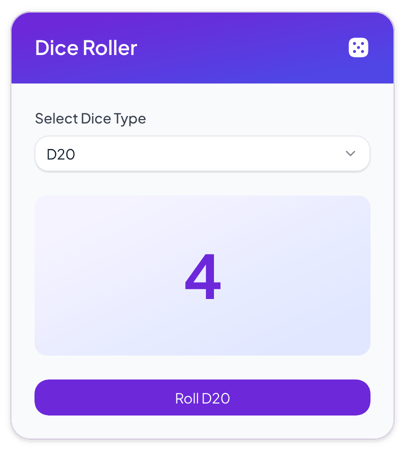 Dice roller 5 variants
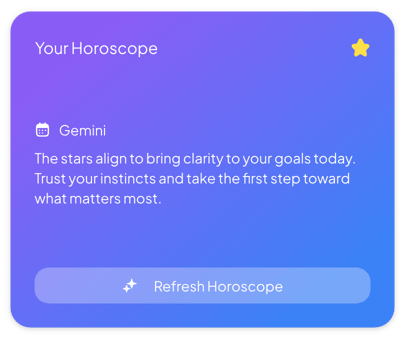 Horoscope 3 variants
 Quotes 4 variants
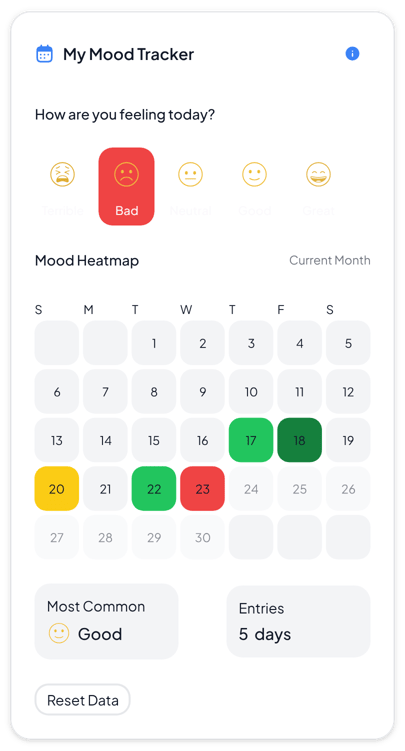 Mood tracker 5 variants
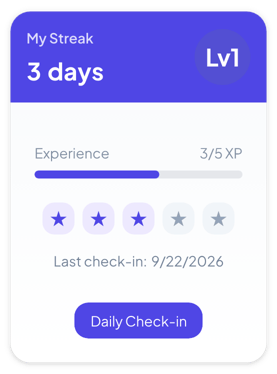 Streak tracker 5 variants
- View all misc widgets
+4 more
Horoscope, quotes, mood tracker and streak tracker.
How it works
Three steps take you from this page to a widget in Notion. No code needed.
Create the widget
Click Create widget in Blocky, then choose a category, a widget type and a template.
Make it yours
Connect a Notion database if the widget takes Notion data. Change the text, colors and settings in the editor, then click Save.
Embed it in Notion
Copy the Embed link from the widget's card. On your Notion page, type /embed, choose Embed and paste the link.