

2026
The Front Matter

Widgets, set in type.

Blocky is a catalogue of no-code widgets for Notion and the places you embed things. Build a chart that reads your database, drop it anywhere, and stop pasting screenshots that are already wrong.

Creators
Widgets Created

Charts Created

A
B
C
The Complaint

Notion holds your data like a library holds books in stacks, never on the wall.

On Notion

Your page is a notebook, not a dashboard.

Databases, toggles, callouts — everything is text in a trench coat. The numbers are there; they just refuse to behave like numbers.

On charts

A bar chart pasted as a screenshot is already a lie by Thursday.

Static images decay the moment the underlying row changes. You end up re-exporting, re-uploading, and quietly resenting whoever asked.

On embeds

iFrame spaghetti is not a system.

Six tools, six logins, six chances for something to render sideways on mobile. The cursor blinks. You close the tab.

The operator, mid-overflow. Six tools, six logins, one closed tab.

The Catalogue

Four widgets, set in plain type.

Each entry is configurable, embeddable, and rendered from your data. The Free plan carries five widgets; two may be charts.

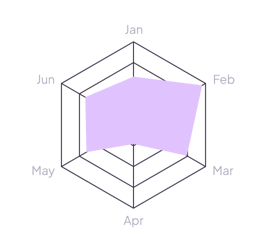
Chart Widgets preview 1
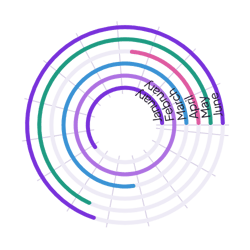
Chart Widgets preview 2
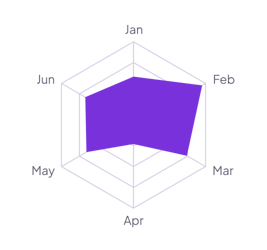
Chart Widgets preview 3
Chart Widgets preview 4
A.01Live data · Notion-connected

Chart Widgets

Bars, lines, donuts. Pulls straight from a Notion database and refreshes on its own.

View more
Timer Widgets preview 1
Timer Widgets preview 2
Timer Widgets preview 3
Timer Widgets preview 4
A.02Intervals · countdowns · clocks

Timer Widgets

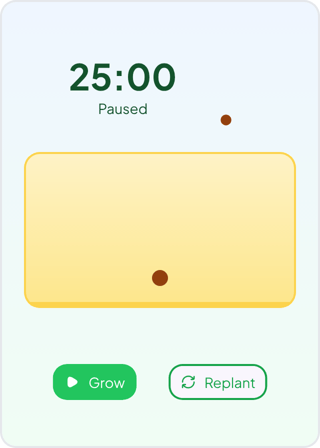
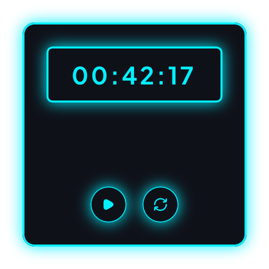
Pomodoro sessions, countdowns, stopwatches, and world clocks built for live embeds.

View more
Study Widgets preview 1
Study Widgets preview 2
Study Widgets preview 3
Study Widgets preview 4
A.03Practice · memory · progress

Study Widgets

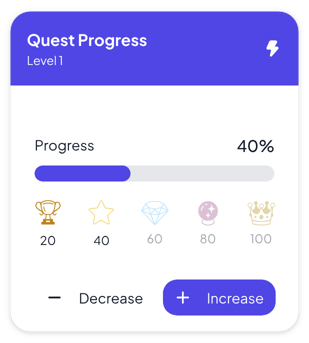
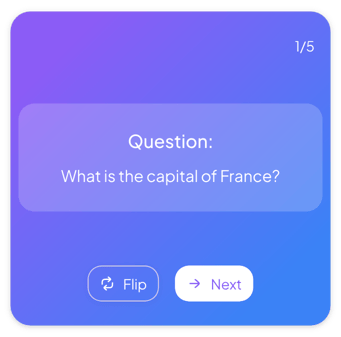
Flashcards, habits, and study progress cards that make learning visible.

View more
Misc Widgets preview 1
Misc Widgets preview 2
Misc Widgets preview 3
Misc Widgets preview 4
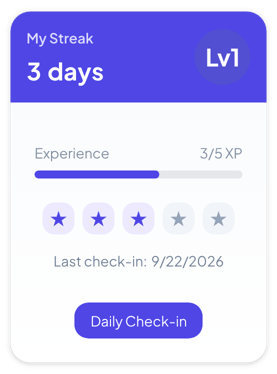
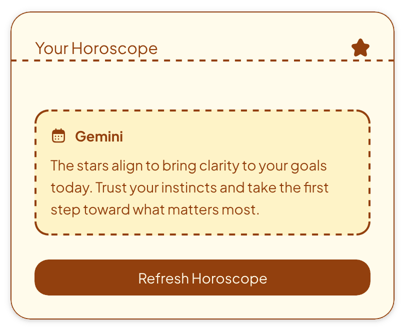
A.04Mood · streaks · daily utility

Misc Widgets

Small interactive pieces for rituals, randomizers, quotes, and everyday momentum.

View more
The Method

Three motions. Compose, connect, embed and then stop touching it.

  1. 01

    Compose, with no code

    Pick a widget from the catalogue, configure it in the browser, and shape it until it reads the way you want. Nothing is installed; nothing is deployed.

  2. 02

    Connect, read-only

    Point a chart at a Notion database. Blocky asks for read access and nothing else — it watches the rows, never writes them.

  3. 03

    Embed, anywhere

    Copy the link. Drop it into Notion, a doc, a readme, or a public page. The widget renders where you put it and lives where the data lives.

Permissions are read access and read access only. Blocky watches your rows; it never writes them.

The Tariff

Three rates, set plainly.

T.0

Free

$0

Five widgets, two of them charts. Enough to prove the thesis on a single page.

  • ·5 widgets
  • ·2 charts
  • ·Read-only Notion sync
  • ·Community support
T.1

Standard

$3.59

Ten widgets, five charts, and enough room to run real pages without screenshot chores.

  • ·10 widgets
  • ·5 charts
  • ·2 Notion connections
  • ·Embedded editing
Most chosenT.2

Pro

$5.99

Unlimited widgets and charts for operators who want every dashboard to stay live.

  • ·Unlimited widgets
  • ·Unlimited charts
  • ·Premium widgets
  • ·Automatic Notion sync
The Marginalia

Questions, set in the margin.

The small print that does the explaining before you have to ask.

Q. What exactly is a Blocky widget?
A.A widget is a small, configurable, embeddable block — a chart, a note, a timer, a review card — that you build in the browser and drop into Notion or anywhere that accepts an embed.
Q. Do the charts really read from Notion?
A.Yes. Connect a chart widget to a Notion database and it pulls the rows itself, read-only. When the data changes in Notion, the chart follows. It never writes back.
Q. What does the free tier actually allow?
A.Free gives you five widgets in total, two of which may be live charts. Standard raises that to ten widgets and five charts, while Pro removes widget and chart limits entirely.
Q. What permissions does Blocky request?
A.Read access and read access only. Blocky watches your databases to render widgets; it has no path to create, edit, or delete your content.
Q. Can I embed widgets outside Notion?
A.Yes. Every widget ships as an embeddable link, so it renders in Notion, in docs, in readmes, and on public pages alike.
The Back Cover

Stop pasting charts that are wrong by Thursday.

Compose one widget free, embed it anywhere, and let it read your Notion while you do the rest of the work.