
Timer widgets
Widgets that keep time next to your plans in Notion. Count down to a date, run focus sessions, time a task or check the time in other cities, right on the page.
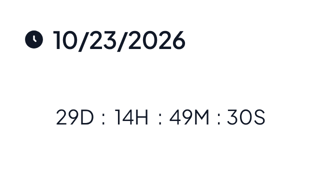
Countdown timer
Count down to a date on your Notion page. The widget shows the date and the days, hours, minutes and seconds left, and can show your own words when time runs out.
Normal countdown timer, 1 of 6
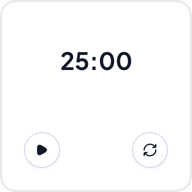
Pomodoro timer
Run focus sessions on your Notion page. Press play and the time counts down from 25 minutes, or from the Focus length you set. Some variants add break modes, levels, a boss to defeat or a plant that grows.
Normal Pomodoro timer, 1 of 7
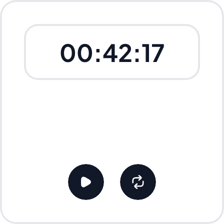
Stopwatch
Time anything without leaving your Notion page. Press play to start, press it again to pause and press reset to go back to zero. The time shows minutes, seconds and hundredths.
Normal stopwatch, 1 of 5
World clock
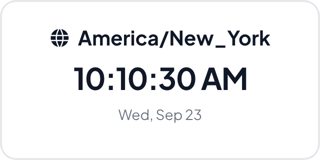
Show the current time and date in another city on your Notion page. Pick a time zone, give it a name and the clock keeps ticking. Add a Clock for each city you follow.
Normal world clock, 1 of 5
Where to use timer widgets
Study and deep work
Run focus sessions and breaks next to your task list or study plan, so the timer and the work share one page.
Practice and workouts
Time a run, a practice piece or a task, and write the result in the table below the stopwatch.
Launches, trips and remote teams
Count down to a launch or a trip, and keep the time in your teammates' cities beside the plan.
Make a timer widget your own
Start from any variant, change the words and colors in the editor, and embed it in Notion with a link.