
Study tools
Widgets for learning in Notion. Review flashcards, mark a study habit done each day and step toward a goal, right next to your notes.

Flashcards
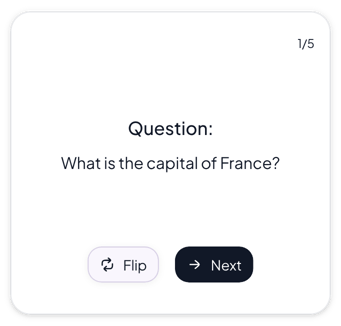
Review a deck of question and answer cards on your Notion page. Press Flip to see the answer and Next to move to the next card. The Quiz variant asks you to pick from choices instead.
Normal flashcards, 1 of 5
Habit tracker
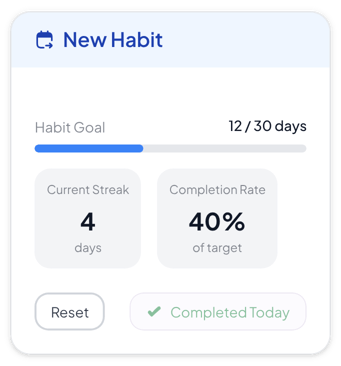
Track one habit on your Notion page. Mark each day you do it, and the widget counts your days toward a target and your current streak. Some variants also show the last week, 30 days or the month.
Normal habit tracker, 1 of 6
Progress tracker
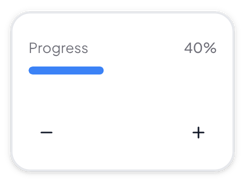
Show progress toward a goal on your Notion page. Set the goal and a step size, then press plus or minus to fill the bar, ring or segments one step at a time.
Normal progress tracker, 1 of 5
Where to use study tools
Exam review
Keep flashcards next to your class notes, so you can test yourself on the page where you study.
Study routines
Mark a study habit done each day, such as reviewing your notes, and watch your streak and days done grow.
Problem sets and practice
Set a goal for one sitting, such as 20 problems or 30 pages, and press plus after each one you finish.
Make a study tool your own
Start from any variant, change the words and colors in the editor, and embed it in Notion with a link.