
Normal Flashcards
Add a straightforward flashcard widget to Notion with flip interactions, answer fields, and practical study-session layouts.
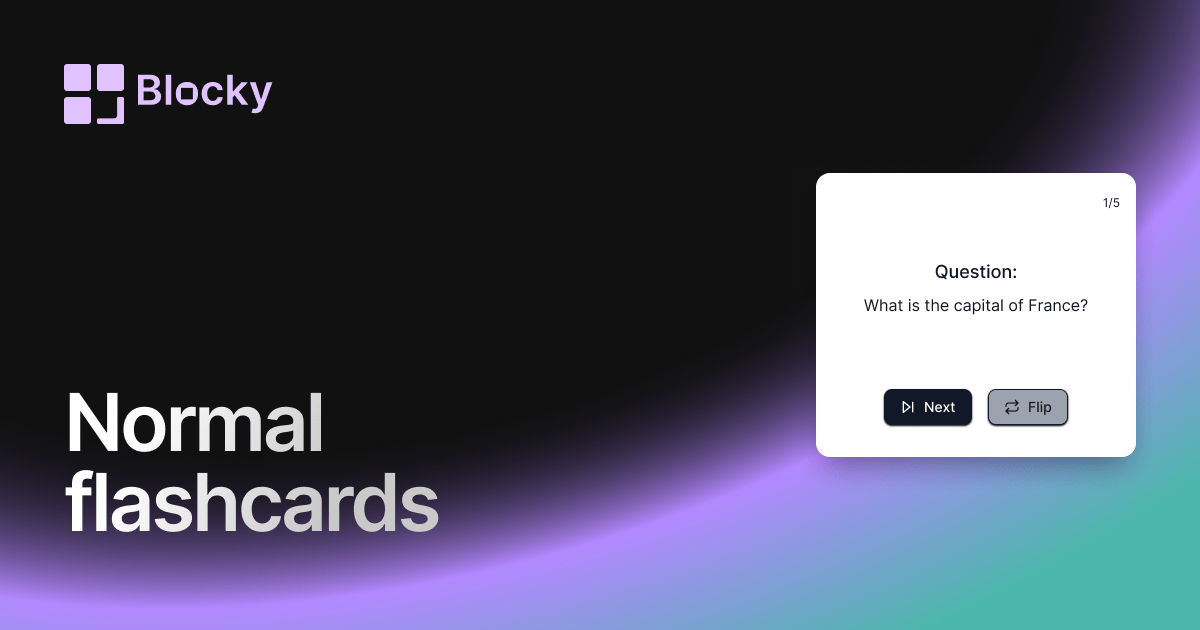
Inspect the widget before it reaches a live page.
Tune labels, data, colors, and layout from one editor.
Embed the finished specimen back into Notion.
Specimen notes — Normal Flashcards
Question:
What is the capital of France?
Normal Flashcards Widget for Notion
The Normal Flashcards variant is a classic front-and-back digital flashcard, perfect for students, self-learners, and professionals. This widget makes it easy to practice active recall, strengthen memory, and build repetition-based study habits—right from your Notion dashboard.
Whether you’re preparing for exams or brushing up on skills, this widget keeps your learning experience clean and efficient.
Use Cases
- Academic Review: Practice course material, definitions, and concept recall.
- Active Recall Learning: Improve memory with question-and-answer cycling.
- Language Vocabulary: Flip between native and target language entries.
- Certification Prep: Study test banks or key points for industry exams.
- Daily Study Routines: Embed rotating flashcards into your Notion workspace.
Features
- Clean card styling with clear type hierarchy
- Front (question) and back (answer) view
- Flip animation for recall and interaction
- Responsive layout for desktop and mobile
- Fully synced with Notion database fields
Customization Options
- Choose database fields for question and answer
- Edit card color, font, and text alignment
- Toggle flip direction (horizontal/vertical)
- Adjust card padding, border, and animation speed
- Optional shuffle/randomization for study mode
Real-Time Sync with Notion
The Normal Flashcards widget pulls directly from your Notion database. Any time you add, edit, or delete a card in your table, the changes appear instantly on your Notion page.
How to Add It to Notion
- Go to Blocky and choose the Normal Flashcards widget.
- Connect your Notion database.
- Map the question and answer fields.
- Customize your styling.
- Copy your embed URL.
- Paste it into Notion using
/embed.
Your classic flashcard deck is ready to study.
Nearby variants for the same type.
The current specimen is excluded so the grid only offers alternate treatments.
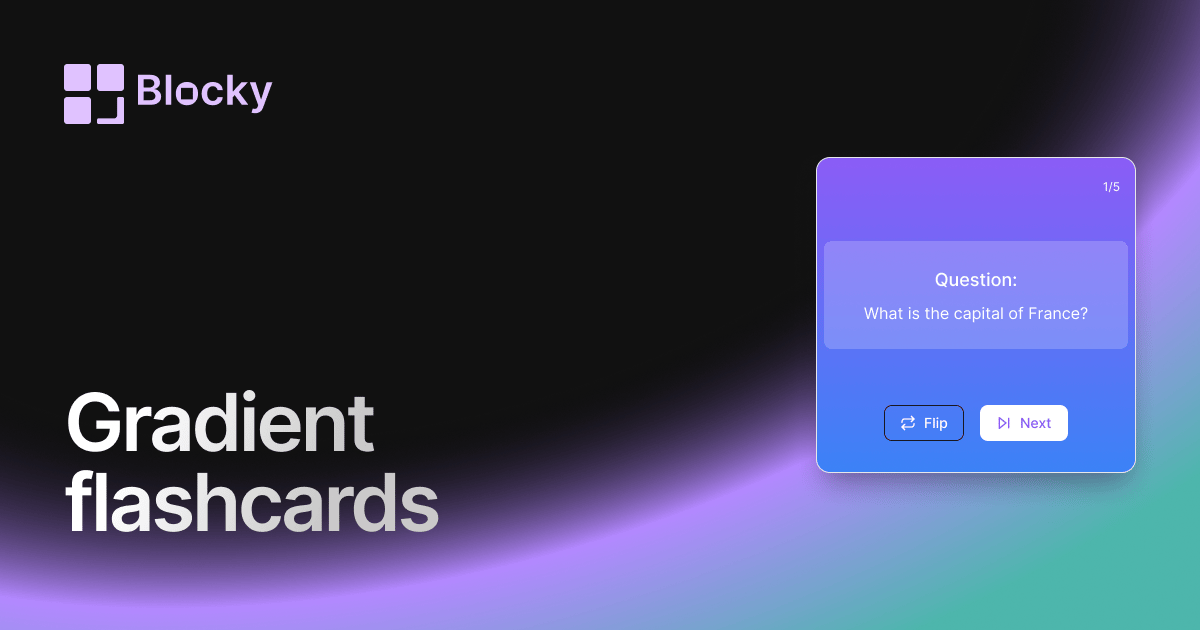
Related variant
Gradient Flashcards
Review Notion flashcards in a colorful gradient widget with clear prompts, answers, and dashboard-friendly study sessions.
Open related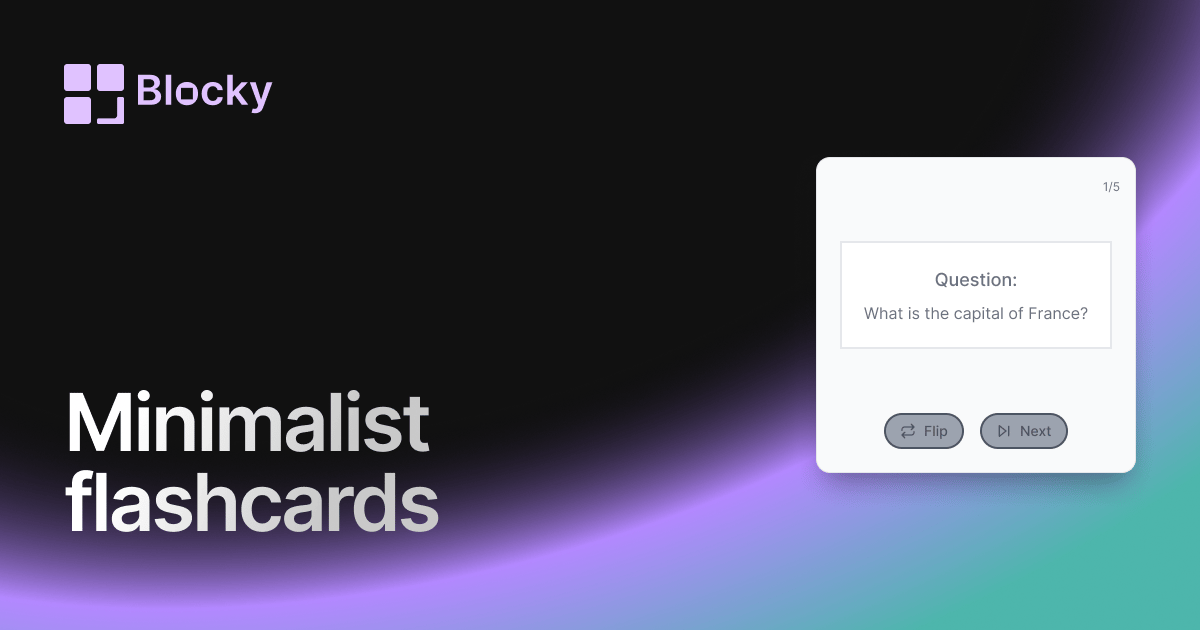
Related variant
Minimalist Flashcards
Study Notion flashcards in a minimalist widget with clean prompts, simple answers, and distraction-free review sessions.
Open related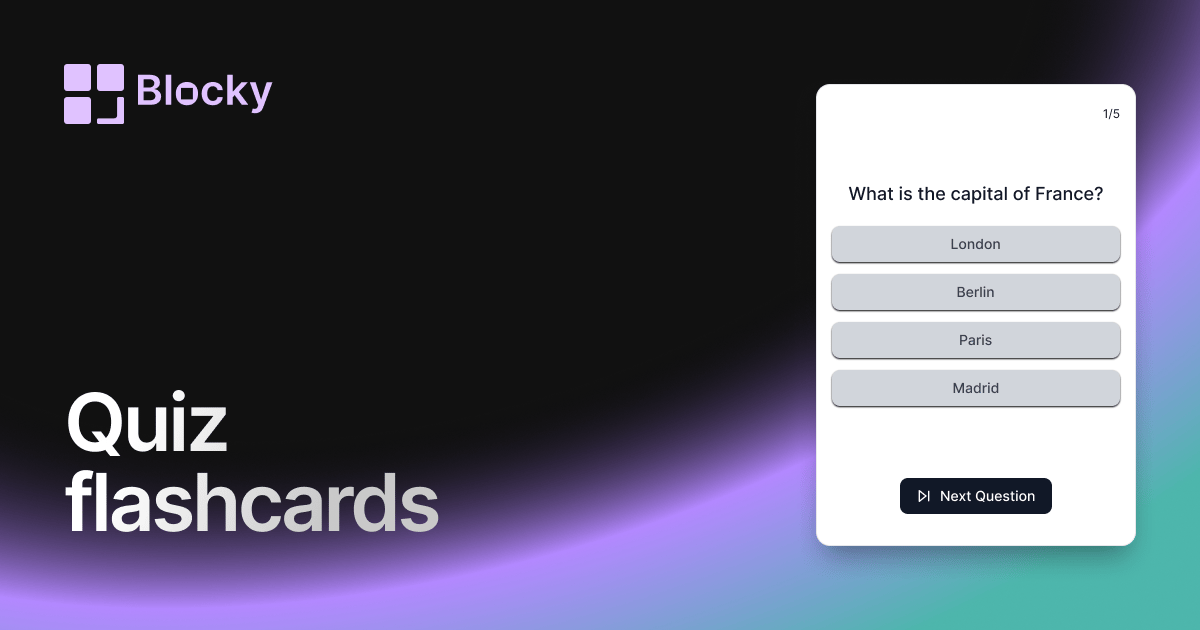
Related variant
Quiz Flashcards
Turn Notion flashcards into quiz-style reviews with multiple-choice answers, focused sessions, and embedded study widgets.
Open related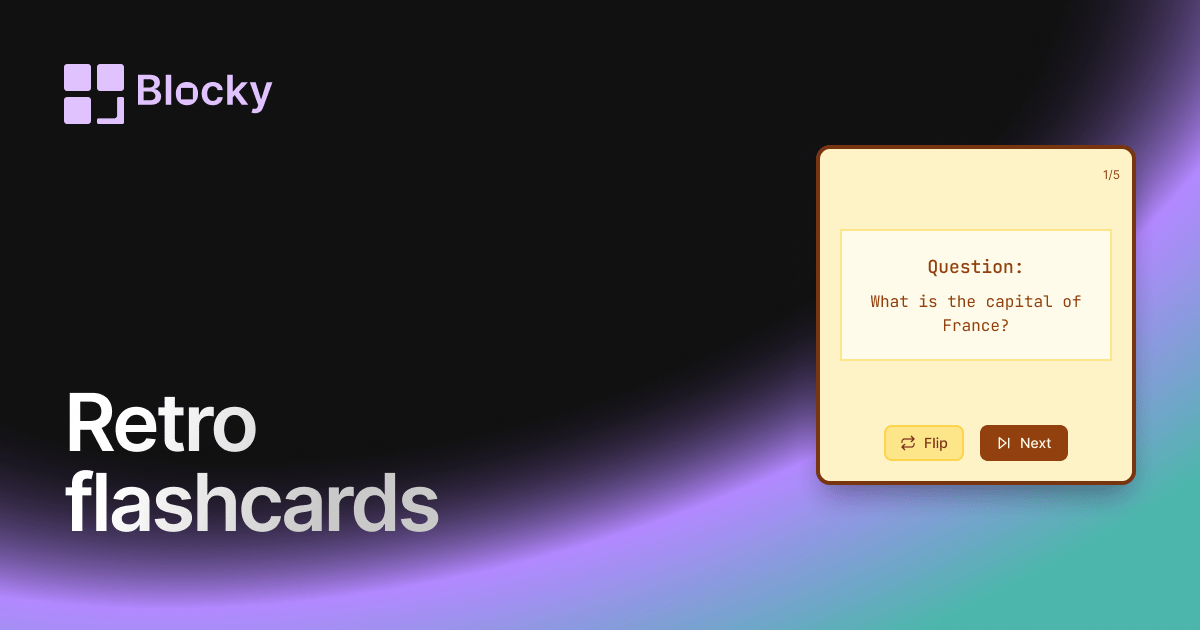
Related variant
Retro Flashcards
Use a retro Notion flashcard widget for focused review sessions, nostalgic styling, and clear question-and-answer cards.
Open related