
Flashcards
Review a deck of question and answer cards on your Notion page. Press Flip to see the answer and Next to move to the next card. The Quiz variant asks you to pick from choices instead.
- Cards
- A question and an answer on each card
- Order
- Your order, or shuffled on each load
- Notion data
- Optional; load cards from a database
5 variants to start from
Pick the one closest to what you want, then change it in the editor.
Variants 1 of 5
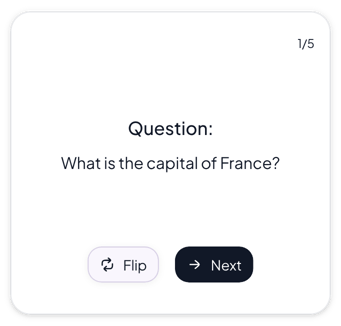 View Normal flashcards
Normal
Class notes and study pages that need a plain, readable card
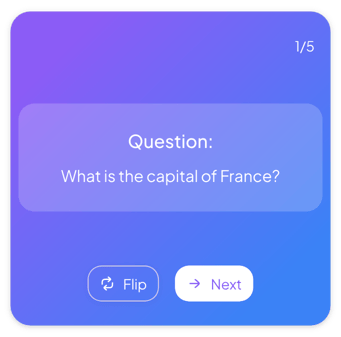 View Gradient flashcards
Gradient
Colorful study dashboards where the cards should stand out
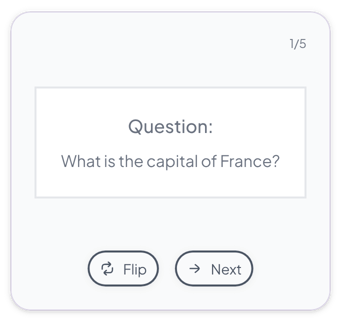 View Minimalist flashcards
Minimalist
Calm, text-heavy study pages where the card should stay quiet
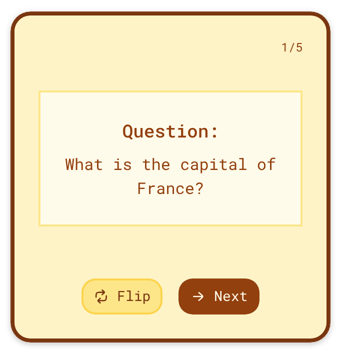 View Retro flashcards
Retro
Warm, vintage study pages and themed dashboards
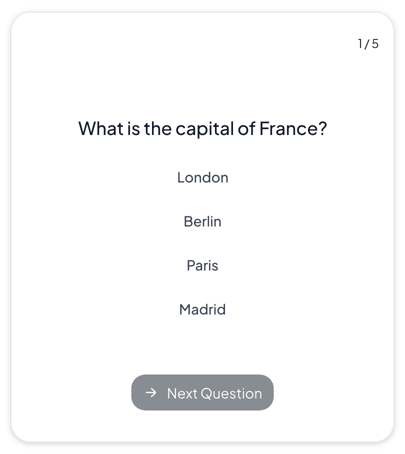 View Quiz flashcards
Quiz
Self-tests and practice quizzes before an exam
Add it to Notion in three steps
Pick a variant, make the flashcards yours in the editor, then embed it in a Notion page.
Create the widget
Click Create widget in Blocky, then choose a category, a widget type and a template.
Make it yours
Connect a Notion database if the widget takes Notion data. Change the text, colors and settings in the editor, then click Save.
Embed it in Notion
Copy the Embed link from the widget's card. On your Notion page, type /embed, choose Embed and paste the link.
More study tools
View all study tools
Make a study tool your own
Start from any variant, change the words and colors in the editor, and embed it in Notion with a link.