
Habit tracker
Track one habit on your Notion page. Mark each day you do it, and the widget counts your days toward a target and your current streak. Some variants also show the last week, 30 days or the month.
- Habits
- One per widget, with a title and a goal
- Target days
- 1 to 1,000, 30 by default
- Notion data
- None needed
6 variants to start from
Pick the one closest to what you want, then change it in the editor.
Variants 1 of 6
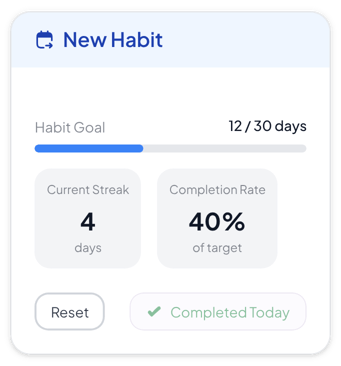 View Normal habit tracker
Normal
Habit pages that need days done, a streak and a completion rate at a glance
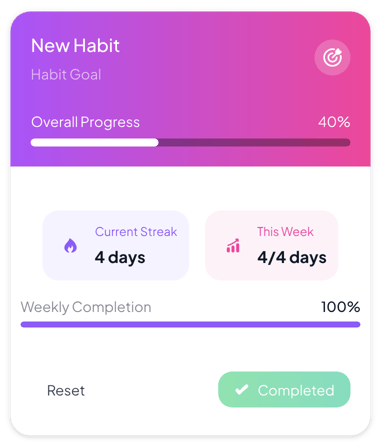 View Gradient habit tracker
Gradient
Colorful dashboards where one habit and this week's progress should stand out
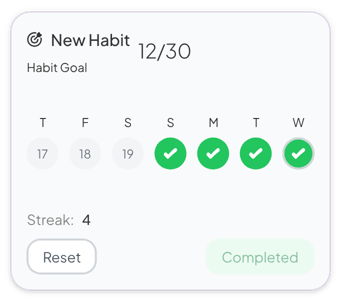 View Minimalist habit tracker
Minimalist
Quiet pages that only need a count and the last seven days
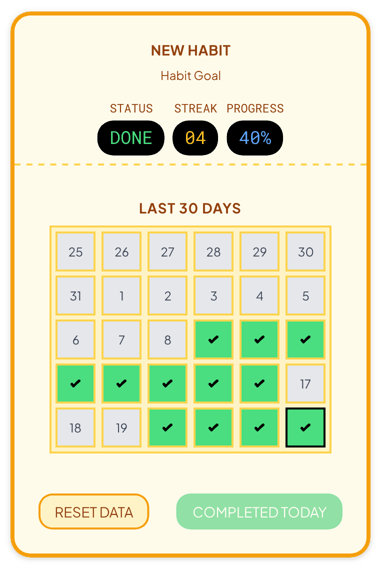 View Retro habit tracker
Retro
Themed planners and class pages that show the last 30 days
 View Heatmap habit tracker
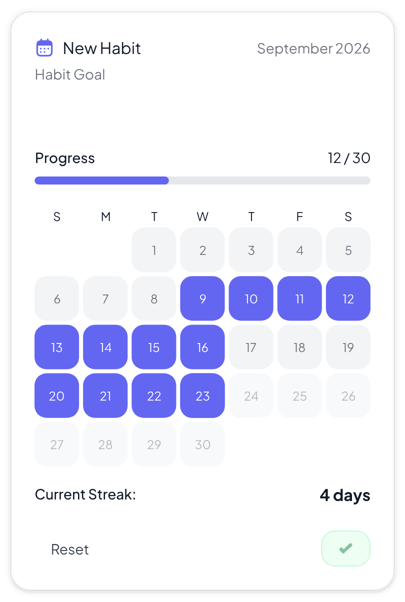
Heatmap
Monthly planners where you want to see every day of the month
 View Gamified habit tracker
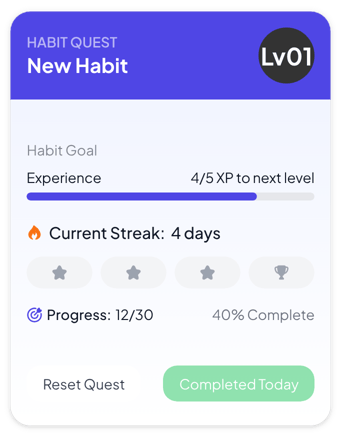
Gamified
Kids, 30-day challenges and people who like levels and milestones
Add it to Notion in three steps
Pick a variant, make the habit tracker yours in the editor, then embed it in a Notion page.
Create the widget
Click Create widget in Blocky, then choose a category, a widget type and a template.
Make it yours
Connect a Notion database if the widget takes Notion data. Change the text, colors and settings in the editor, then click Save.
Embed it in Notion
Copy the Embed link from the widget's card. On your Notion page, type /embed, choose Embed and paste the link.
More study tools
View all study tools
Make a study tool your own
Start from any variant, change the words and colors in the editor, and embed it in Notion with a link.