
Minimalist Habit Tracker
Stay on track with a clean, distraction-free habit tracker that blends seamlessly into your Notion pages.
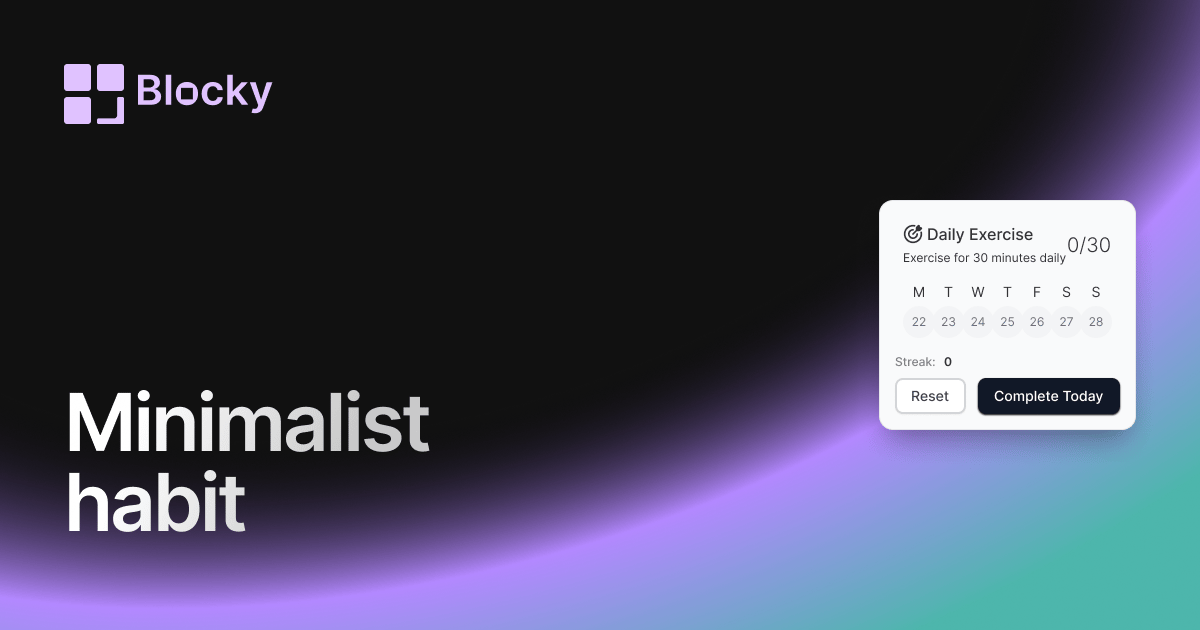
Inspect the widget before it reaches a live page.
Tune labels, data, colors, and layout from one editor.
Embed the finished specimen back into Notion.
Specimen notes — Minimalist Habit Tracker
Minimalist Habit Tracker Widget for Notion
The Minimalist Habit Tracker is designed for users who want a clean, elegant way to track their routines in Notion without visual clutter. It’s all signal, no noise — perfect for daily focus, long-term consistency, and seamless integration with minimalist dashboards.
Built for clarity and simplicity, this widget helps you stay on track without distractions.
Use Cases
- Daily Micro-Habits: Track tiny wins like “drink water,” “stretch,” or “1 min journal.”
- Wellness Routines: Monitor habits like meditation, gratitude, or screen-free time.
- Study Sessions: Log when you reviewed flashcards, completed Pomodoros, or read notes.
- Minimal Dashboards: Pair with minimalist themes or grayscale Notion layouts.
- Low-Friction Logging: Make your data visible but never overwhelming.
Features
- Slim grid view optimized for focus
- Subtle icons, dots, or checkmarks
- Light typography and softened UI
- Fully responsive across devices
- Matches both dark and light Notion themes
Customization Options
- Select Notion database and assign habits to properties
- Toggle visual markers (dots, fills, checkmarks)
- Choose time window (week, month, or rolling)
- Adjust spacing, border style, and corner radius
- Set highlight rules (e.g., missed days, weekends)
Always in Sync
Every change you make in Notion—checkboxes ticked, dates updated, logs added—is reflected immediately in your embedded Minimalist Habit Tracker. It’s passive but powerful.
How to Add to Notion
- Head to Blocky and choose the Minimalist Habit Tracker variant.
- Connect your Notion database.
- Map your date and completion properties.
- Choose minimalist styling preferences.
- Copy your embed link.
- Paste into Notion using
/embed.
Now your routines are quietly visible—always there, never in the way.
Nearby variants for the same type.
The current specimen is excluded so the grid only offers alternate treatments.
Related variant
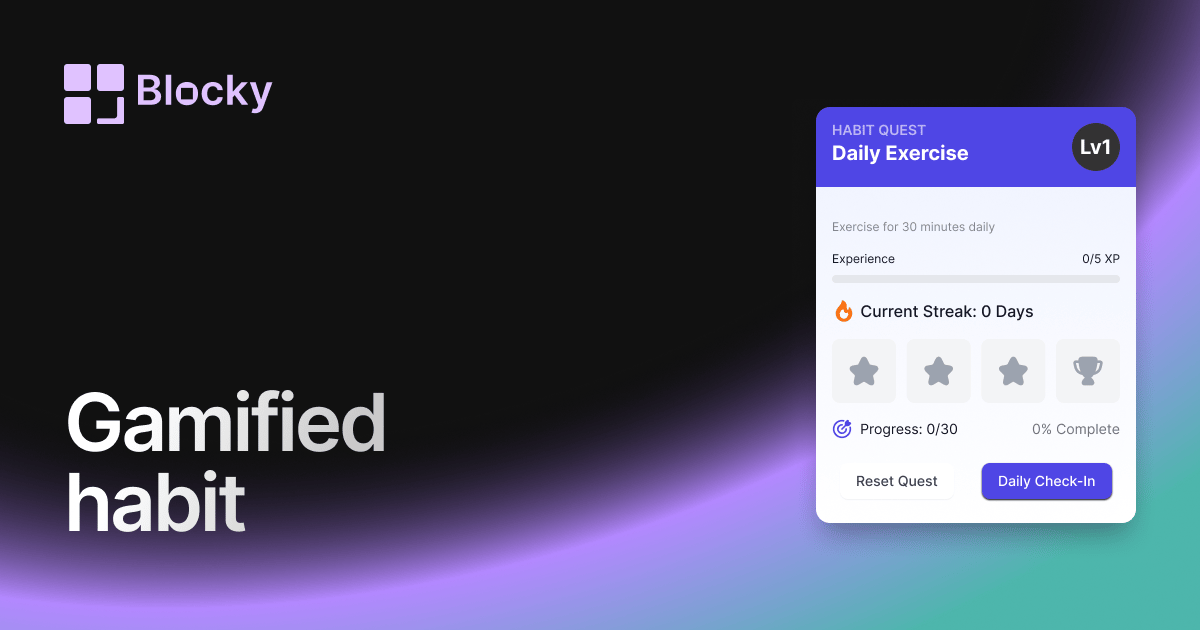
Gamified Habit Tracker
Motivate your daily routines with a gamified habit tracker that rewards consistency and progress inside Notion.
Open related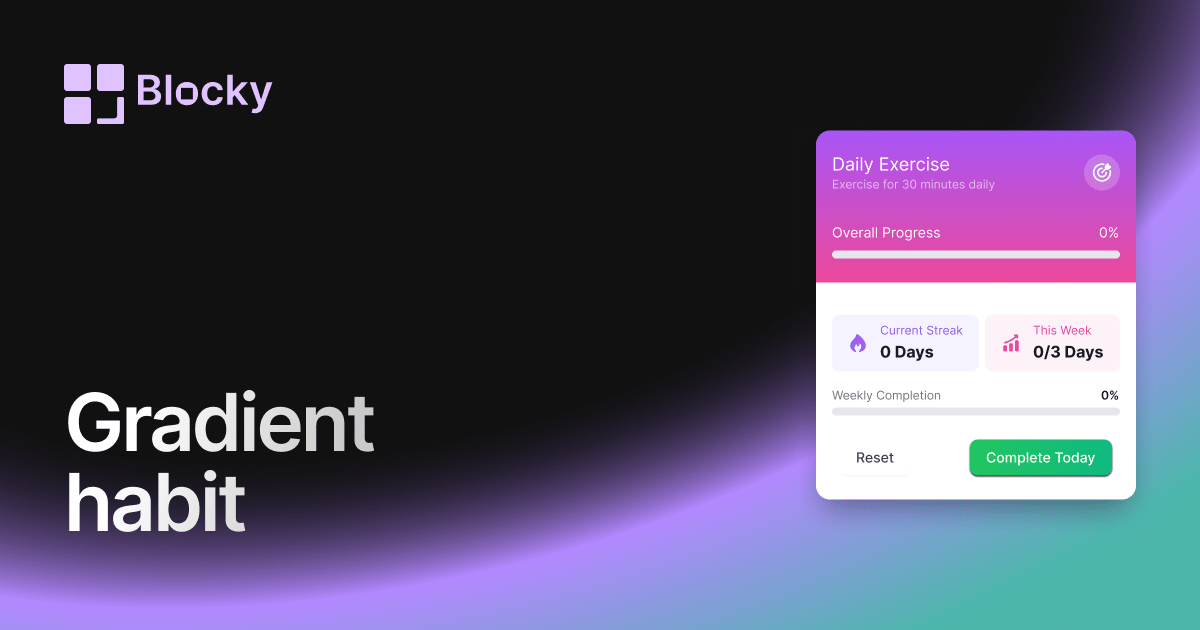
Related variant
Gradient Habit Tracker
Track your progress with a colorful gradient habit tracker that adds energy and clarity to your Notion routine.
Open related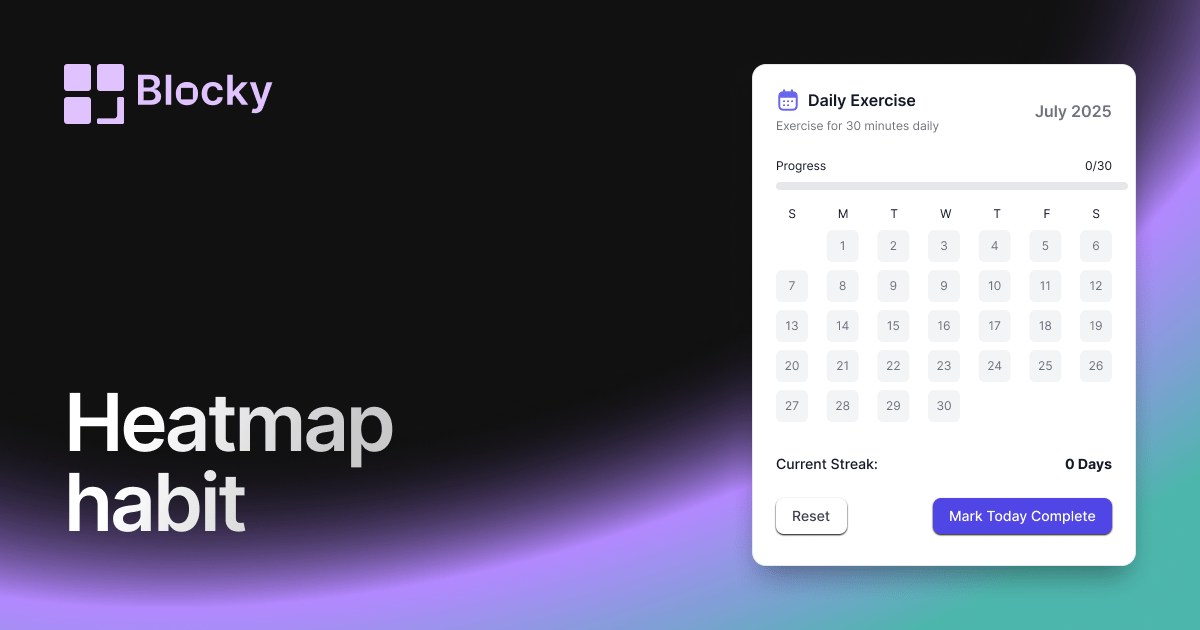
Related variant
Heatmap Habit Tracker
Visualize your consistency with a heatmap-style habit tracker that's both aesthetic and functional in Notion.
Open related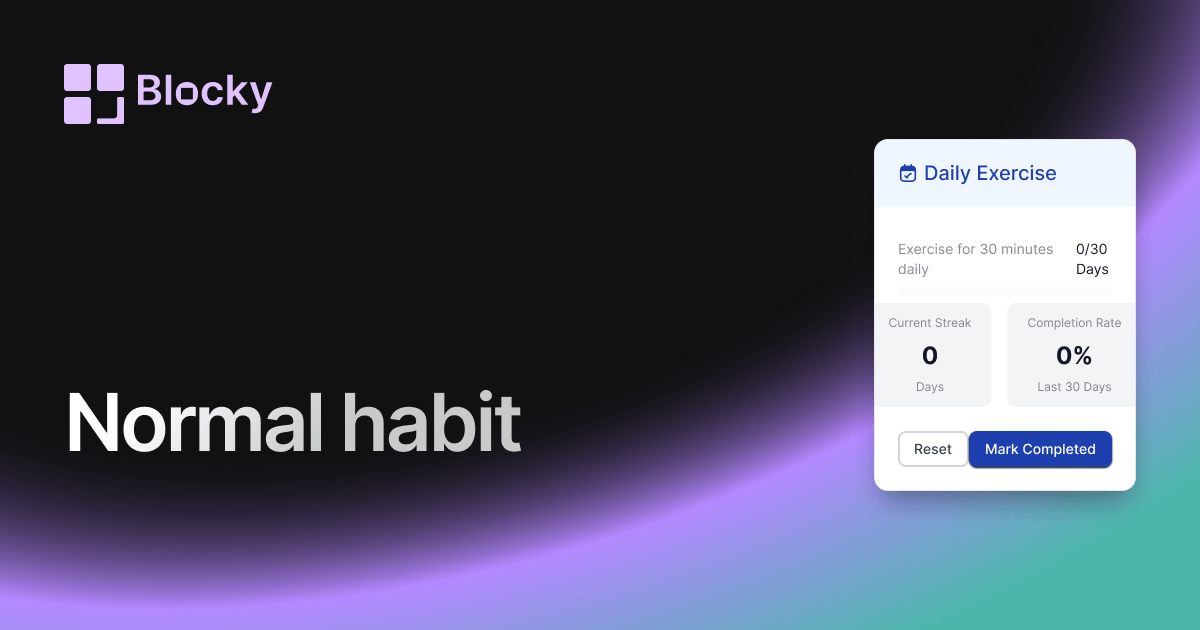
Related variant
Normal Habit Tracker
Build discipline with a structured and customizable habit tracker inside your Notion page.
Open related