Times tables
Mark each day of times-table practice. Every 5 days in a row adds a level, which gives young learners a goal they can see.
How it’s set up
- Title
- Times tables
- Goal
- Ten minutes with a parent
- Target days
- 30
An indigo header with HABIT QUEST, your title and a level badge, over an XP bar and milestones. Press the Daily Check-in button each day. Every 5 days in a row adds a level.
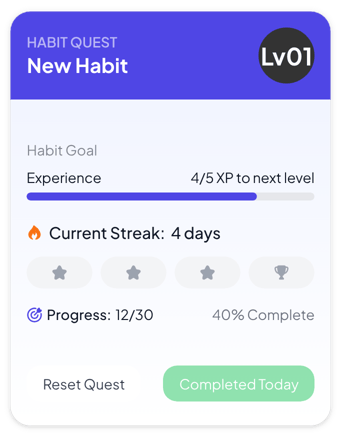
Each example puts the widget on a Notion page and lists the settings it uses.
Mark each day of times-table practice. Every 5 days in a row adds a level, which gives young learners a goal they can see.
Mark each day without added sugar. The milestones at 7, 14, 21 and 30 days turn indigo as your streak reaches them.
Mark the day once you finish a 90-minute focus block before opening email. Set closer milestones so the first one comes after 3 days.
The same habit tracker widget with a different look. Each variant has its own page.
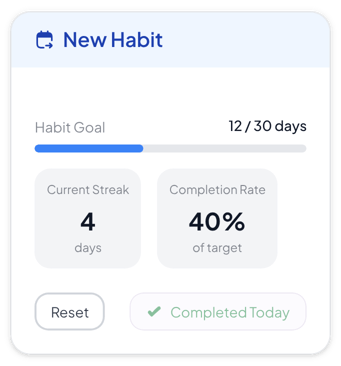
Habit pages that need days done, a streak and a completion rate at a glance
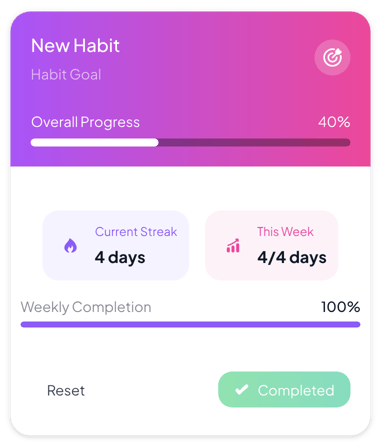
Colorful dashboards where one habit and this week's progress should stand out
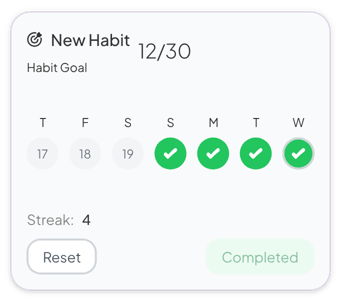
Quiet pages that only need a count and the last seven days
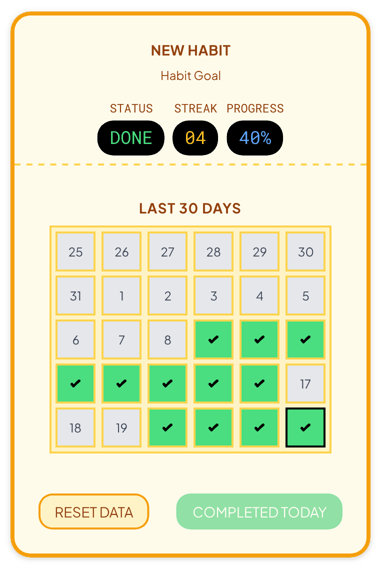
Themed planners and class pages that show the last 30 days
Start from the Gamified variant and change any part of it. Try it in your browser first, no account needed.