
Heatmap Habit Tracker
Visualize your consistency with a heatmap-style habit tracker that's both aesthetic and functional in Notion.
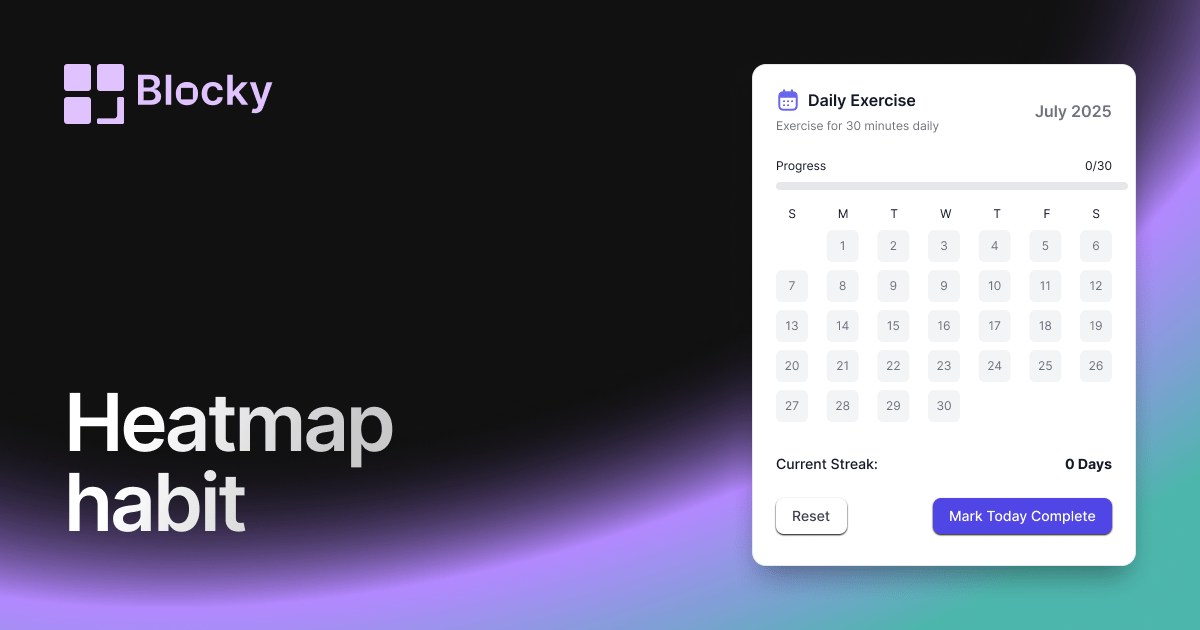
Inspect the widget before it reaches a live page.
Tune labels, data, colors, and layout from one editor.
Embed the finished specimen back into Notion.
Specimen notes — Heatmap Habit Tracker
Heatmap Habit Tracker Widget for Notion
The Heatmap Habit Tracker brings calendar-style habit tracking to your Notion dashboard. Inspired by GitHub contribution graphs, this variant highlights how often you complete a habit over time—using color intensity to show your consistency.
Whether you're building streaks or looking for behavioral patterns, the heatmap reveals how daily action adds up.
Use Cases
- Streak-Based Motivation: See how long you’ve kept your habits going.
- Annual or Monthly Views: Zoom out and view long-term consistency.
- Productivity Trends: Spot high- and low-performing periods.
- Study Heatmaps: Visualize which days you studied or reviewed flashcards.
- Mood/Wellness Logs: Track sleep, energy, or mindfulness entries over time.
Features
- Calendar-style grid with color-based intensity
- Adjustable grid size (7, 30, 90, 365 days)
- Smooth color scale transitions for progress or frequency
- Supports single or multiple habits
- Fully responsive on mobile and tablet
Customization Options
- Choose Notion database and map date + habit fields
- Configure intensity scale (light → dark or cool → warm)
- Customize square size, spacing, and rounded corners
- Pick color schemes: green, blue, orange, pink, custom gradients
- Toggle day labels, month dividers, and tooltips
- Optional animation on hover or data load
Auto-Sync from Notion
The Heatmap Tracker is always in sync with your Notion database. When you mark a habit as complete, the corresponding cell lights up in your grid — no manual updates needed.
How to Embed in Notion
- In Blocky, select the Heatmap Habit Tracker variant.
- Link your Notion database and assign the date + status fields.
- Choose your heatmap style, colors, and time range.
- Copy the embed link.
- Paste into your Notion page using
/embed.
You’ll see your progress — one day at a time.
Nearby variants for the same type.
The current specimen is excluded so the grid only offers alternate treatments.
Related variant
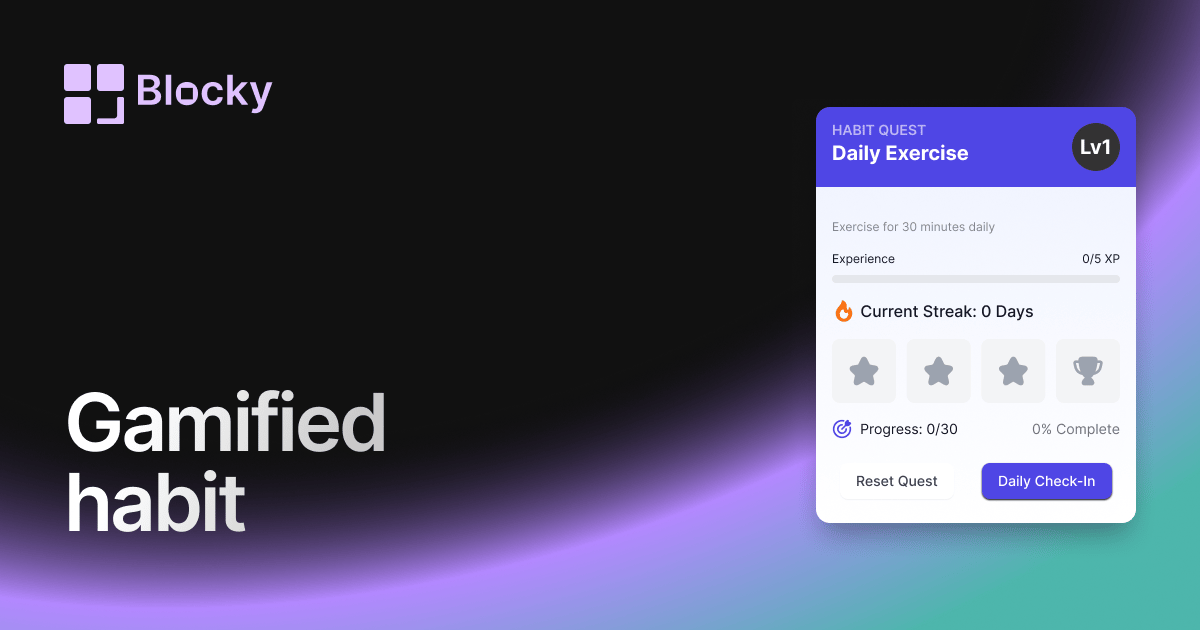
Gamified Habit Tracker
Motivate your daily routines with a gamified habit tracker that rewards consistency and progress inside Notion.
Open related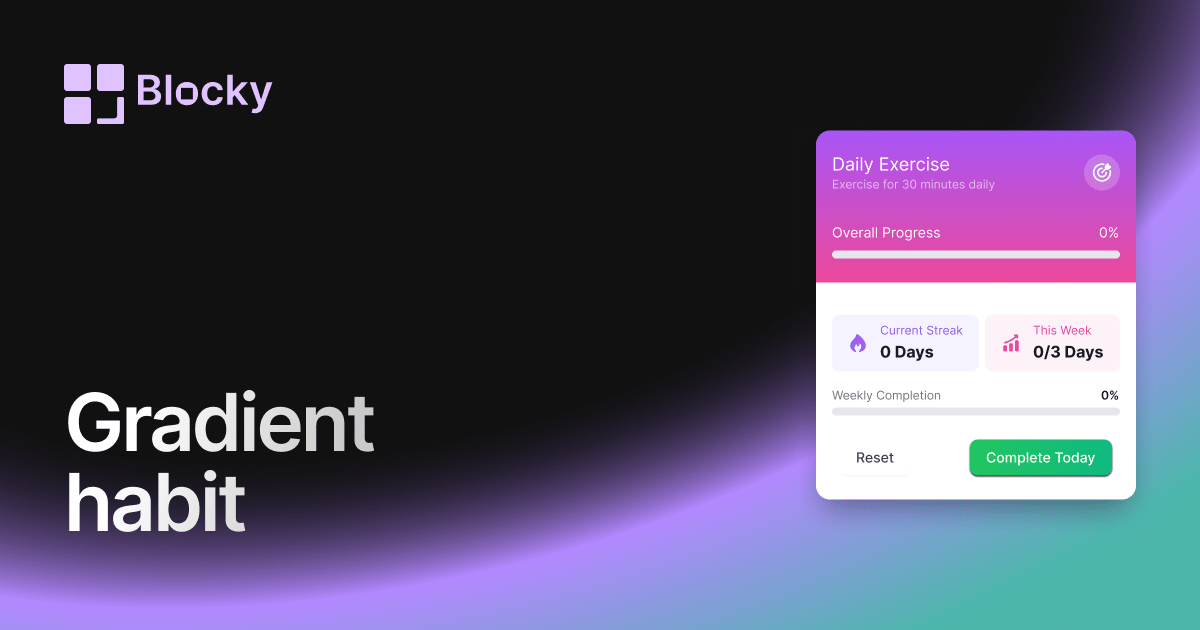
Related variant
Gradient Habit Tracker
Track your progress with a colorful gradient habit tracker that adds energy and clarity to your Notion routine.
Open related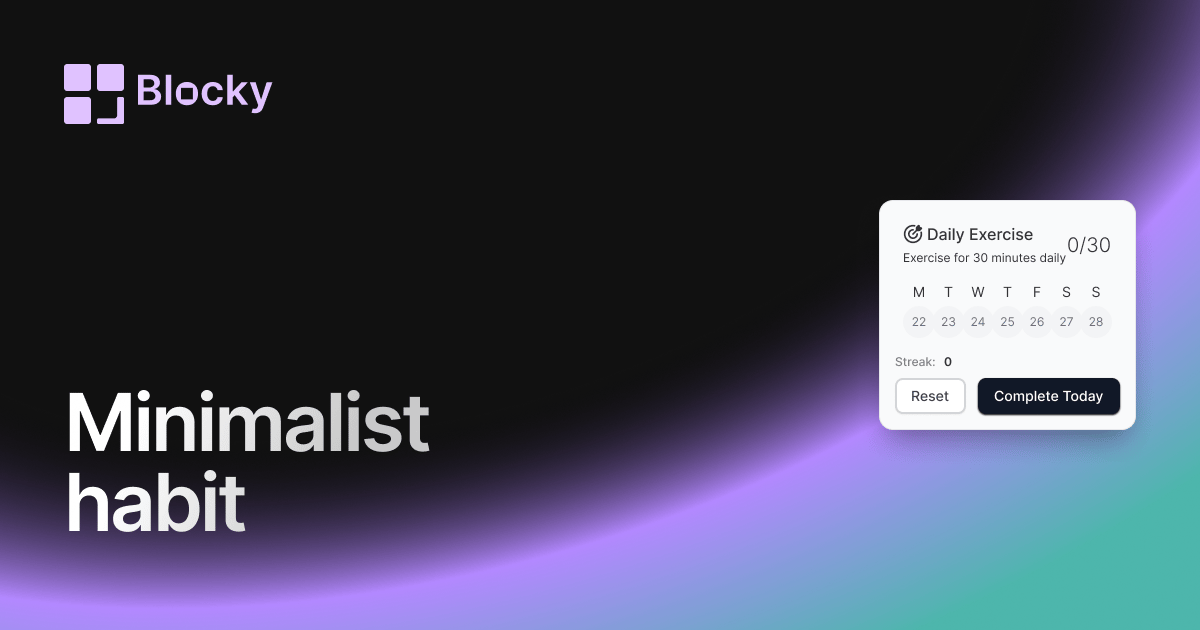
Related variant
Minimalist Habit Tracker
Stay on track with a clean, distraction-free habit tracker that blends seamlessly into your Notion pages.
Open related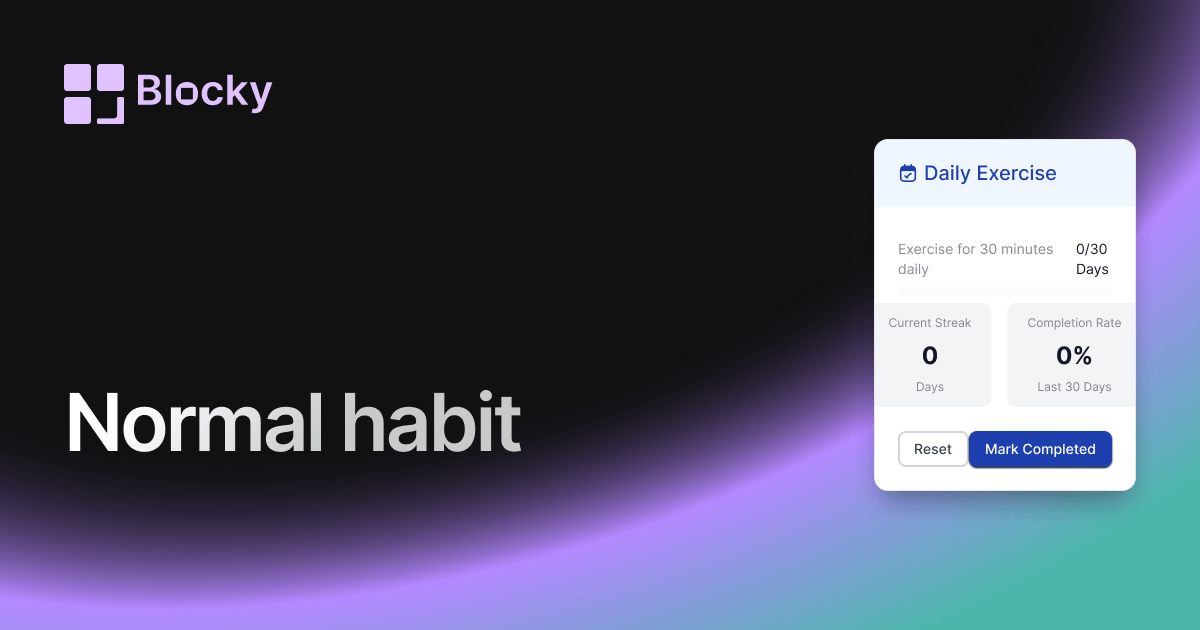
Related variant
Normal Habit Tracker
Build discipline with a structured and customizable habit tracker inside your Notion page.
Open related