
Gradient Habit Tracker
Track your progress with a colorful gradient habit tracker that adds energy and clarity to your Notion routine.
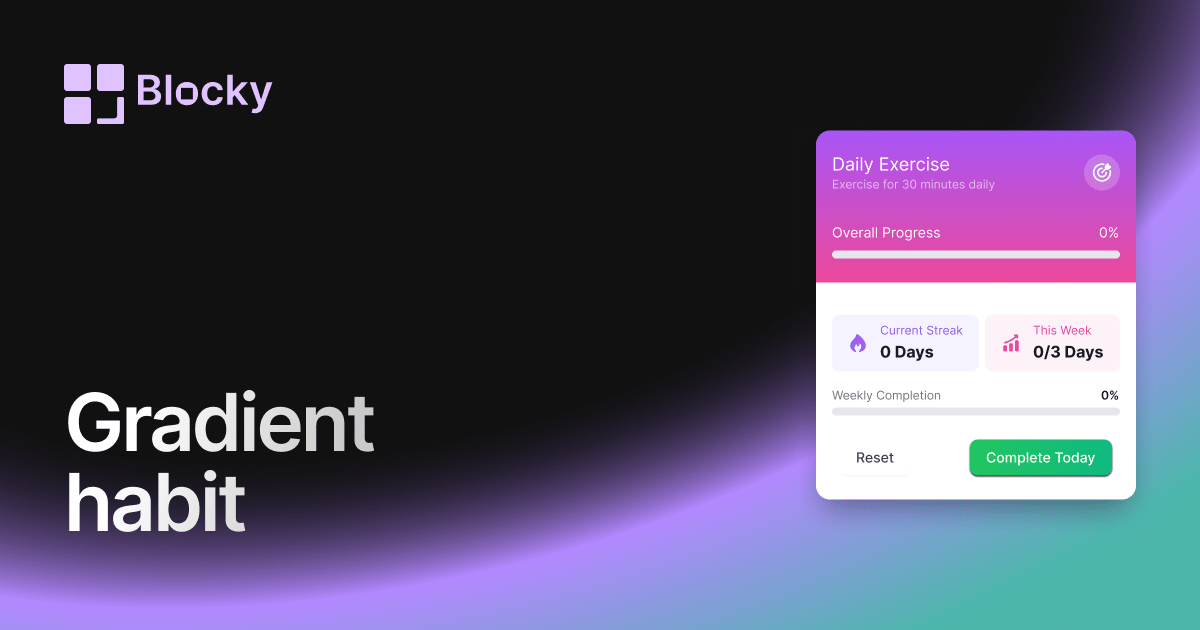
Inspect the widget before it reaches a live page.
Tune labels, data, colors, and layout from one editor.
Embed the finished specimen back into Notion.
Specimen notes — Gradient Habit Tracker
Gradient Habit Tracker Widget for Notion
The Gradient Habit Tracker adds vibrant color and aesthetic flair to your daily routines. Perfect for creative dashboards, mood boards, or visually-inspired workspaces, this variant transforms your habits into a dynamic, colorful grid—while keeping everything in sync with your Notion database.
Whether you're building a themed productivity system or just want your habits to look as good as they feel, Gradient brings style to structure.
Use Cases
- Aesthetic Dashboards: Use gradients to reflect your workspace vibe.
- Mood-Driven Routines: Let color reflect your emotional momentum or self-care.
- Study Tracker: Make your study streaks shine with vibrant progress colors.
- Year-at-a-Glance Pages: Add visual interest to long-term routine grids.
- Themed Goal Boards: Tie habit progress to a color-coded system or section.
Features
- Smooth gradient fill for each tracked habit
- Fully customizable color palette (from → to)
- Grid layout with optional borders or shadow accents
- Responsive for mobile, tablet, and desktop
- Optional day/week headers and hover tooltips
Customization Options
- Connect to a Notion database with date + status or checkbox fields
- Select gradient direction (left-right, top-bottom, radial)
- Choose individual habit colors or apply a theme
- Adjust grid density (7, 14, 30 days)
- Customize card radius, spacing, and animation on hover
- Add optional progress indicators or fade transitions
Real-Time Sync
Gradient Habit Tracker is always up to date with your Notion data. Add a log, tick a box, or complete a habit — and the visual grid updates in real time.
How to Embed in Notion
- Go to Blocky and select the Gradient Habit Tracker variant.
- Connect your Notion database.
- Customize gradient colors and visual layout.
- Copy your unique embed URL.
- Paste into Notion using
/embed.
Now your habits are as satisfying to look at as they are to complete.
Nearby variants for the same type.
The current specimen is excluded so the grid only offers alternate treatments.
Related variant
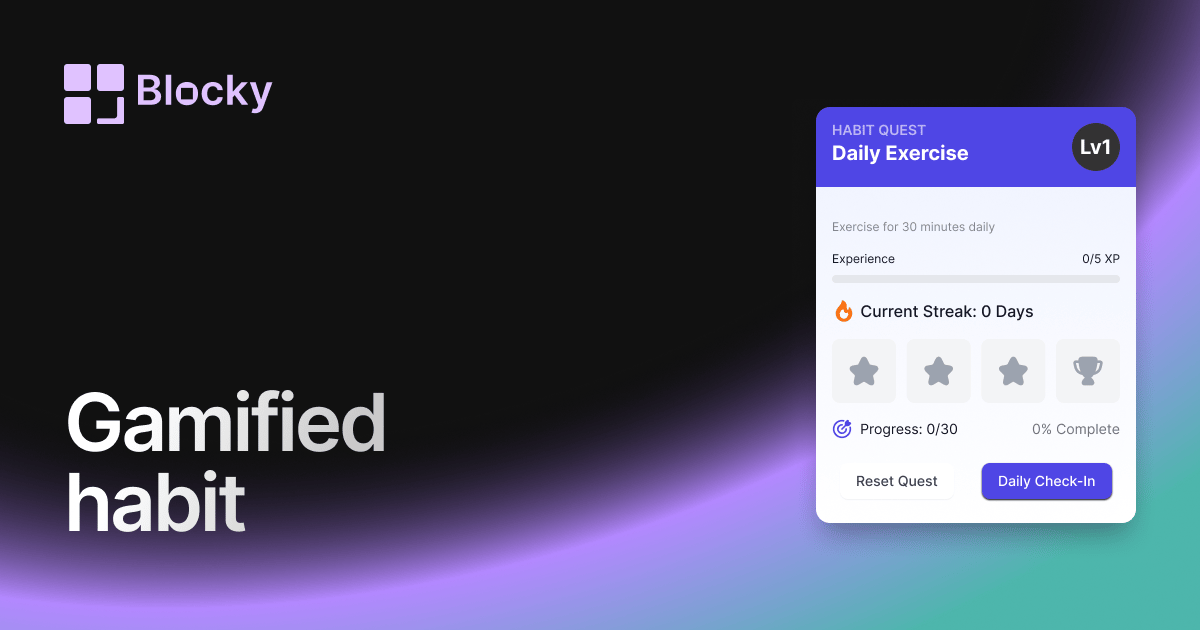
Gamified Habit Tracker
Motivate your daily routines with a gamified habit tracker that rewards consistency and progress inside Notion.
Open related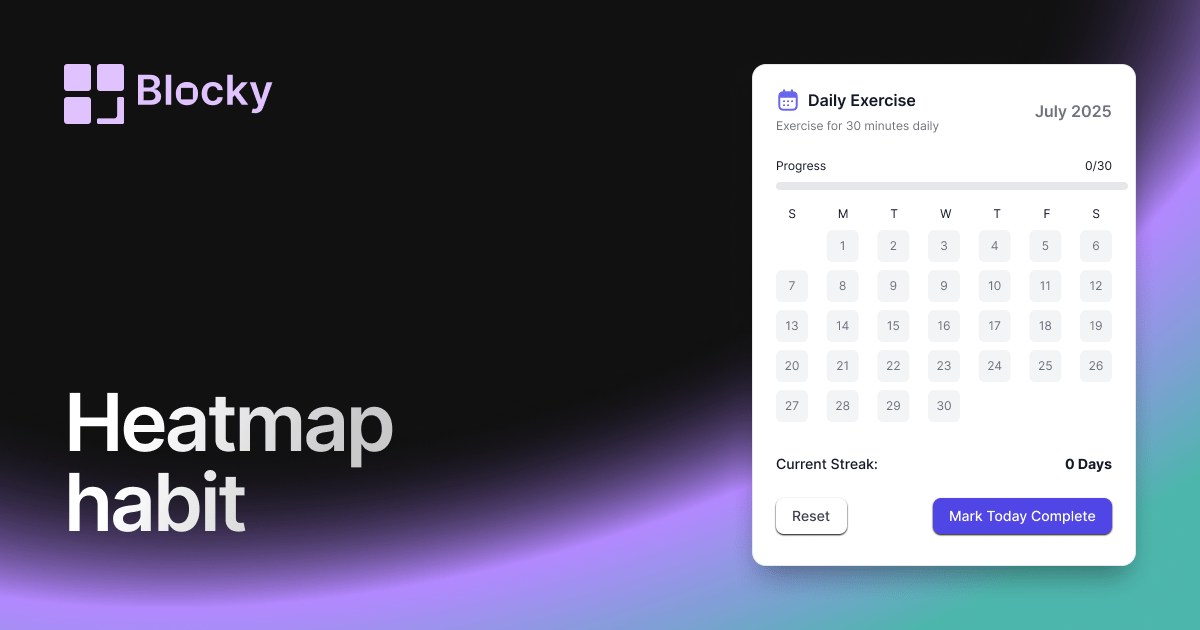
Related variant
Heatmap Habit Tracker
Visualize your consistency with a heatmap-style habit tracker that's both aesthetic and functional in Notion.
Open related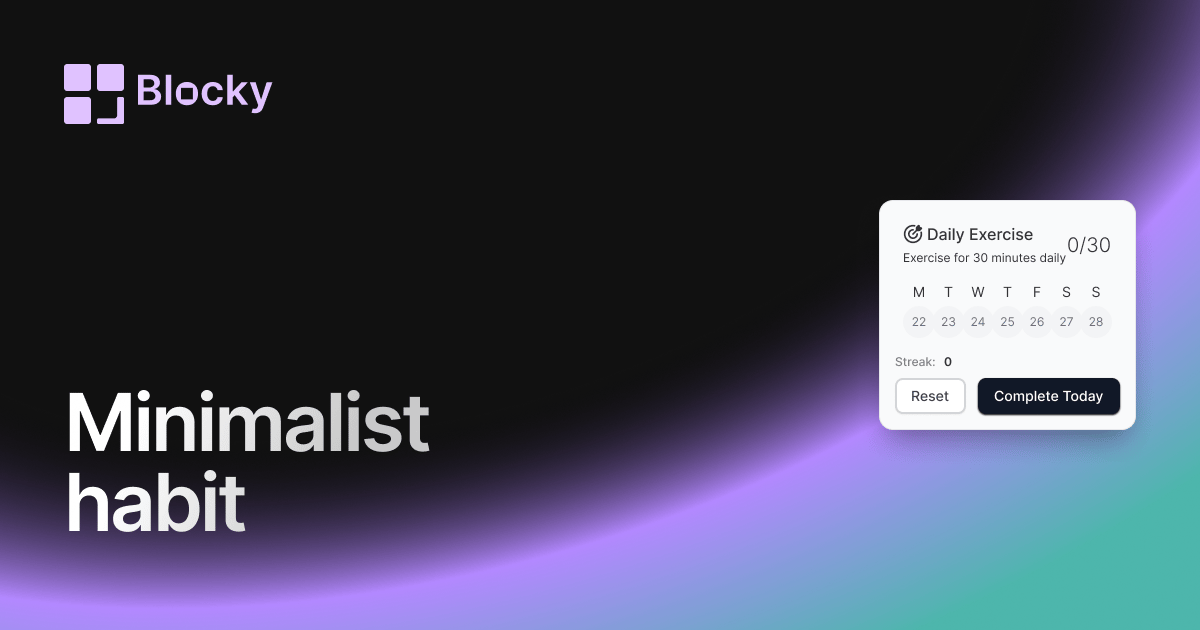
Related variant
Minimalist Habit Tracker
Stay on track with a clean, distraction-free habit tracker that blends seamlessly into your Notion pages.
Open related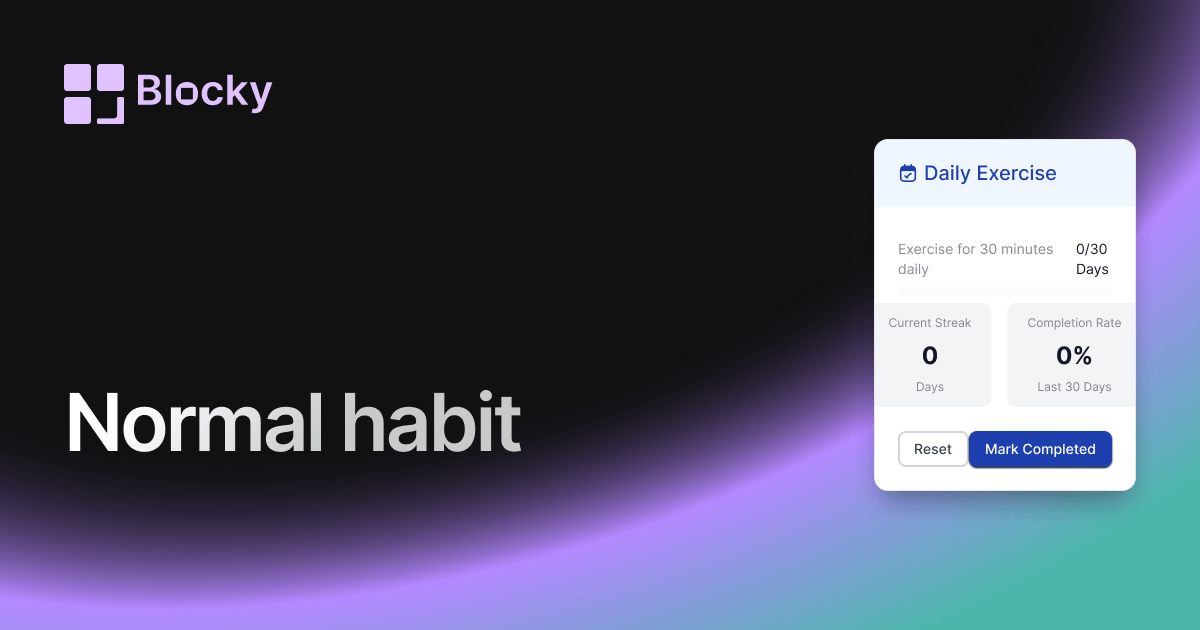
Related variant
Normal Habit Tracker
Build discipline with a structured and customizable habit tracker inside your Notion page.
Open related