Knee rehab exercises
Mark the day once you finish your physio exercises. A target of 42 days covers a six-week plan, and the completion rate shows how far you are.
How it’s set up
- Title
- Knee exercises
- Goal
- Three sets after lunch
- Target days
- 42
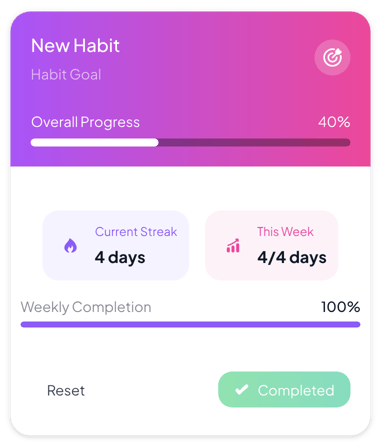
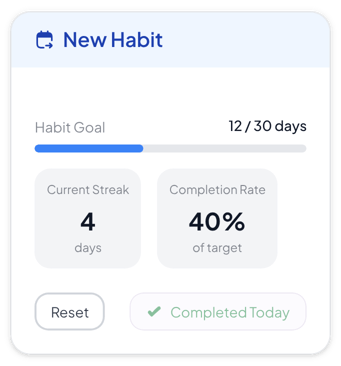
A white card with a light blue header, a days-done count and a blue bar toward your target. Tiles show your current streak and completion rate. Press the Mark Completed button once a day.
Each example puts the widget on a Notion page and lists the settings it uses.
Mark the day once you finish your physio exercises. A target of 42 days covers a six-week plan, and the completion rate shows how far you are.
Mark each school day once tomorrow's lesson is planned. Set 20 target days to cover about one month of school days.
Mark the day once your inbox is empty. Rename the button to Inbox cleared so it reads like the goal.
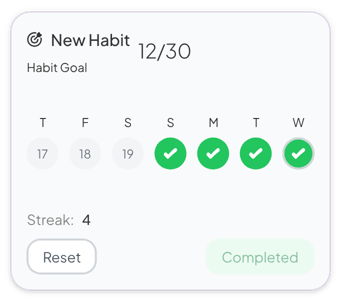
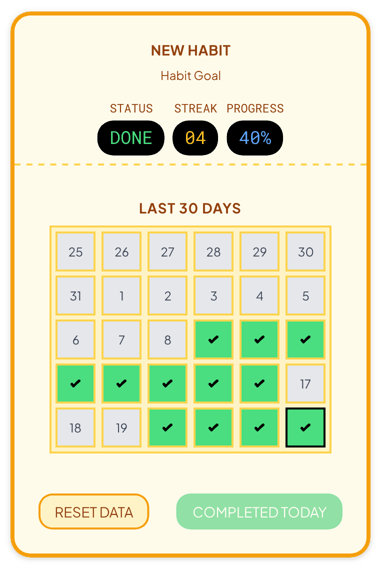
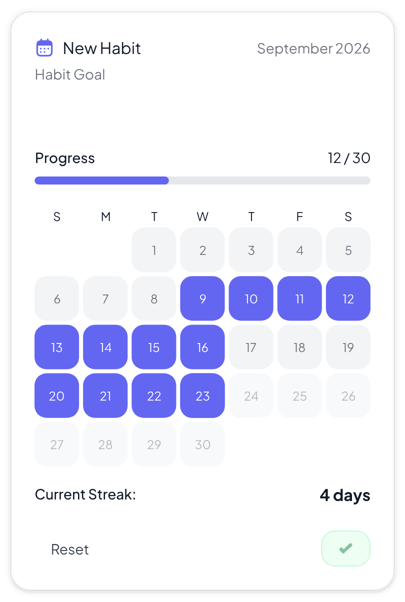
The same habit tracker widget with a different look. Each variant has its own page.
Colorful dashboards where one habit and this week's progress should stand out
Quiet pages that only need a count and the last seven days
Themed planners and class pages that show the last 30 days
Monthly planners where you want to see every day of the month
Start from the Normal variant and change any part of it. Try it in your browser first, no account needed.