
Quiz Flashcards
Turn Notion flashcards into quiz-style reviews with multiple-choice answers, focused sessions, and embedded study widgets.
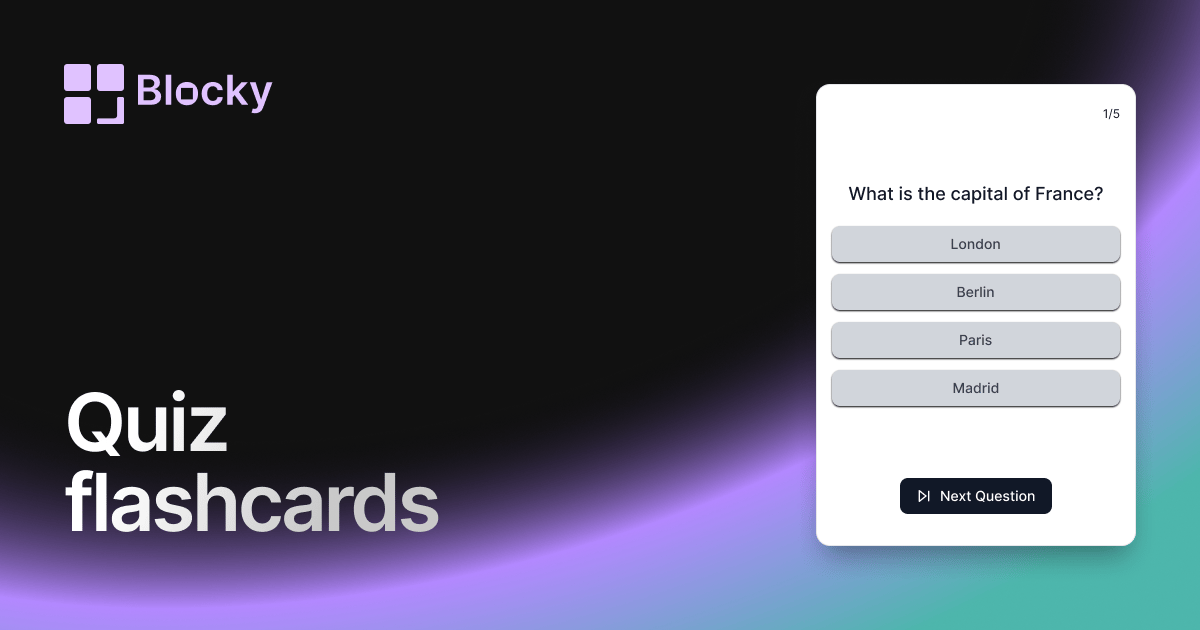
Inspect the widget before it reaches a live page.
Tune labels, data, colors, and layout from one editor.
Embed the finished specimen back into Notion.
Specimen notes — Quiz Flashcards
What is the capital of France?
Quiz Flashcards Widget for Notion
The Quiz Flashcards variant adds a new level of interactivity to your Notion study sessions. Instead of flipping between front and back, each card presents a multiple-choice question, letting you actively engage with the material and check your understanding on the spot.
Perfect for learners who thrive on self-assessment, micro-quizzes, or gamified review workflows.
Use Cases
- Exam Preparation: Test your recall with randomized options.
- Spaced Repetition Systems: Reinforce answers by selecting rather than flipping.
- Language Learning: Choose the correct translation from a list.
- Concept Reinforcement: Distinguish between similar terms or ideas.
- Gamified Learning: Turn studying into an interactive game.
Features
- Multiple-choice format with 2–5 answers
- Instant feedback with correct/incorrect state
- Score tracking (session-based)
- Shuffle mode for answer options
- Accessible via keyboard or tap/click
Customization Options
- Link your Notion database with fields for:
- Question
- Correct answer
- Wrong answers (1–4)
- Enable answer shuffling for randomized learning
- Style text, background, and card layout
- Set per-card animation or reveal behavior
- Toggle feedback display (auto or manual)
Synced with Notion
Quiz Flashcards update automatically based on your linked Notion table. Just edit or add questions and answers—Blocky takes care of the rest.
How to Add It to Notion
- Go to Blocky and select the Quiz Flashcards variant.
- Connect your Notion database with question and answer fields.
- Configure feedback settings and visual style.
- Copy your embed link.
- Paste into Notion using
/embed.
Your Notion workspace becomes a mini test center.
Nearby variants for the same type.
The current specimen is excluded so the grid only offers alternate treatments.
Related variant
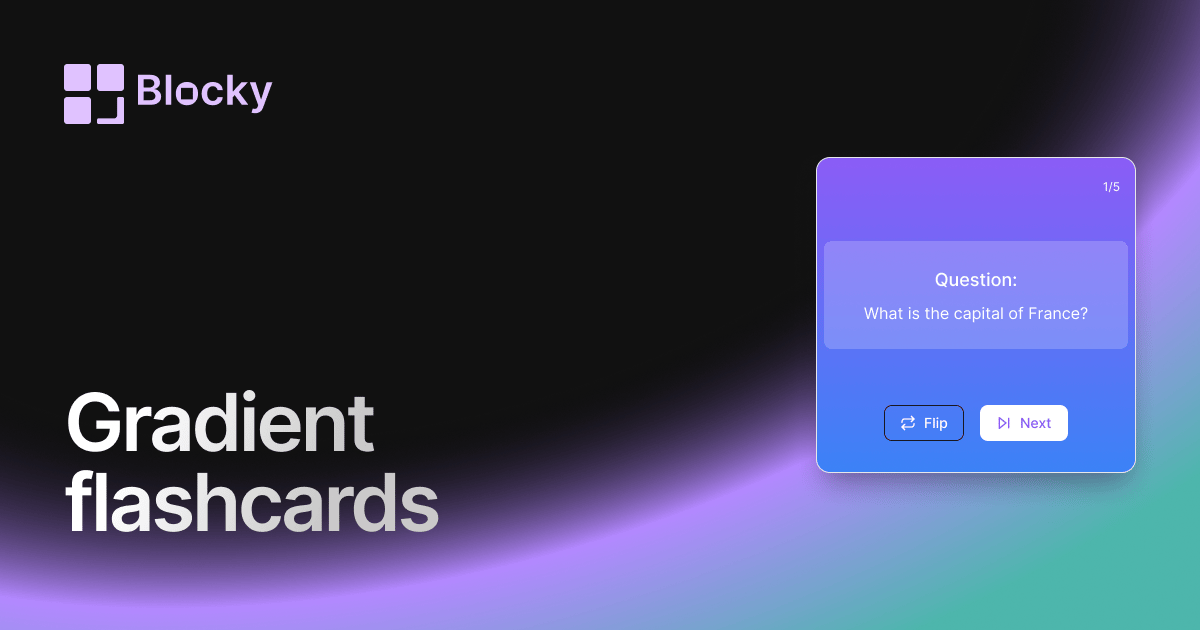
Gradient Flashcards
Review Notion flashcards in a colorful gradient widget with clear prompts, answers, and dashboard-friendly study sessions.
Open related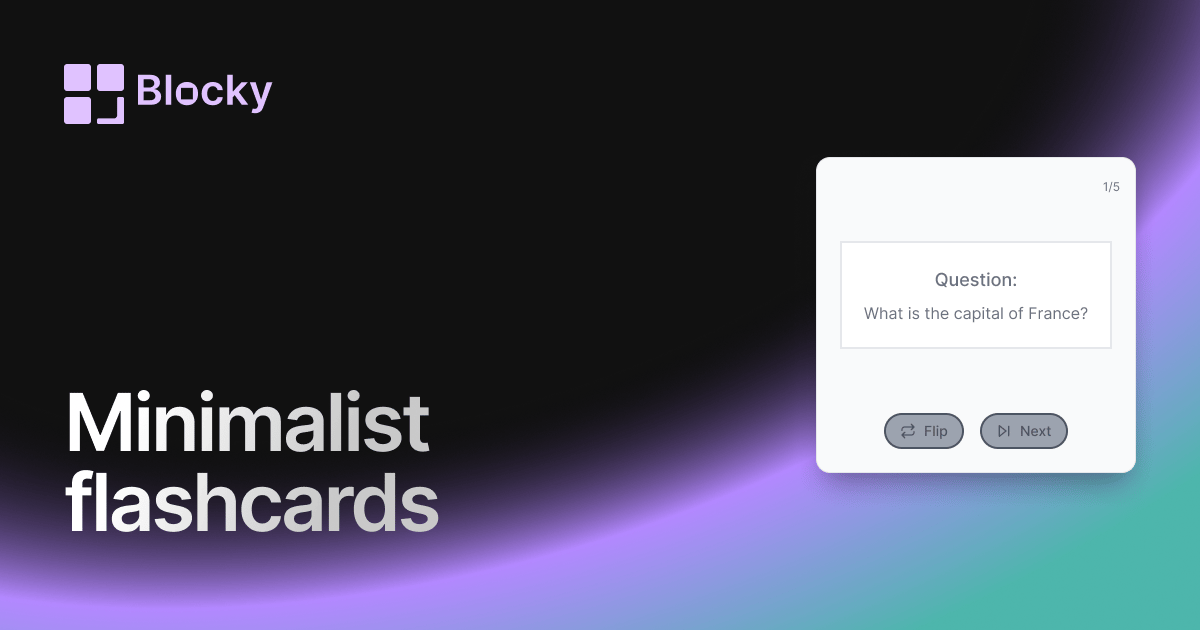
Related variant
Minimalist Flashcards
Study Notion flashcards in a minimalist widget with clean prompts, simple answers, and distraction-free review sessions.
Open related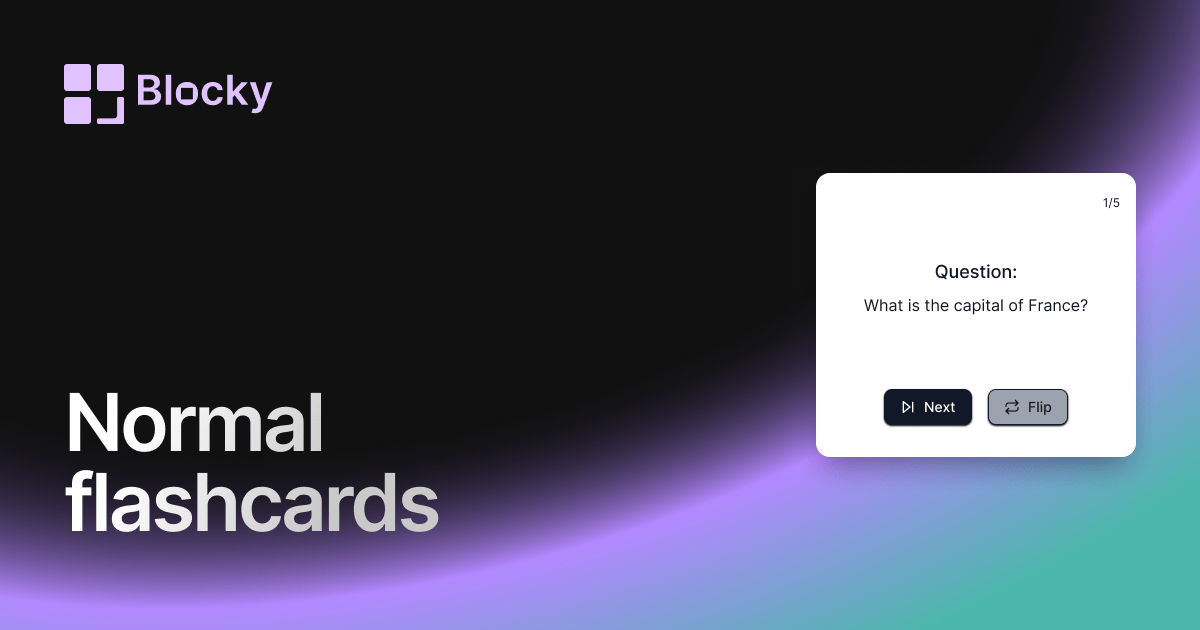
Related variant
Normal Flashcards
Add a straightforward flashcard widget to Notion with flip interactions, answer fields, and practical study-session layouts.
Open related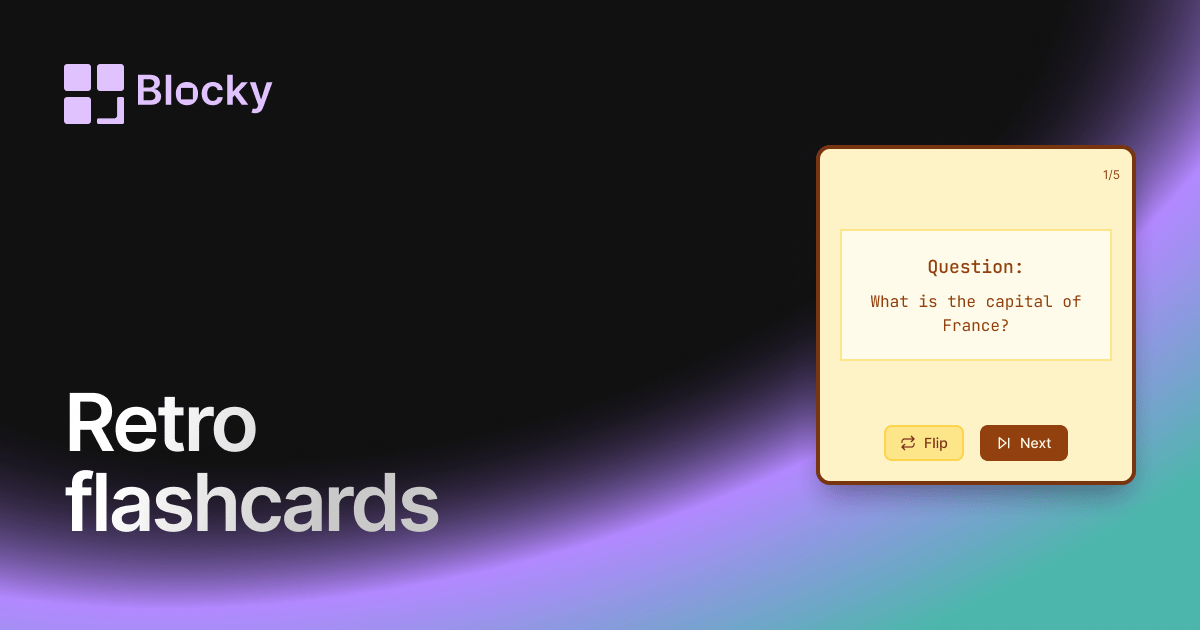
Related variant
Retro Flashcards
Use a retro Notion flashcard widget for focused review sessions, nostalgic styling, and clear question-and-answer cards.
Open related