
World Clocks
Add beautifully styled world clocks to your Notion workspace to keep track of global time zones at a glance.
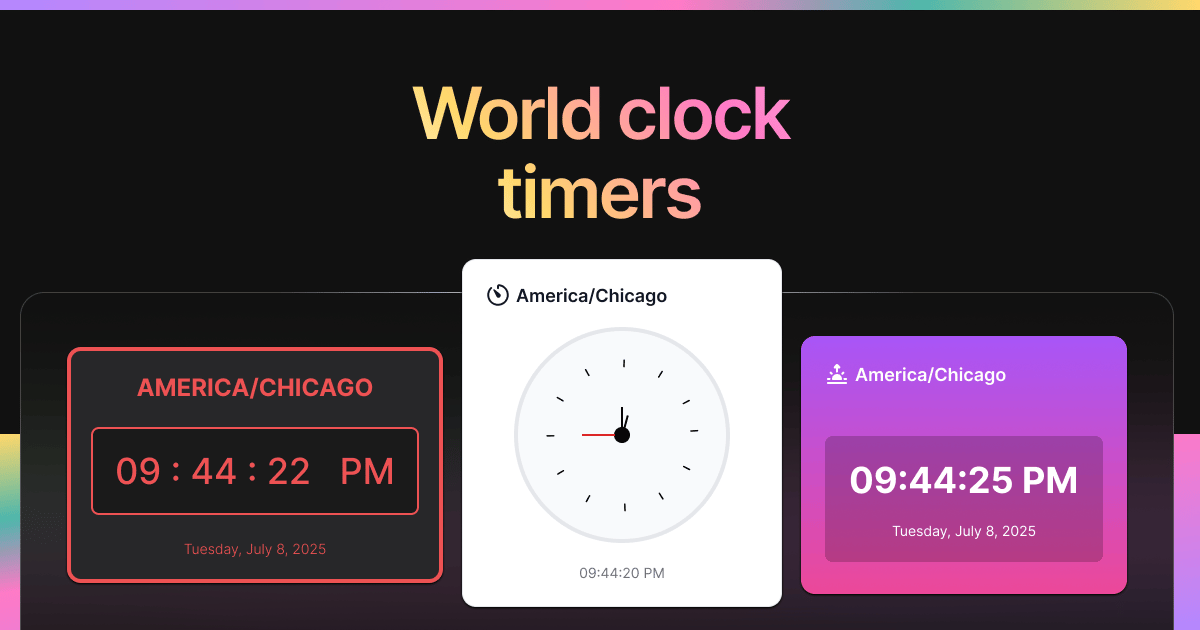
Inspect the widget before it reaches a live page.
Tune labels, data, colors, and layout from one editor.
Embed the finished specimen back into Notion.
Build with World Clocks
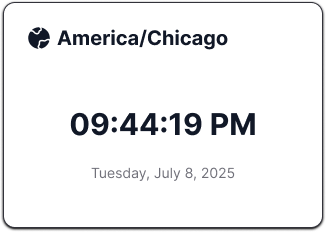
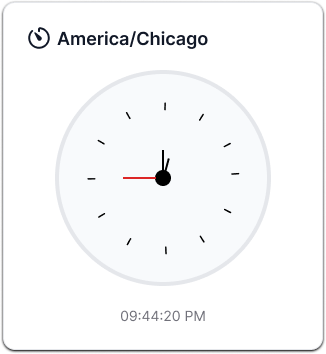
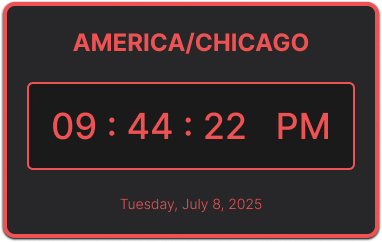
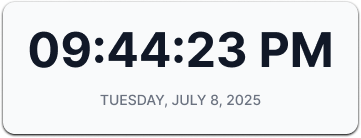
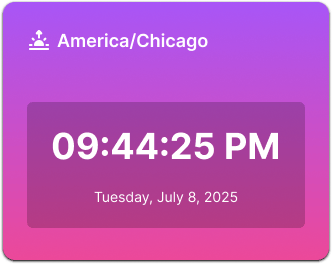
Compare world clock widgets for Notion
World clock widgets help remote teams, travelers, freelancers, and global planners keep important time zones visible inside Notion. They reduce context switching when schedules, calls, or deadlines involve more than one region.
- Choose analog clocks for a traditional time-zone display.
- Choose minimalist clocks for work dashboards where space and clarity matter.
- Choose gradient or retro clocks when the time-zone block should match a more expressive page design.
Specimens inside this type.
Every variant keeps the same core behavior with a different visual treatment.
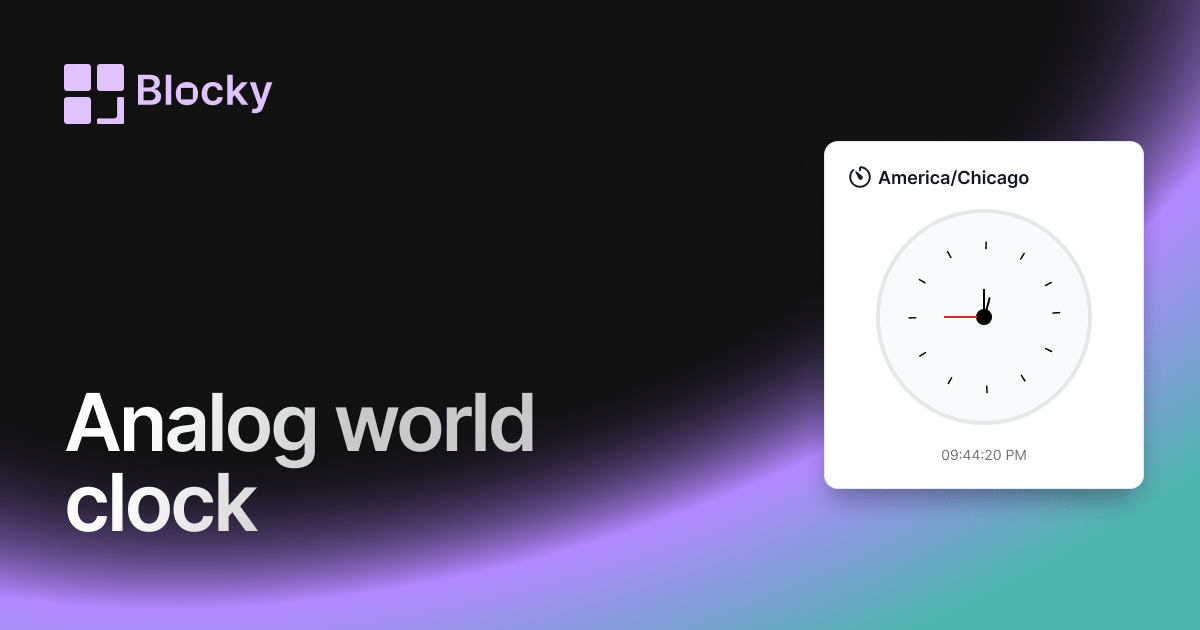
Variant · Analog World Clock
Analog World Clock
Track global time in classic style with an analog world clock — customizable, elegant, and embeddable in Notion.
Open variant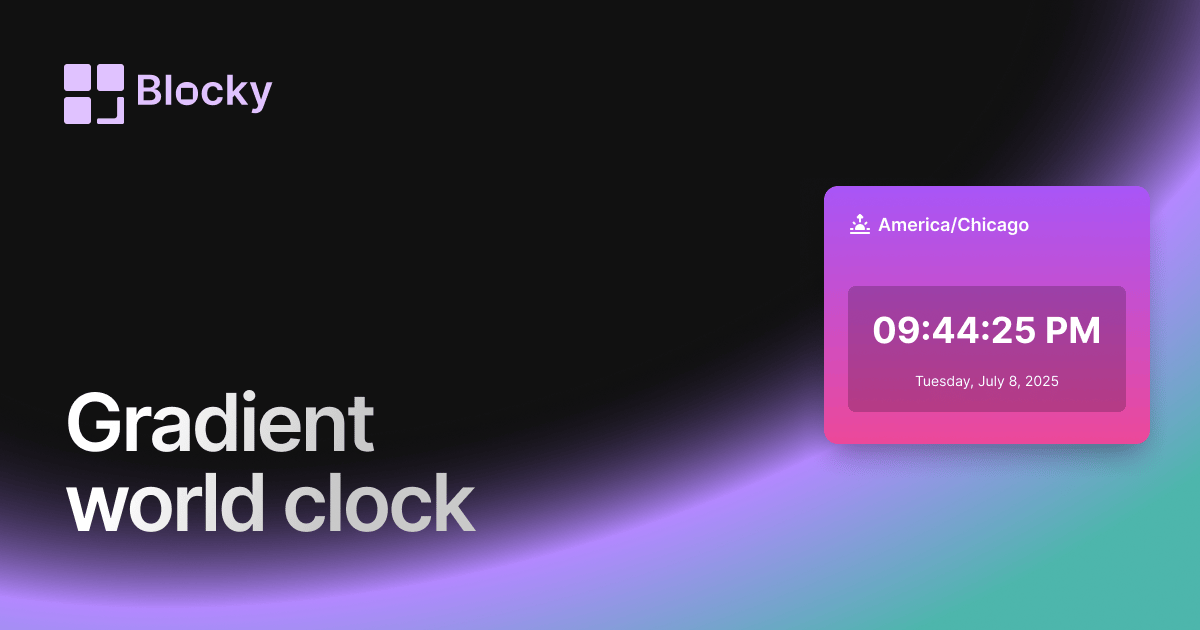
Variant · Gradient World Clock
Gradient World Clock
Display time zones with vibrant gradient themes — a modern, colorful twist on the classic world clock for Notion.
Open variant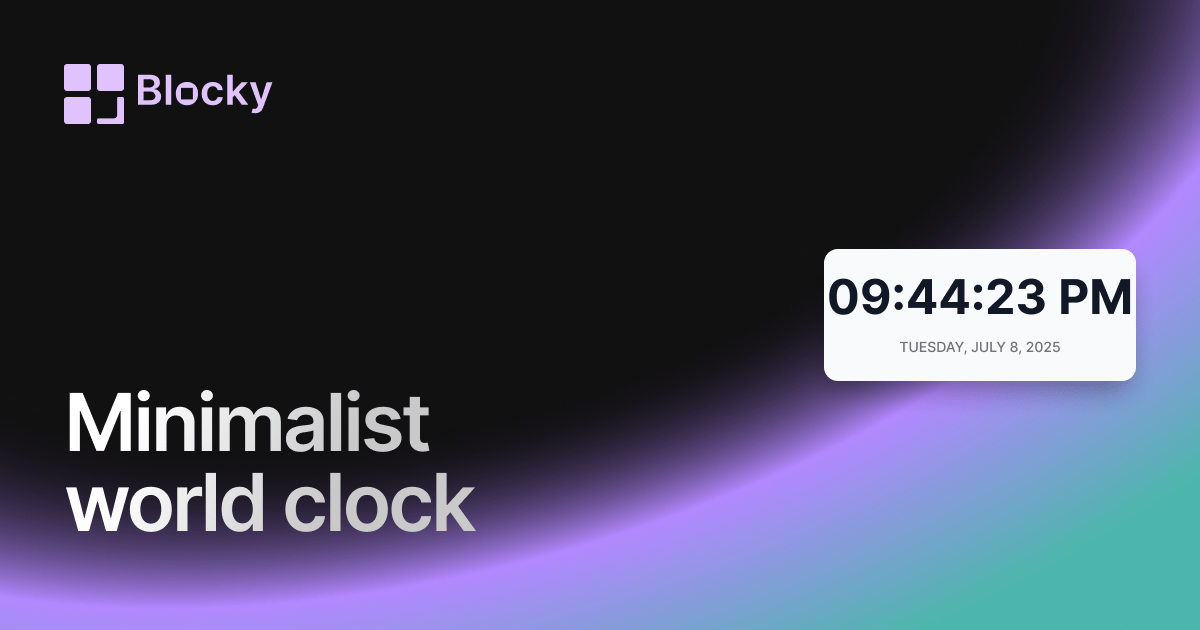
Variant · Minimalist World Clock
Minimalist World Clock
Explore a clutter-free world clock built for minimalist dashboards and distraction-free productivity in Notion.
Open variant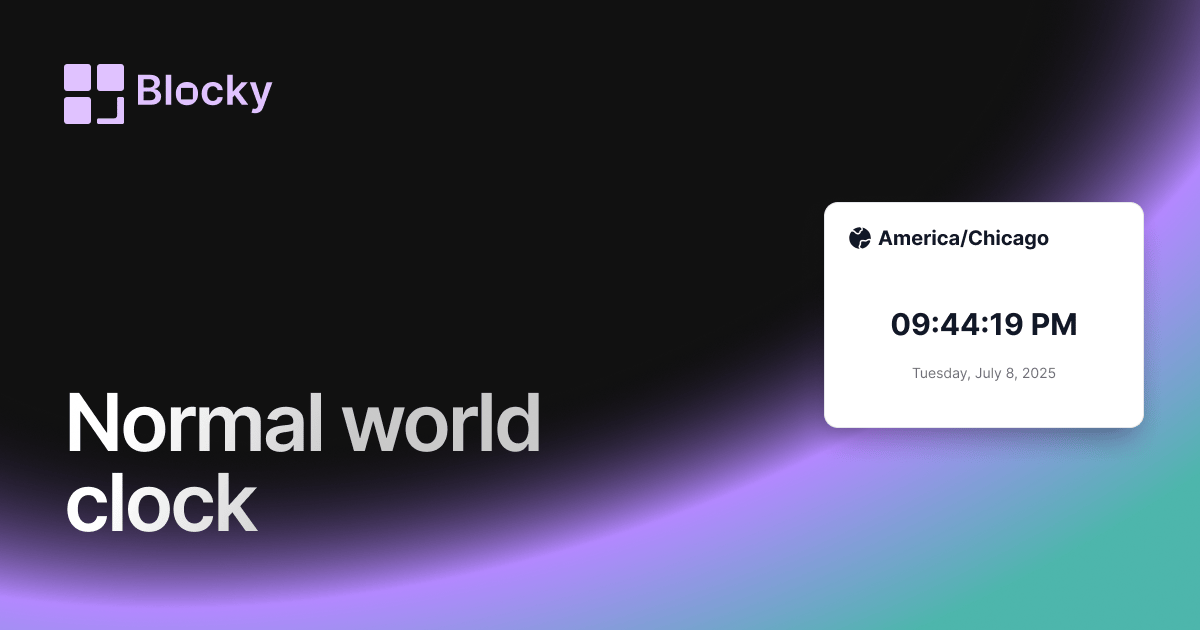
Variant · Normal World Clock
Normal World Clock
Add a clean digital world clock to your Notion page — ideal for global teams and timezone tracking.
Open variant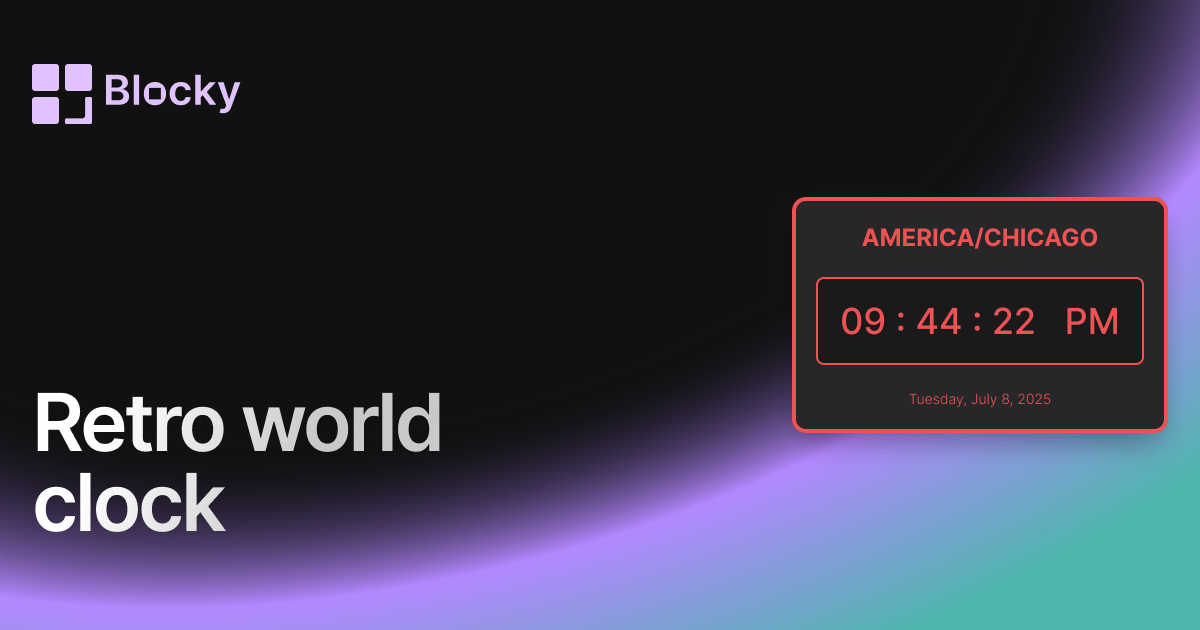
Variant · Retro World Clock
Retro World Clock
Add vintage flair to your Notion setup with a pixel-style retro world clock — perfect for nostalgic dashboards.
Open variant