
Countdown Timers
Discover customizable countdown timer styles to help you stay focused, meet deadlines, and enhance productivity right inside your Notion workspace.
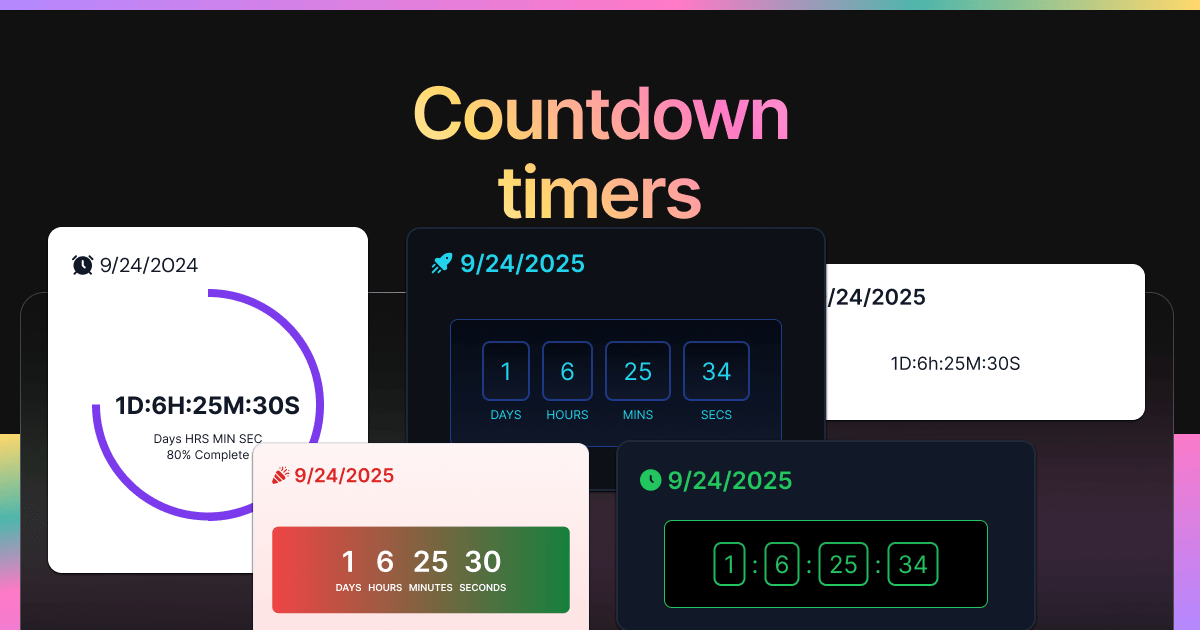
Inspect the widget before it reaches a live page.
Tune labels, data, colors, and layout from one editor.
Embed the finished specimen back into Notion.
Build with Countdown Timers
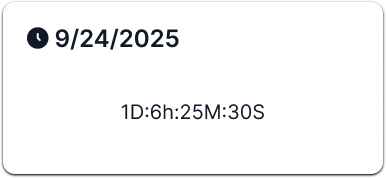
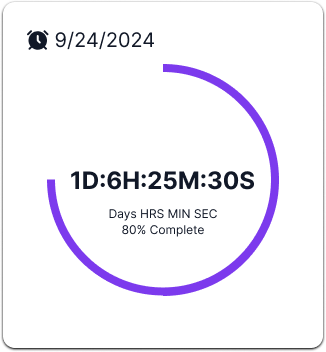
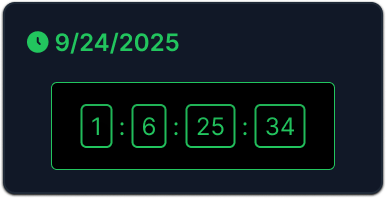
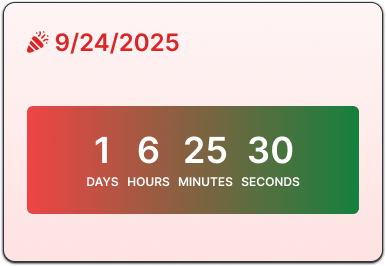
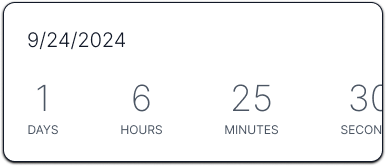
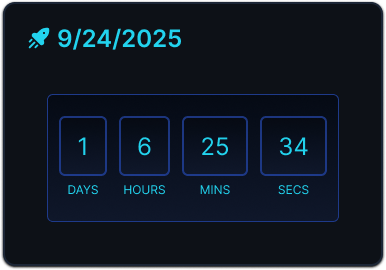
Pick a countdown timer for Notion
Countdown widgets are useful when a date, launch, deadline, or event needs to stay visible beside the related plan. They work well on project dashboards, content calendars, class pages, and trip planners.
- Choose a digital or minimalist countdown for a clean deadline reminder.
- Choose circular or space styles when the timer should act as a visual progress element.
- Choose holiday countdowns for seasonal pages, events, and personal dashboards.
Specimens inside this type.
Every variant keeps the same core behavior with a different visual treatment.
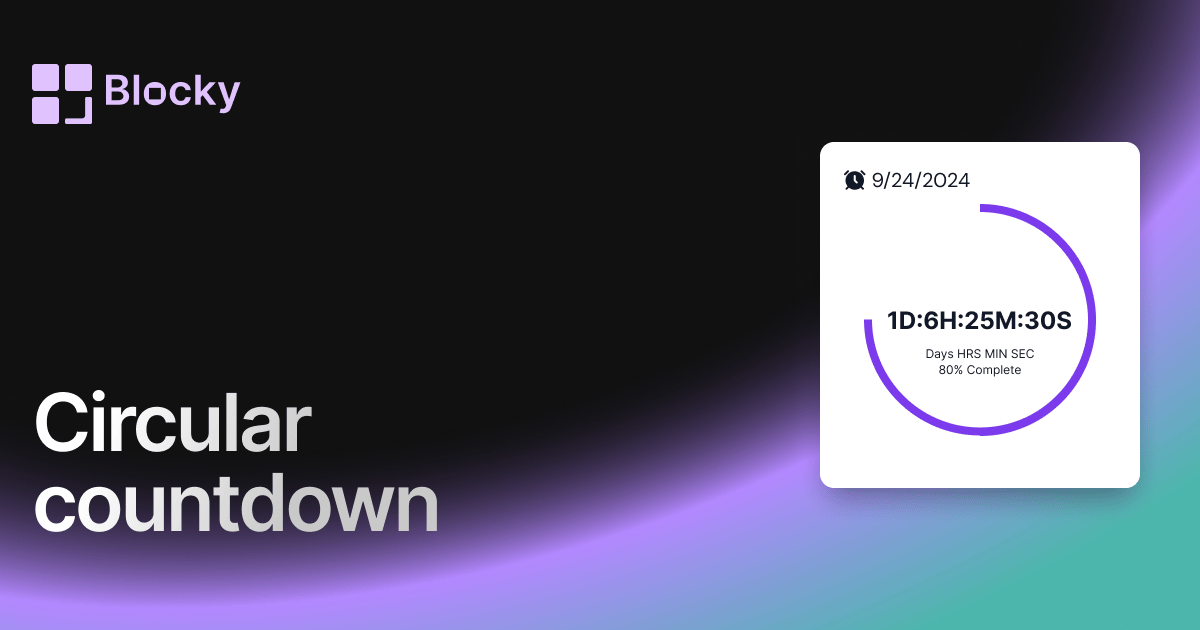
Variant · Circular Countdown
Circular Countdown
Add a circular countdown timer to Notion with visual progress, deadline context, and a compact layout for dashboards.
Open variant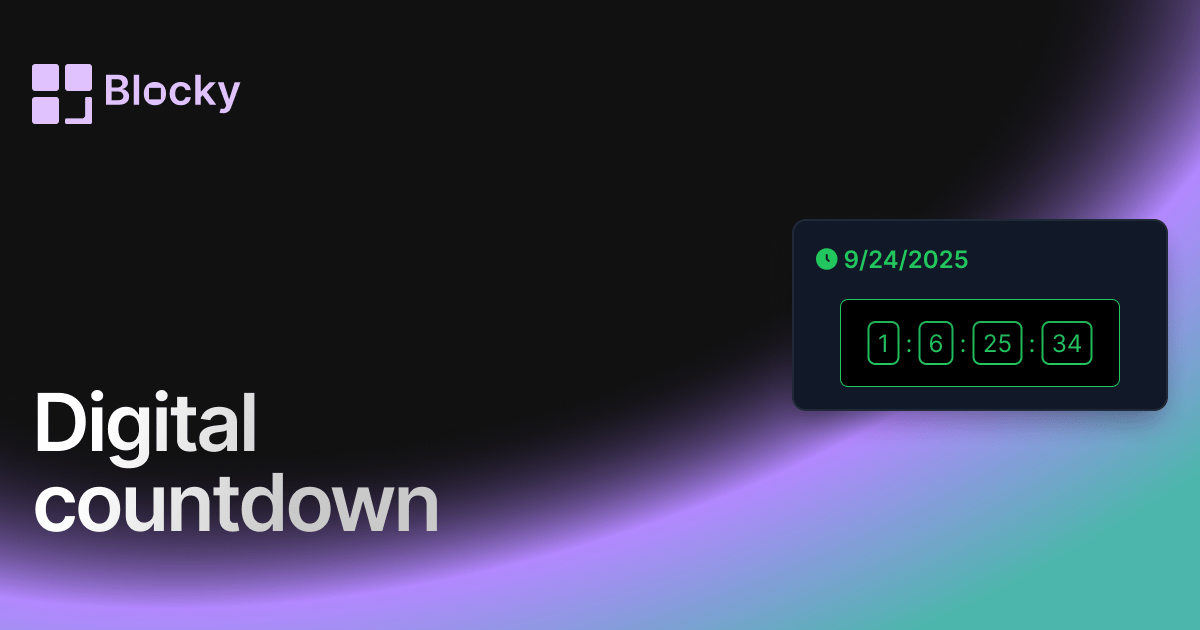
Variant · Digital Countdown
Digital Countdown
Use a digital countdown widget in Notion for launches, deadlines, events, and high-contrast dashboard reminders.
Open variant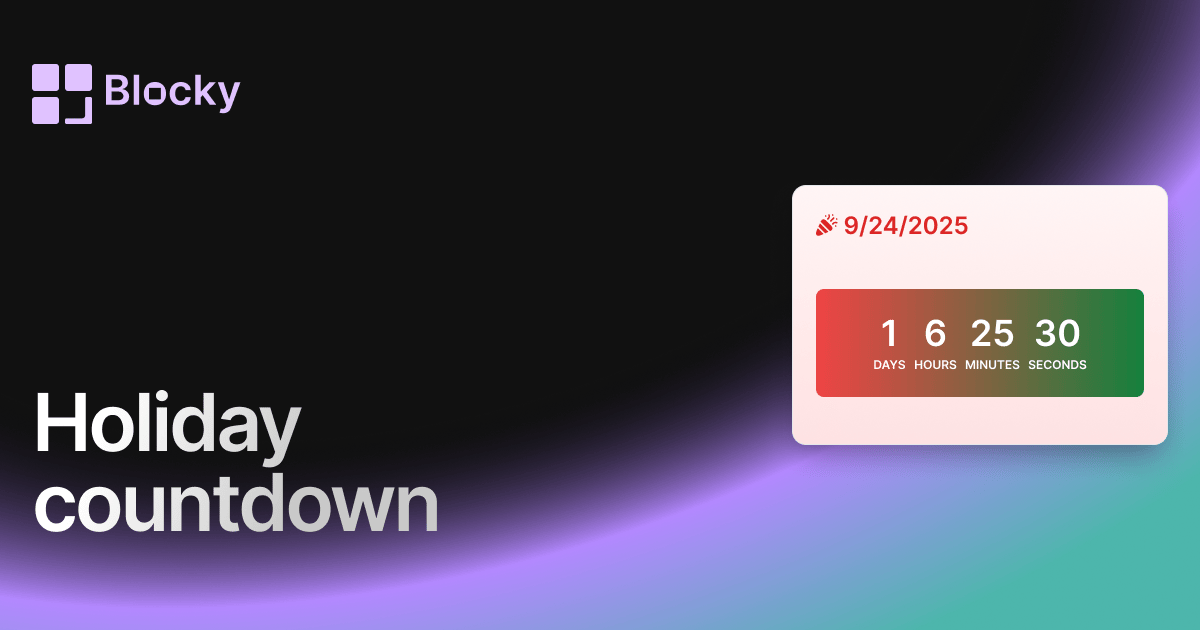
Variant · Holiday Countdown
Holiday Countdown
Festive countdown widget for tracking time until holidays, birthdays, or seasonal events in Notion.
Open variant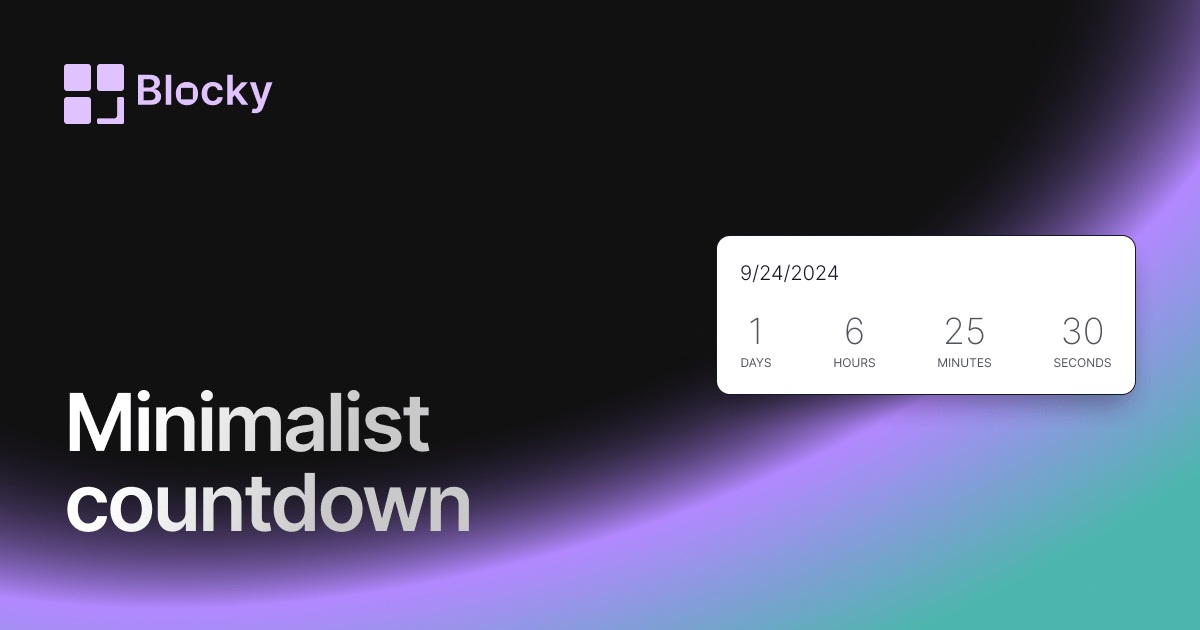
Variant · Minimalist Countdown
Minimalist Countdown
Add a minimalist countdown timer to Notion for clean deadline tracking, launch reminders, and uncluttered dashboards.
Open variant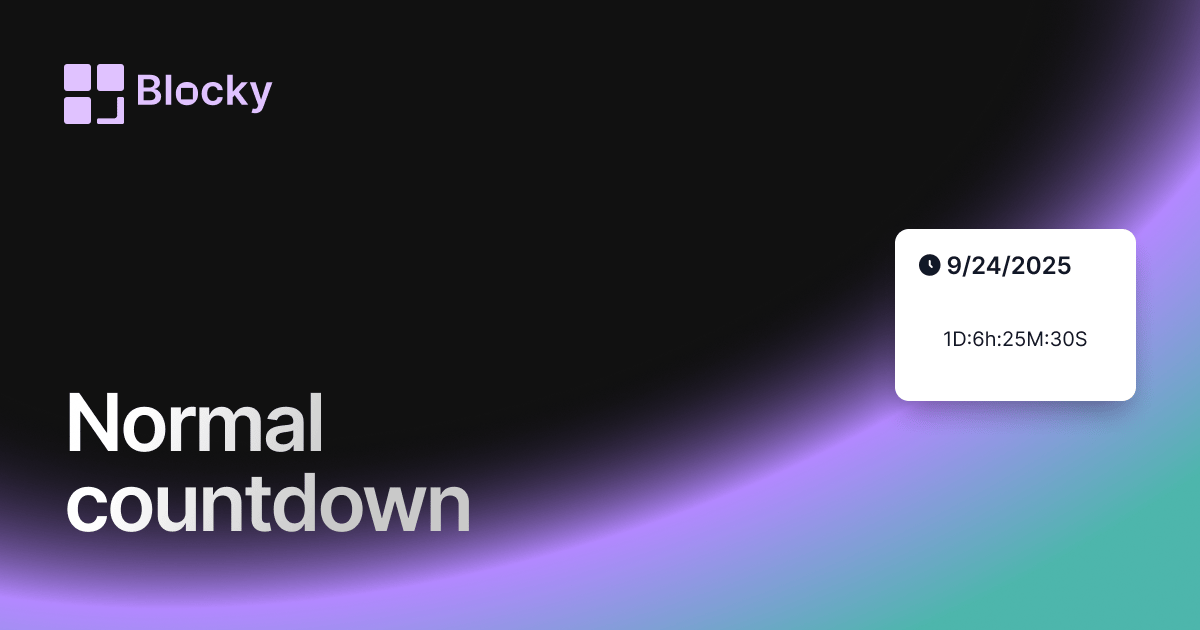
Variant · Normal Countdown
Normal countdown
Add a classic countdown timer to Notion with clean styling, configurable dates, and dashboard-ready deadline tracking.
Open variant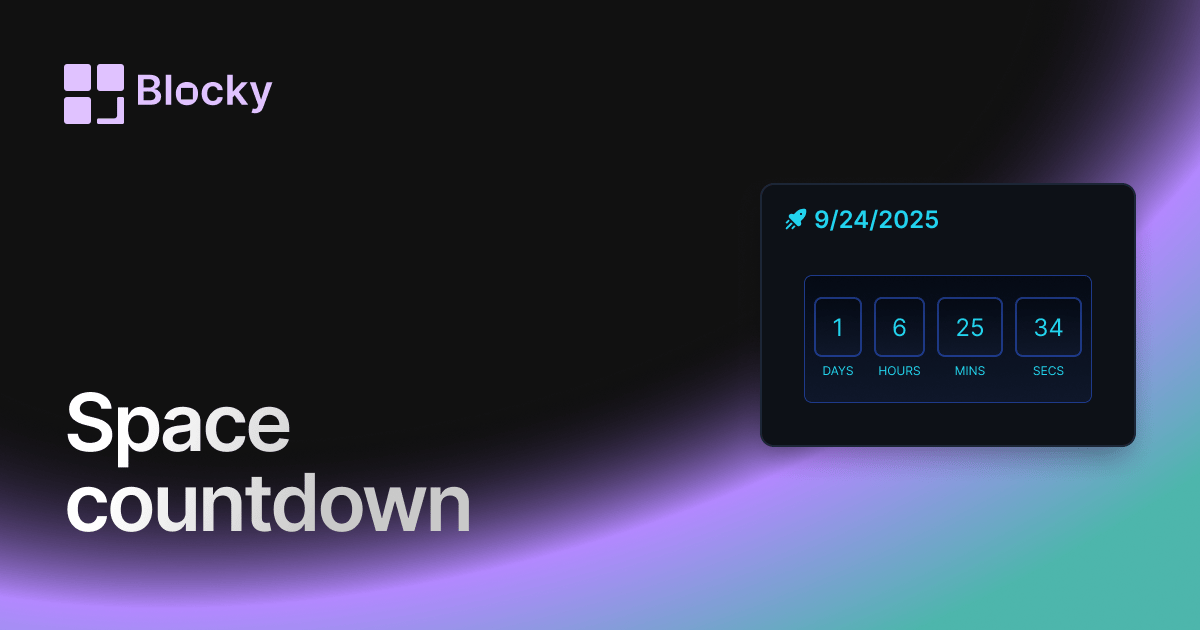
Variant · Space Countdown
Space Countdown
A futuristic countdown timer for Notion — designed for launches, missions, or sci-fi themes.
Open variant