
Circular Countdown
Add a circular countdown timer to Notion with visual progress, deadline context, and a compact layout for dashboards.
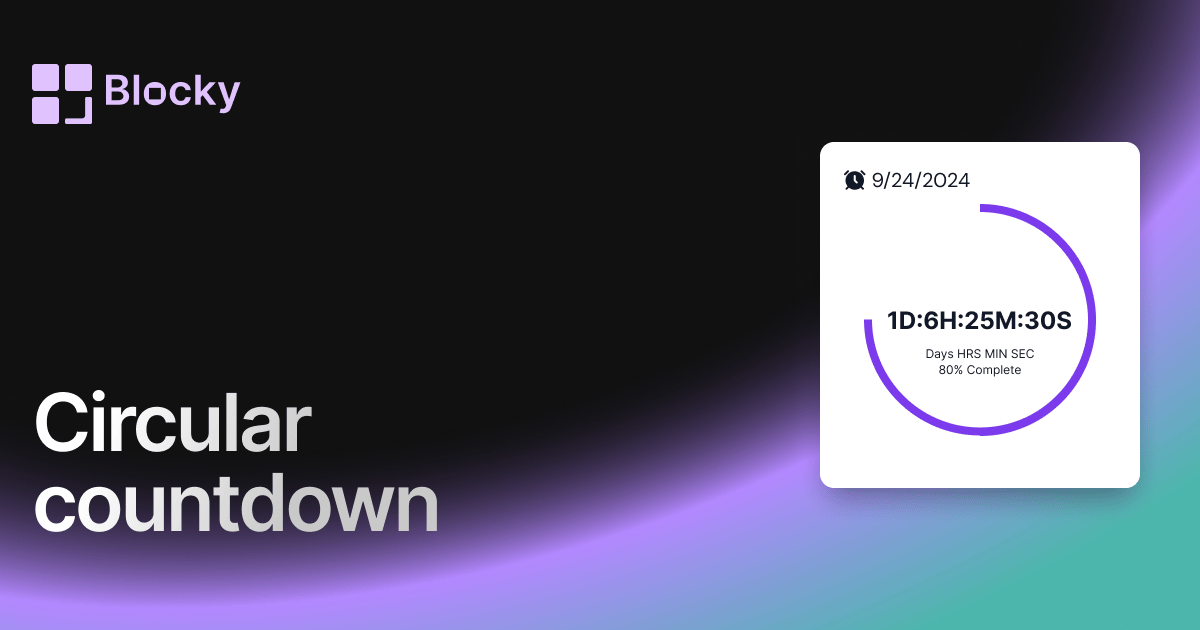
Inspect the widget before it reaches a live page.
Tune labels, data, colors, and layout from one editor.
Embed the finished specimen back into Notion.
Specimen notes — Circular Countdown
Circular Countdown Timer Widget
The Circular Countdown Timer is one of the most engaging ways to display time remaining until a key moment. Whether you're launching a new product, timing a presentation, or staying motivated during a workout, this widget adds energy and visual feedback to your Notion workspace.
Its standout feature is the animated circular progress ring, which fills up as time passes — giving you a real-time, stylish representation of countdown completion.
⏳ What Is It?
The Circular Countdown is a live-updating timer that counts down to a set date and time. Instead of showing only numbers, it presents the time left inside a ring-shaped progress bar, giving a sense of motion and urgency.
This makes it a perfect widget for visual thinkers, live events, or Notion pages that benefit from active design elements.
Use Cases
- Event Builds & Launches: Display time remaining until a product drop, livestream, or sale ends.
- Workout Intervals: Visually track interval rounds or break periods during fitness sessions.
- Live Presentations: Embed on a Notion doc shared during workshops or keynotes to stay on schedule.
- Aesthetic Pages: Adds motion and polish to any Notion dashboard — especially those with visual flair.
Customization Options
Make it yours. The Circular Countdown Timer is fully customizable, allowing you to match your Notion aesthetic or brand identity.
Available Settings:
- Card Background Color
- Header Text Color
- Timer Text Color
- Progress Ring Color
Whether you're going for bold, minimal, dark, or pastel, this timer will look right at home on your page.
Why Use Countdown Timers in Notion?
Time-bound focus is one of the most powerful motivators. Embedding a countdown timer in Notion:
- Creates a sense of urgency for you or your team
- Helps track approaching deadlines
- Adds dynamic movement to otherwise static pages
- Makes habit-building or challenge dashboards more interactive
Unlike static embeds or boring date fields, the Circular Countdown feels alive — constantly ticking toward your goals.
How to Add It to Notion
- Create a Circular Countdown Timer using Blocky.
- Set your target date and time.
- Customize the colors and style to match your page.
- Copy your unique embed link.
- Paste it into Notion using
/embed→ Done.
No code, no plugins, no friction.
Nearby variants for the same type.
The current specimen is excluded so the grid only offers alternate treatments.
Related variant
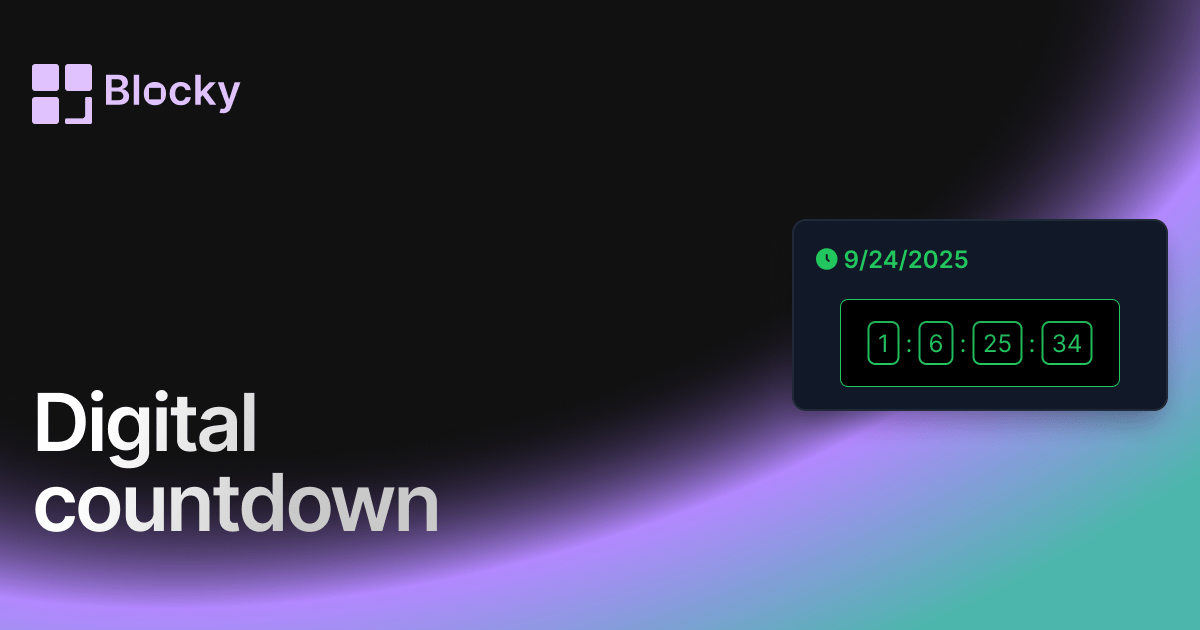
Digital Countdown
Use a digital countdown widget in Notion for launches, deadlines, events, and high-contrast dashboard reminders.
Open related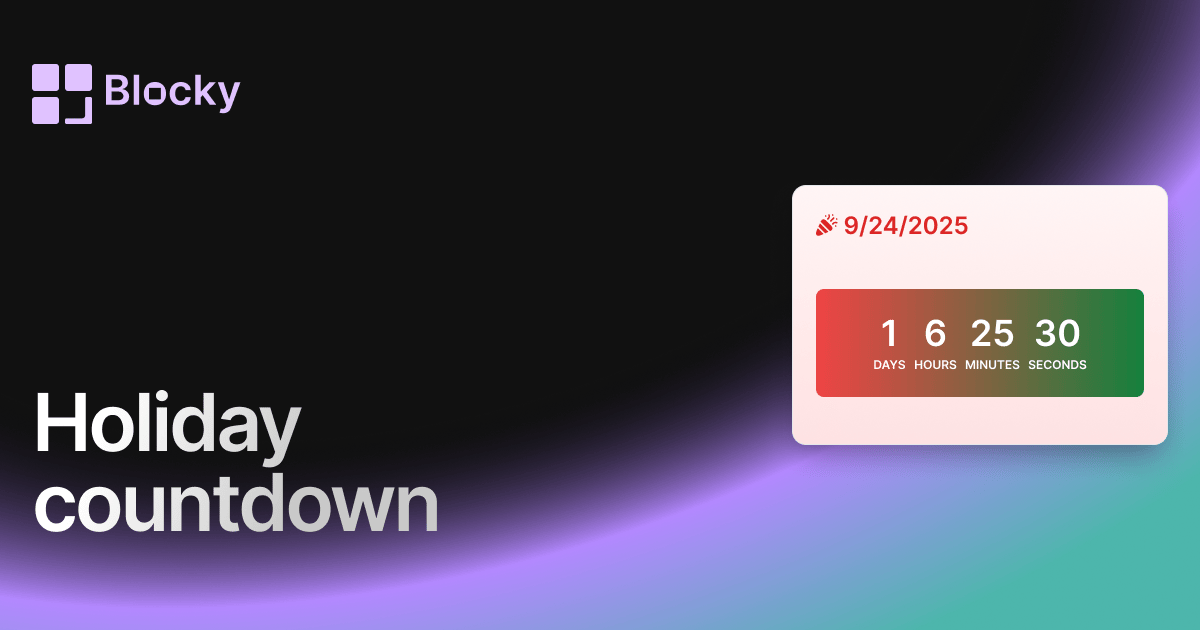
Related variant
Holiday Countdown
Festive countdown widget for tracking time until holidays, birthdays, or seasonal events in Notion.
Open related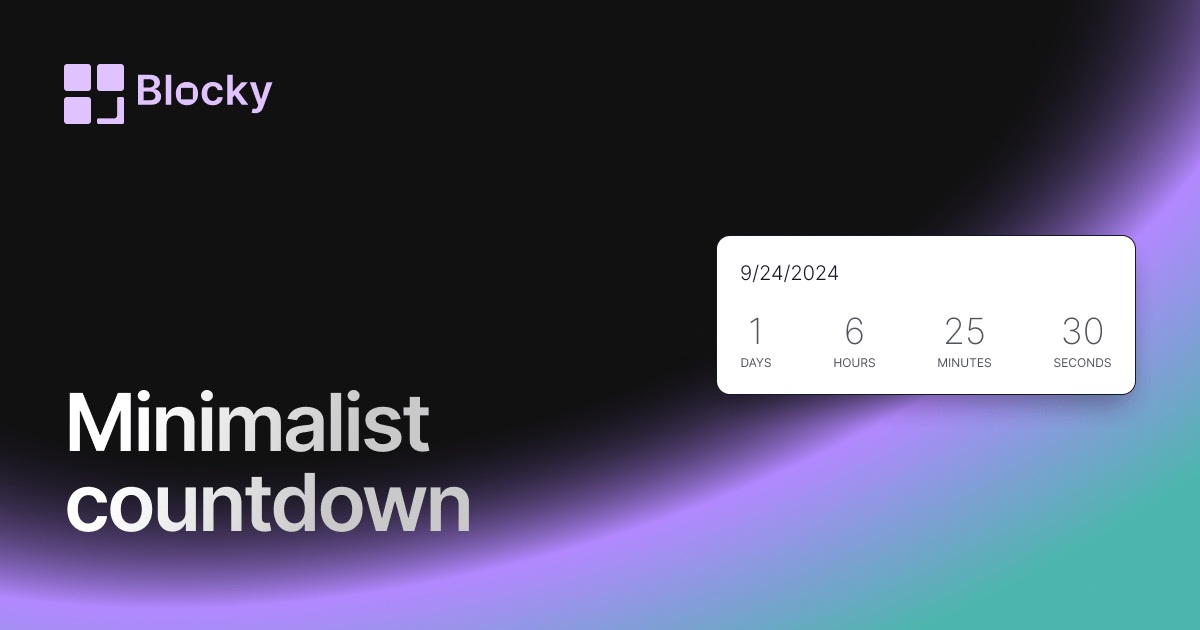
Related variant
Minimalist Countdown
Add a minimalist countdown timer to Notion for clean deadline tracking, launch reminders, and uncluttered dashboards.
Open related
Related variant
Normal countdown
Add a classic countdown timer to Notion with clean styling, configurable dates, and dashboard-ready deadline tracking.
Open related