
Digital Countdown
Use a digital countdown widget in Notion for launches, deadlines, events, and high-contrast dashboard reminders.
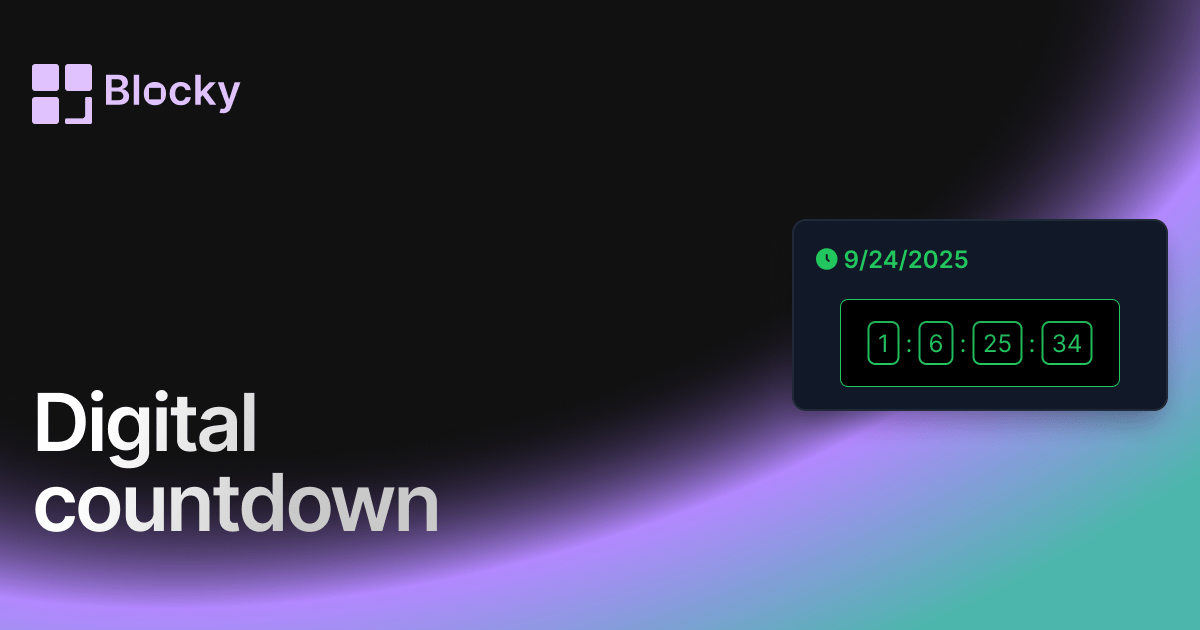
Inspect the widget before it reaches a live page.
Tune labels, data, colors, and layout from one editor.
Embed the finished specimen back into Notion.
Specimen notes — Digital Countdown
Digital Countdown Timer Widget
The Digital Countdown Timer brings a bold, retro-tech aesthetic to your Notion workspace. Designed with glowing LED-style text and dark themes, this widget is perfect for users who want their dashboard to feel like a mission control panel, hacker terminal, or livestream overlay.
Whether you're preparing for a product drop, live stream, or just want to add flair to your setup — the Digital Countdown gives you that electrifying "t-minus" vibe.
What Makes It Unique?
The Digital Countdown is styled like an old-school digital clock, with neon green text, glowing borders, and a terminal-inspired feel. It’s ideal for countdowns that demand attention and carry a sense of urgency.
It’s the perfect centerpiece for any Notion page that celebrates bold design, dark themes, or futuristic energy.
Use Cases
- Live Streams & Events: Display an animated countdown before going live or launching a campaign.
- Retro Dashboards: Add an old-school digital clock to your Notion layout for techie vibes.
- Focus Routines: Use it during study sessions or timed tasks for clear visual feedback.
- Gamified Workflows: Add a countdown to your habit tracking or daily quests setup.
Customization Options
Designed to pop on dark backgrounds, the Digital Countdown widget comes with several customization settings to help you own the look.
Adjustable Settings:
- Timer Background & Border
- LED Timer Text Color
- Header Text Color
- Card Accent Colors
It’s perfect for blacked-out dashboards, cyberpunk layouts, or any setup that deserves a little glow-up.
Why Use It?
Timers aren’t just about time — they’re about intention. With a digital countdown on your Notion dashboard, you can:
- Stay on track for daily focus blocks or live events
- Visually reinforce your goals and urgency
- Build themed layouts that feel personal and powerful
It’s not just a tool — it’s a statement.
How to Embed the Digital Countdown in Notion
- Visit Blocky and create your Digital Countdown Timer.
- Set your deadline or event date.
- Pick your styling (dark theme, green glow, or fully custom).
- Copy your unique embed link.
- Paste it into Notion with
/embed.
That’s it. No code required — just plug and countdown.
Nearby variants for the same type.
The current specimen is excluded so the grid only offers alternate treatments.
Related variant
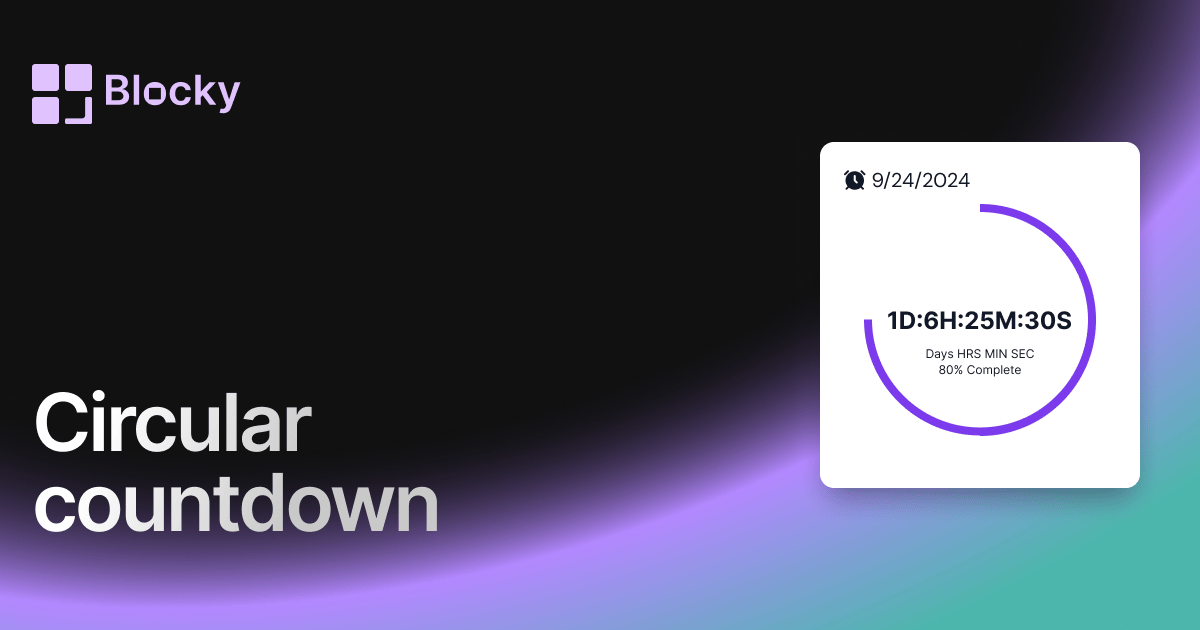
Circular Countdown
Add a circular countdown timer to Notion with visual progress, deadline context, and a compact layout for dashboards.
Open related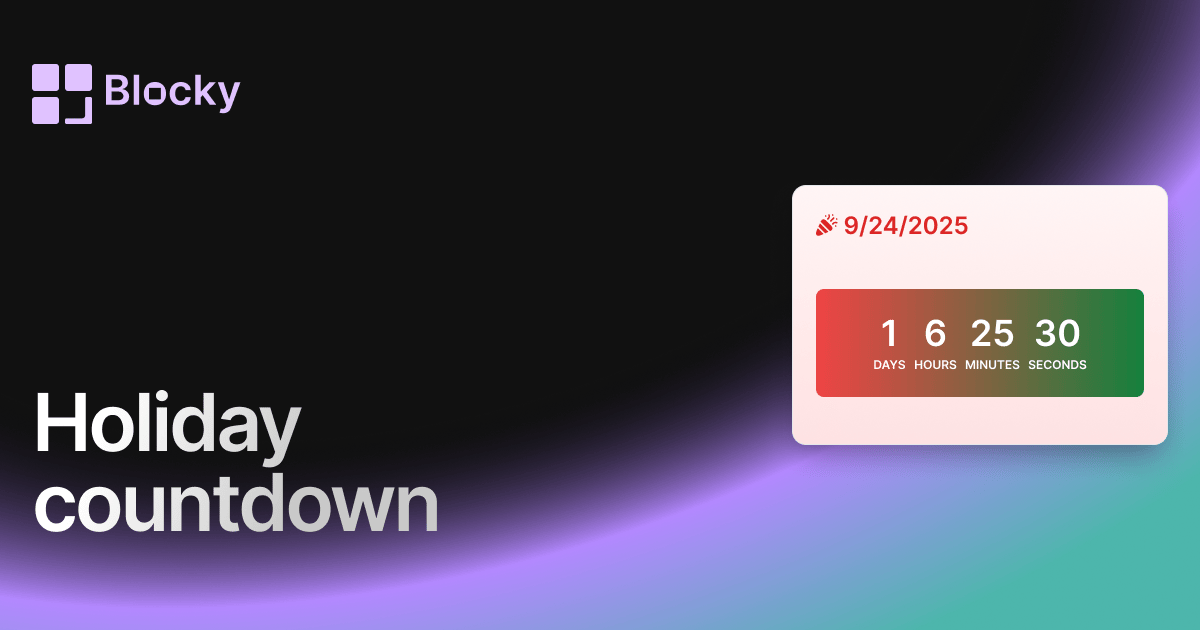
Related variant
Holiday Countdown
Festive countdown widget for tracking time until holidays, birthdays, or seasonal events in Notion.
Open related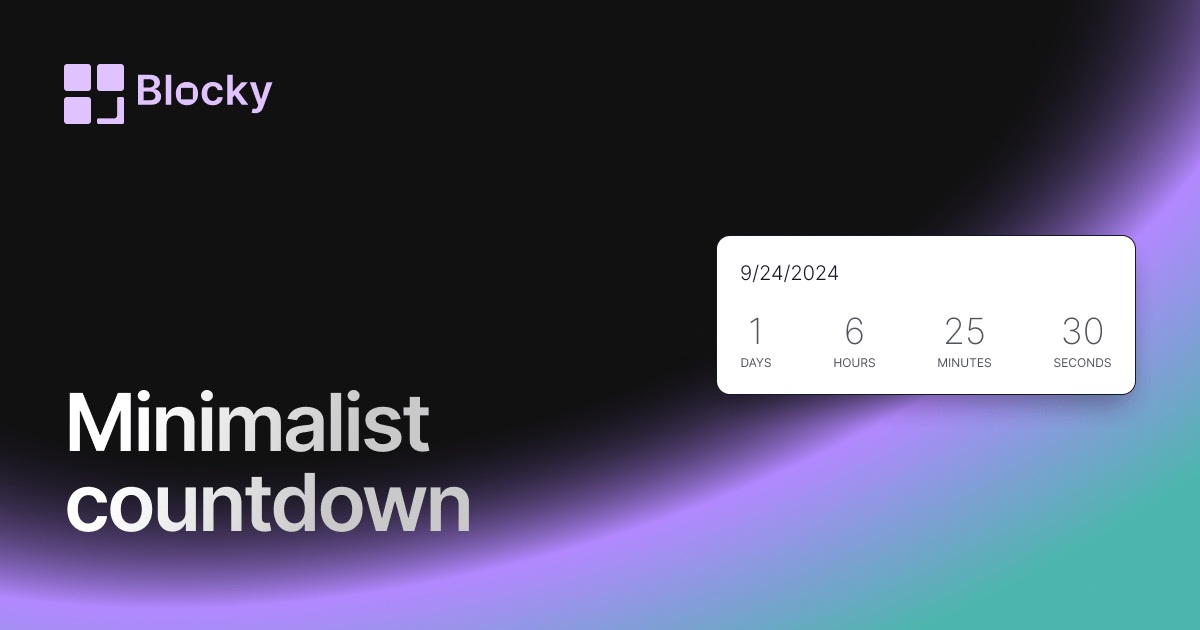
Related variant
Minimalist Countdown
Add a minimalist countdown timer to Notion for clean deadline tracking, launch reminders, and uncluttered dashboards.
Open related
Related variant
Normal countdown
Add a classic countdown timer to Notion with clean styling, configurable dates, and dashboard-ready deadline tracking.
Open related