
Stopwatch
Time anything without leaving your Notion page. Press play to start, press it again to pause and press reset to go back to zero. The time shows minutes, seconds and hundredths.
- Time shown
- Minutes, seconds and hundredths, or seconds only
- After a reload
- The time starts again at zero
- Notion data
- None needed
5 variants to start from
Pick the one closest to what you want, then change it in the editor.
Variants 1 of 5
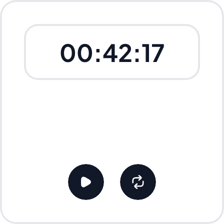 View Normal stopwatch
Normal
Workout logs, work trackers and shared pages where the time should be easy to read
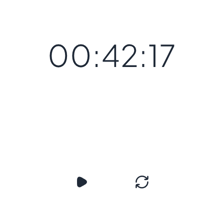 View Minimalist stopwatch
Minimalist
Quiet study and planning pages where the stopwatch should blend in
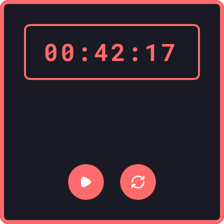 View Retro stopwatch
Retro
Gaming pages and dark dashboards with an arcade look
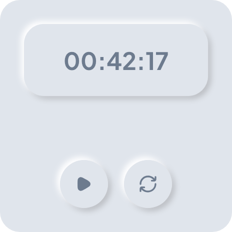 View Neomorphic stopwatch
Neomorphic
Soft, light pages for calm routines like meditation and practice
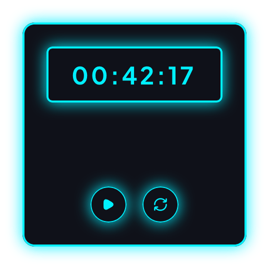 View Neon stopwatch
Neon
Dark dashboards and stream pages where the time should stand out
Add it to Notion in three steps
Pick a variant, make the stopwatch yours in the editor, then embed it in a Notion page.
Create the widget
Click Create widget in Blocky, then choose a category, a widget type and a template.
Make it yours
Connect a Notion database if the widget takes Notion data. Change the text, colors and settings in the editor, then click Save.
Embed it in Notion
Copy the Embed link from the widget's card. On your Notion page, type /embed, choose Embed and paste the link.
More timer widgets
View all timer widgets
Make a timer widget your own
Start from any variant, change the words and colors in the editor, and embed it in Notion with a link.