
Minimalist Stopwatch
Use a minimalist stopwatch widget in Notion for simple time tracking, study sessions, workouts, and focused work blocks.
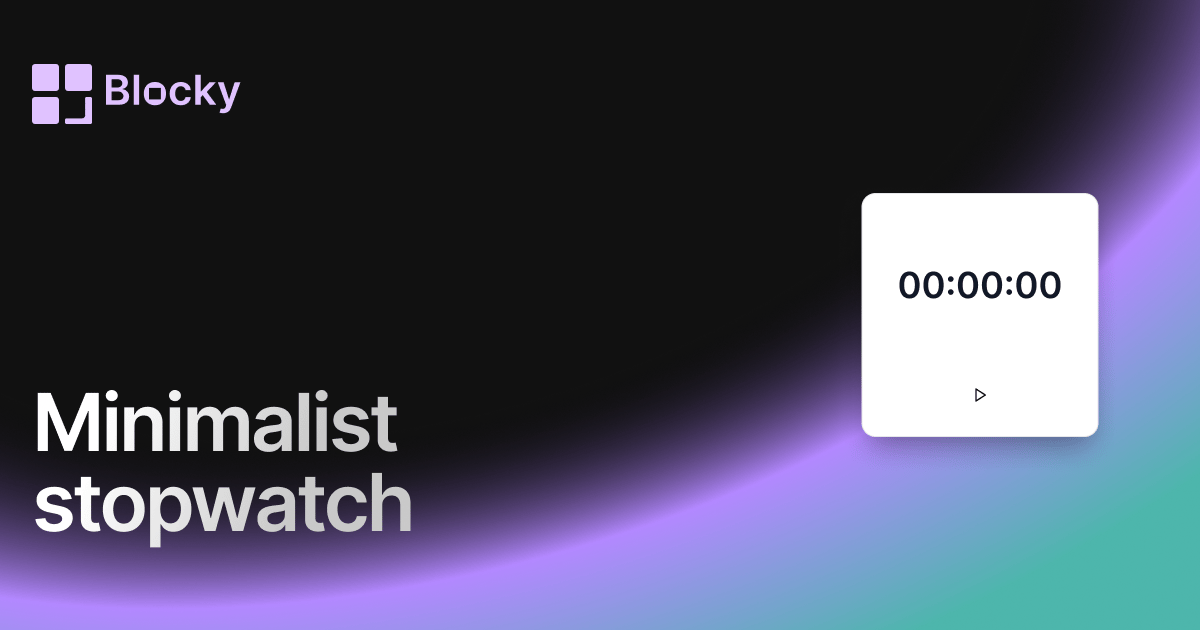
Inspect the widget before it reaches a live page.
Tune labels, data, colors, and layout from one editor.
Embed the finished specimen back into Notion.
Specimen notes — Minimalist Stopwatch
Minimalist Stopwatch Timer for Notion
The Minimalist Stopwatch Timer offers pure time tracking with zero visual distractions. Designed for clean dashboards and productivity-focused Notion users, it keeps you on task without drawing attention away from your work.
With its whitespace-friendly design and quiet aesthetic, this stopwatch is ideal for deep work sessions, subtle time audits, or minimal habit dashboards.
What Makes It Minimal?
This variant strips away decorative elements in favor of simplicity. No shadows, no gradients — just clean lines, monochrome buttons, and essential stopwatch controls (Start, Stop, Reset).
It’s a must-have if you prefer light mode layouts, lean design systems, or mobile-optimized pages.
Use Cases
- Deep Work Sessions: Track your time while preserving your workspace’s calm aesthetic.
- Mobile-Friendly Dashboards: Minimal layout ensures perfect scaling across devices.
- Focus-Driven Layouts: Adds utility without competing for attention.
- Time-Aware Journaling: Record time spent on reflection, writing, or learning.
Customization Options
Although it’s visually simple, the Minimalist Stopwatch still gives you control over its presentation.
Editable Settings:
- Card Background Color
- Timer Text Color
- Start/Stop Button Color
- Font weight and size
- Layout padding for tight or airy displays
Perfect for white-space heavy layouts, monochrome dashboards, and productivity-first workflows.
Why Use It?
Some users want raw data without visual clutter. This stopwatch helps you:
- Stay aware of time while working silently in the background
- Keep dashboards tidy and readable
- Track micro-habits, quick sprints, or short sessions
- Maintain mental clarity and simplicity in your workflow
If you live by “less is more,” this is your stopwatch.
How to Embed It in Notion
- Go to Blocky and select the Minimalist Stopwatch.
- Pick your background and text colors to match your page.
- Copy your embed link.
- Paste into Notion using
/embed.
Now you can track time with style — and simplicity.
Nearby variants for the same type.
The current specimen is excluded so the grid only offers alternate treatments.
Related variant
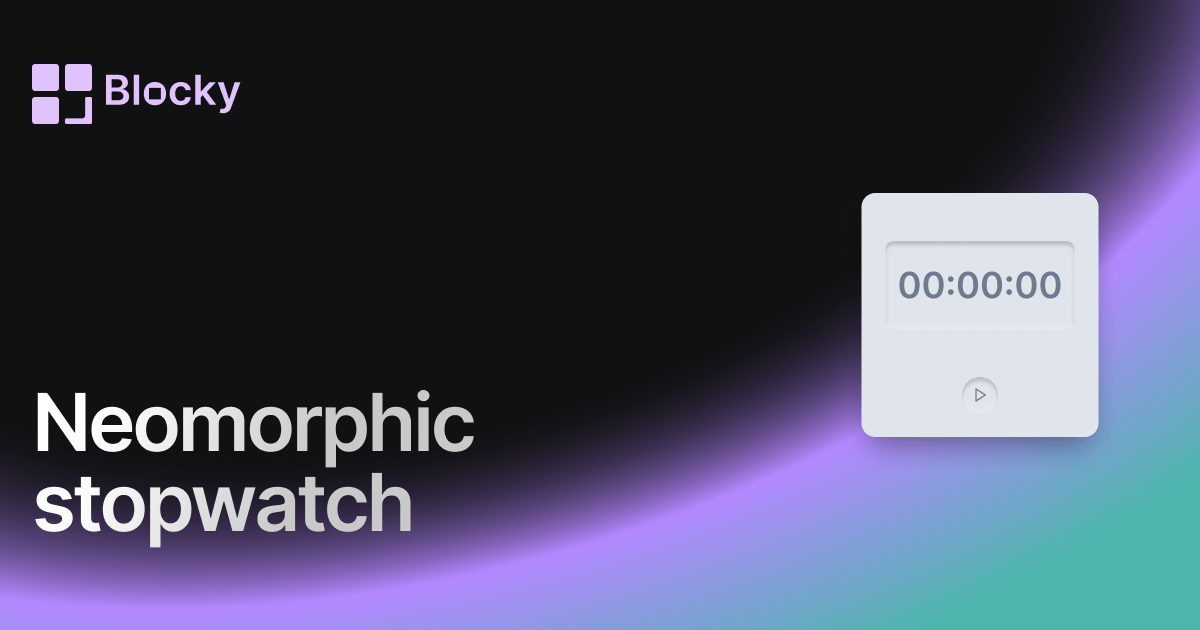
Neomorphic Stopwatch
A soft-shadow stopwatch with depth — modern neumorphism styling for your Notion timer setup.
Open related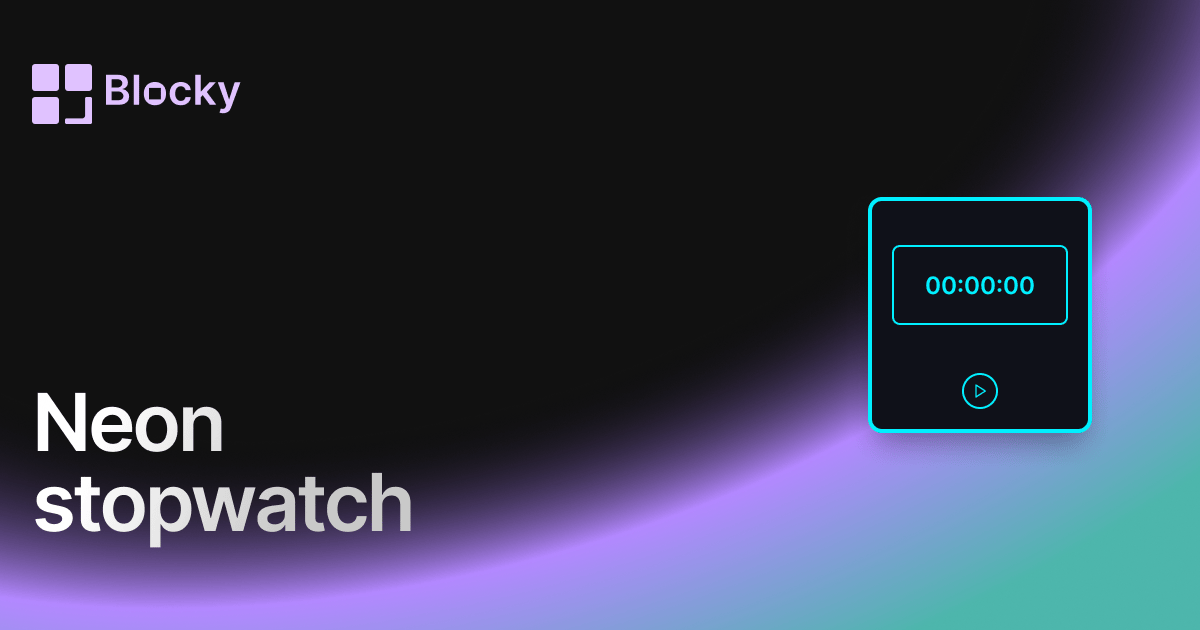
Related variant
Neon Stopwatch
A bold, glowing stopwatch for your Notion workspace — designed for those who want their focus to pop.
Open related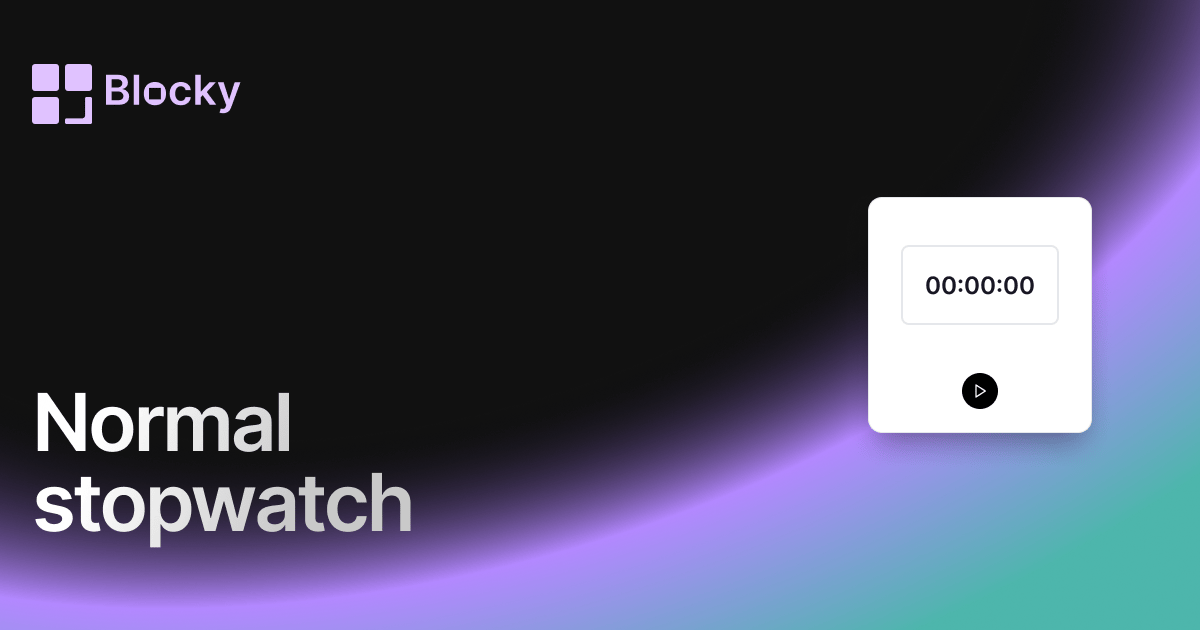
Related variant
Normal Stopwatch
Track time effortlessly in Notion with a clean, functional stopwatch — ideal for productivity, workouts, or meetings.
Open related
Related variant
Retro Stopwatch
A pixel-perfect, old-school stopwatch with character — track time with vintage charm inside Notion.
Open related