
Gradient World Clock
Display time zones with vibrant gradient themes — a modern, colorful twist on the classic world clock for Notion.
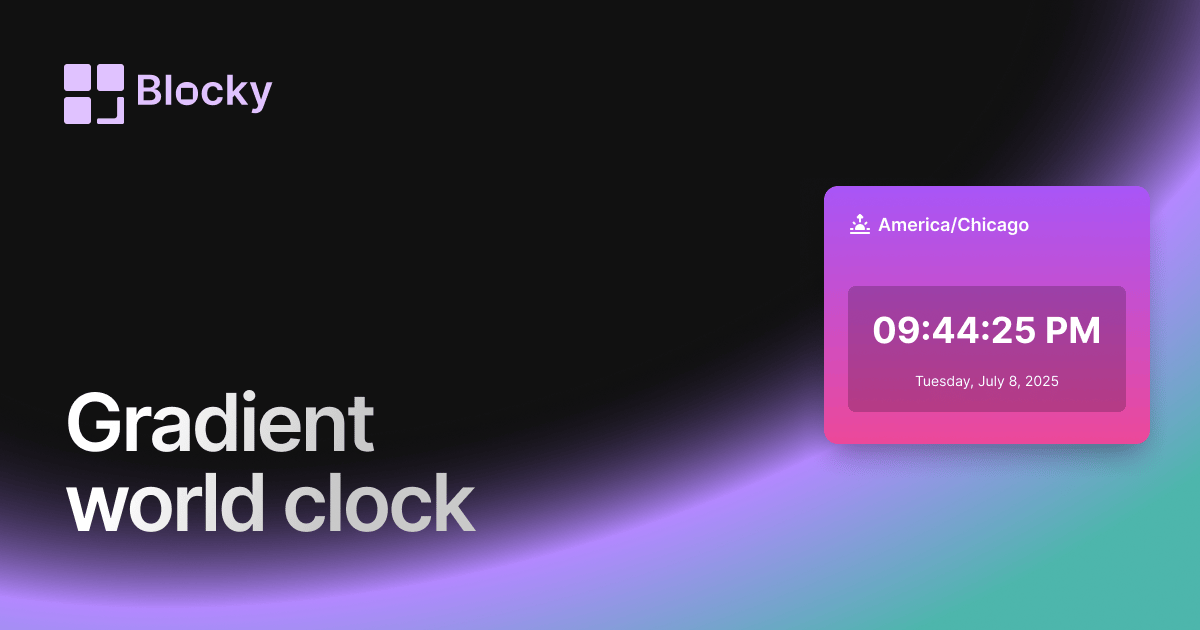
Inspect the widget before it reaches a live page.
Tune labels, data, colors, and layout from one editor.
Embed the finished specimen back into Notion.
Specimen notes — Gradient World Clock
Gradient World Clock for Notion
The Gradient World Clock brings energy, color, and expressive design into your Notion workspace. It displays the current time for any timezone in a vibrant, gradient-styled card that makes your dashboard feel alive and visually inspired.
Perfect for personal Notion setups, aesthetic-focused layouts, or creators who want to make their pages feel more dynamic.
What Makes It Gradient?
Unlike traditional clocks, this variant is styled with a dual-color gradient background that fades beautifully between shades like purple and pink, teal and blue, or any palette you choose.
The bold color contrasts are paired with modern text and real-time updates — combining function and flair in one widget.
Use Cases
- Stylish Dashboards: Add visual interest to your homepage, second brain, or workspace overview.
- Personal Notion Pages: Great for journals, morning pages, or mood boards.
- Shared Pages or Portfolios: Create a memorable design with expressive clock elements.
- Mood-Based Layouts: Let the gradient color reflect the time of day, season, or theme.
Customization Options
The Gradient World Clock is highly expressive and easy to tailor to your style.
Editable Settings:
- Gradient From/To Color
- Header & Time Text Colors
- Date Display
- Card Padding & Border Radius
- City/Label Name
Whether you want pastel, neon, soft-focus, or seasonal vibes — it adapts beautifully.
Why Use It?
This clock is more than just informative — it helps set the tone of your page. Use it to:
- Set a visual mood for your workspace
- Add life and movement with time updates and color
- Create a sense of style and identity in Notion
- Encourage creative flow alongside your tasks and notes
It pairs wonderfully with habit trackers, quotes, mood logs, or other vibrant widgets.
How to Embed in Notion
- Go to Blocky and choose the Gradient World Clock.
- Pick your timezone and color gradient combo.
- Style the text and layout spacing.
- Copy the generated embed URL.
- Paste into Notion using
/embed.
Now your dashboard will reflect time — and your taste.
Nearby variants for the same type.
The current specimen is excluded so the grid only offers alternate treatments.
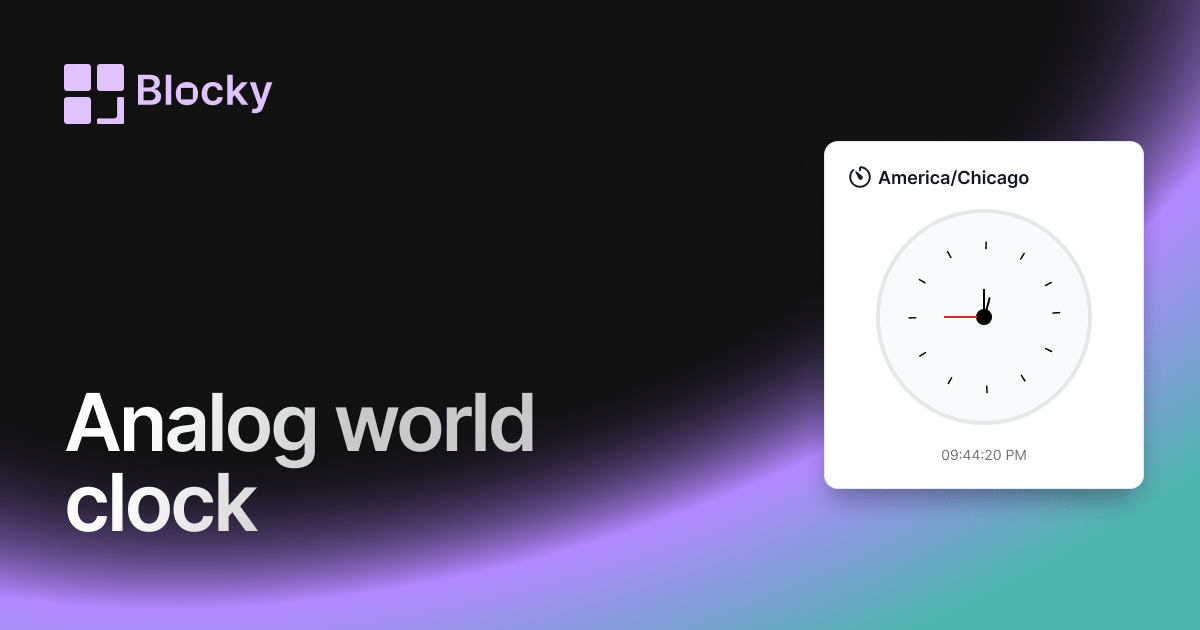
Related variant
Analog World Clock
Track global time in classic style with an analog world clock — customizable, elegant, and embeddable in Notion.
Open related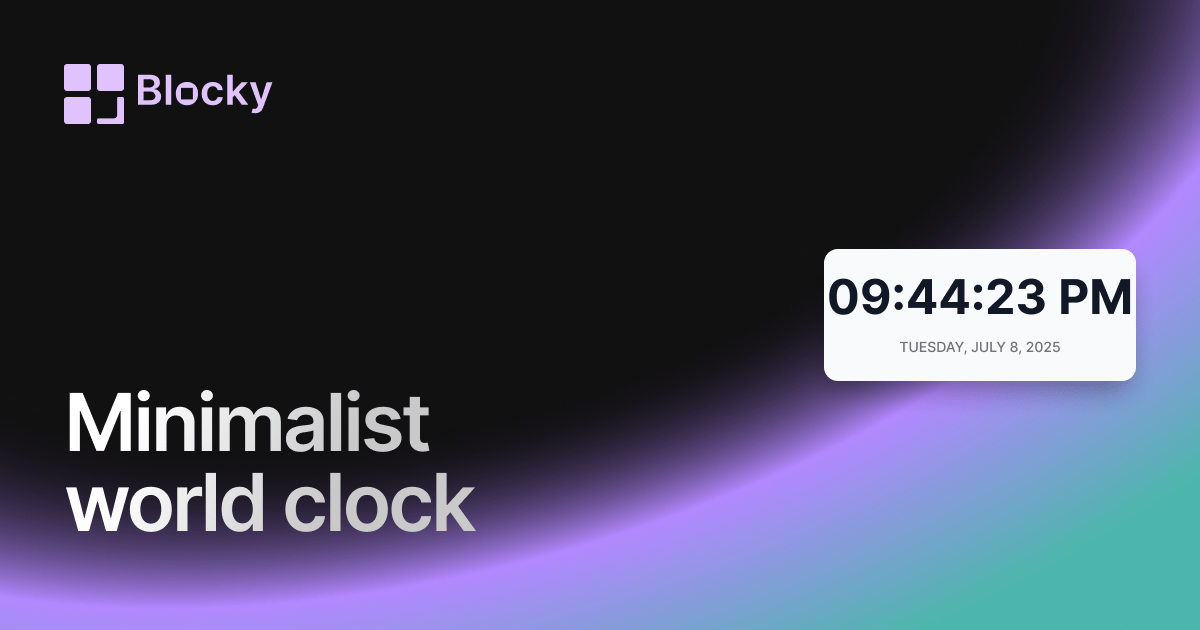
Related variant
Minimalist World Clock
Explore a clutter-free world clock built for minimalist dashboards and distraction-free productivity in Notion.
Open related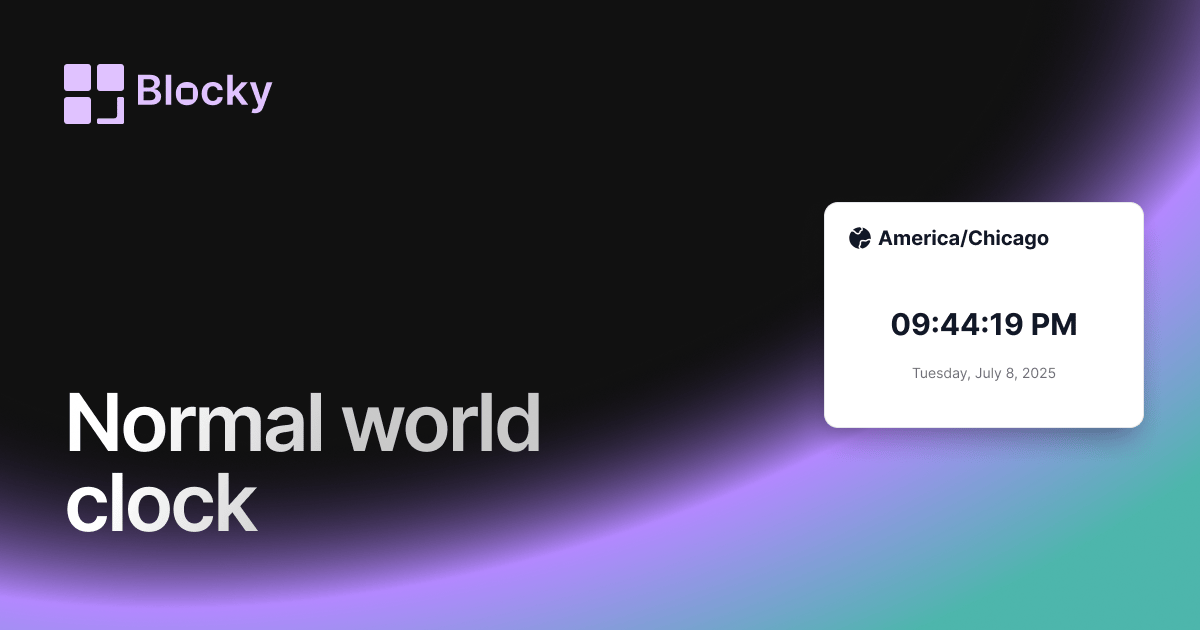
Related variant
Normal World Clock
Add a clean digital world clock to your Notion page — ideal for global teams and timezone tracking.
Open related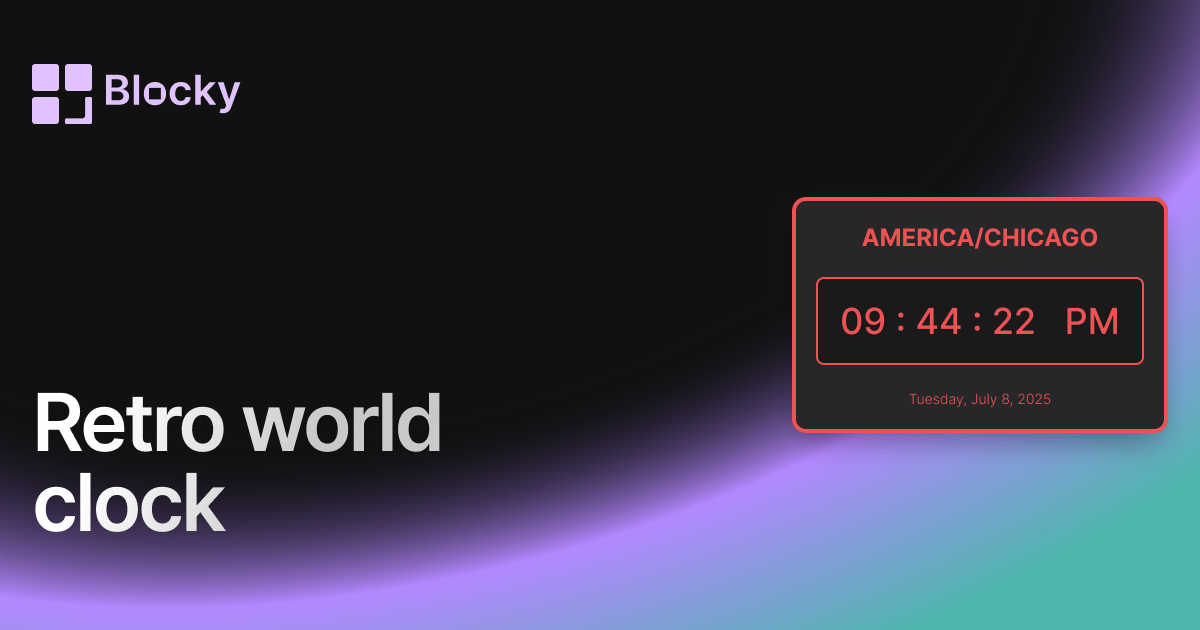
Related variant
Retro World Clock
Add vintage flair to your Notion setup with a pixel-style retro world clock — perfect for nostalgic dashboards.
Open related