
Minimalist World Clock
Explore a clutter-free world clock built for minimalist dashboards and distraction-free productivity in Notion.
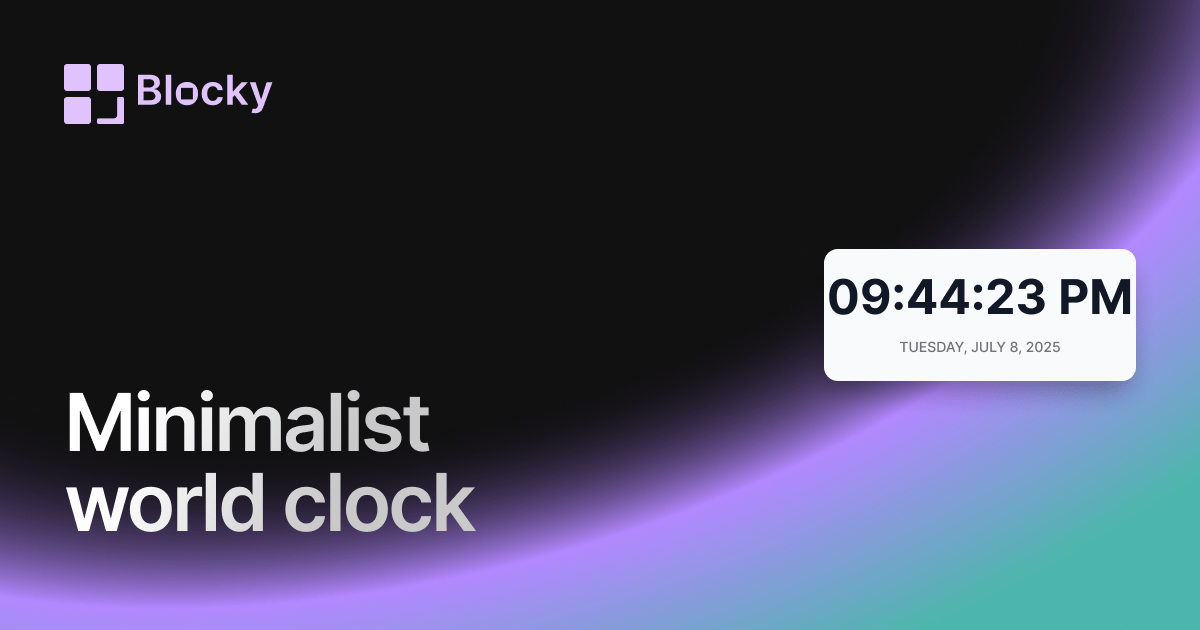
Inspect the widget before it reaches a live page.
Tune labels, data, colors, and layout from one editor.
Embed the finished specimen back into Notion.
Specimen notes — Minimalist World Clock
Minimalist World Clock for Notion
The Minimalist World Clock is built for Notion users who appreciate clean design and focused layouts. This variant displays live time and date in a slim, elegant card that complements productivity dashboards, light-mode layouts, or whitespace-first workflows.
If you want timezone awareness without the visual noise, this is the clock to embed.
What Makes It Minimalist?
This variant removes all extra styling — no borders, no shadows, no strong colors — just light typography, soft spacing, and monochrome tones.
It’s designed to integrate seamlessly into quiet dashboards or minimalist Notion themes while still delivering precise, live time updates.
Use Cases
- Aesthetic Study Dashboards: Add subtle clocks to track online classes or global lectures.
- Distributed Teams: Quietly keep teammates' timezones in view.
- Focused Productivity Setups: Place a small reference clock without disrupting the layout.
- Mobile-Friendly Pages: Ideal for compact dashboards used on tablets or phones.
Customization Options
Though visually understated, the Minimalist Clock still offers fine control.
Editable Settings:
- Card Background Color
- Time Text Color
- Date Text Color
- Font weight
- Timezone / City Name
Perfect for soft UIs, grayscale layouts, or calming dashboards where less is more.
Why Use It?
Minimalism isn’t just about looks — it helps you focus. This clock supports:
- Better global coordination with low visual impact
- Functional clarity in visually quiet environments
- Better accessibility in dark-light balanced themes
- Mindful layouts that emphasize function through form
Use it alongside habit trackers, calendars, or reading logs to bring structure without distraction.
How to Embed in Notion
- Open Blocky and choose the Minimalist World Clock.
- Select your city or timezone.
- Customize the background and font colors.
- Copy the embed URL.
- Paste it into Notion using
/embed.
That’s it — a quiet time reference right where you need it.
Nearby variants for the same type.
The current specimen is excluded so the grid only offers alternate treatments.
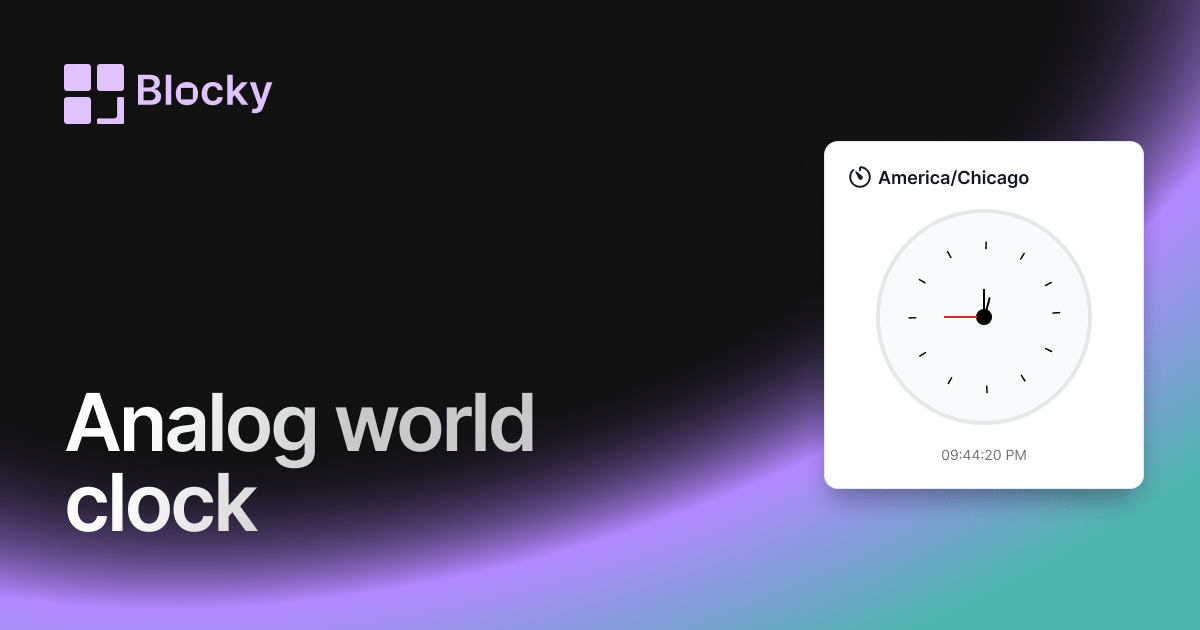
Related variant
Analog World Clock
Track global time in classic style with an analog world clock — customizable, elegant, and embeddable in Notion.
Open related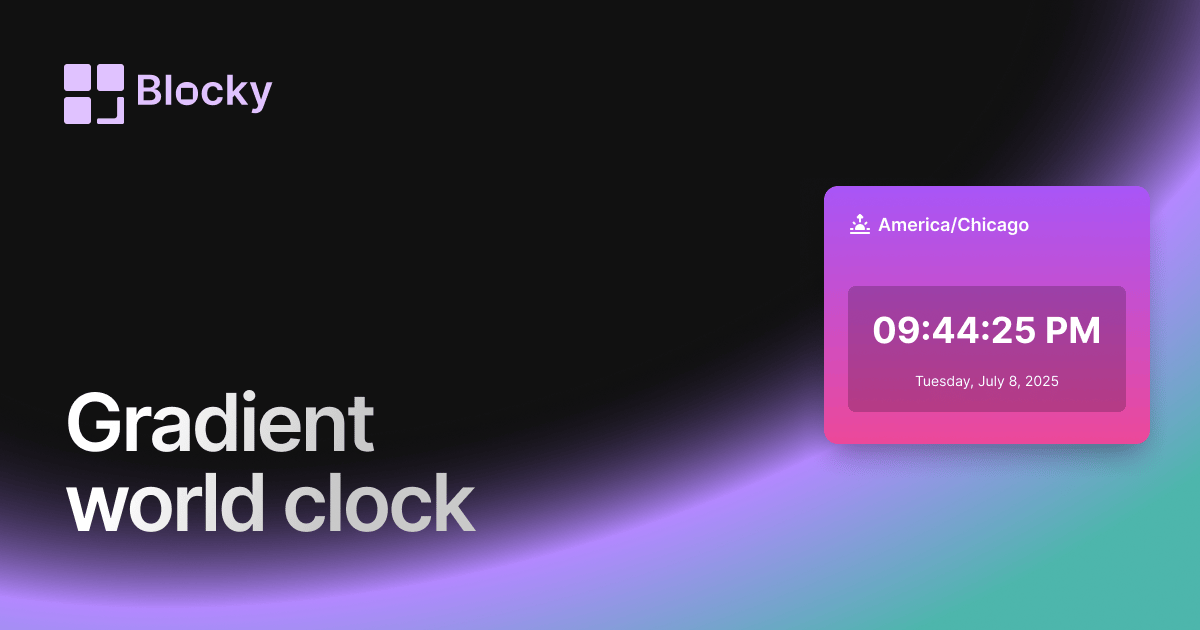
Related variant
Gradient World Clock
Display time zones with vibrant gradient themes — a modern, colorful twist on the classic world clock for Notion.
Open related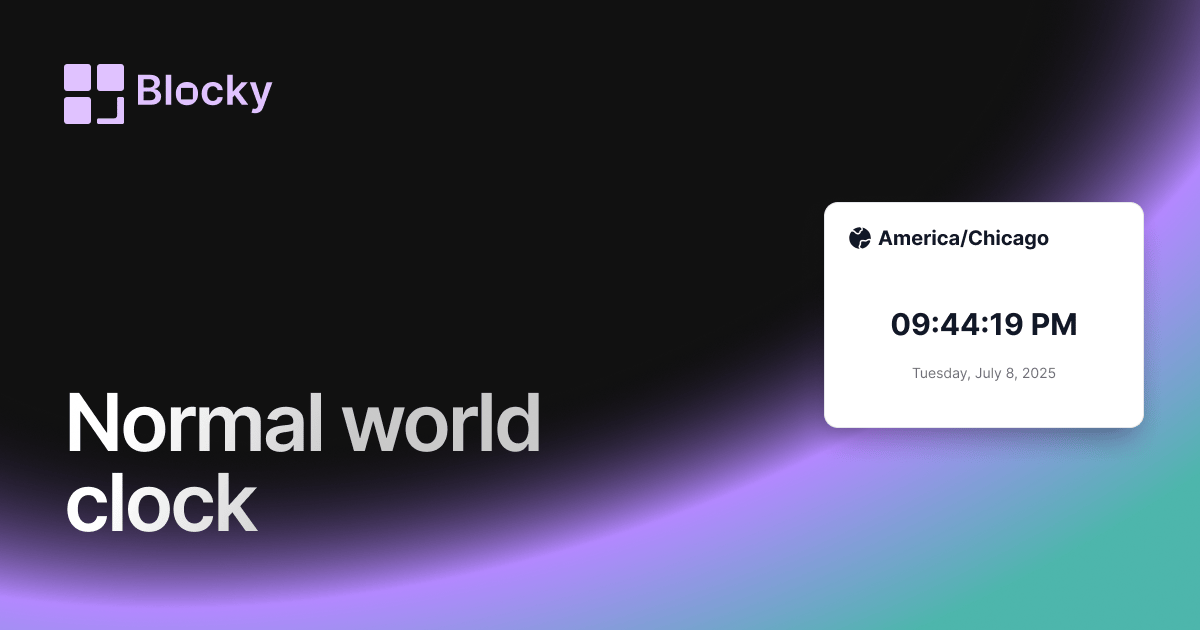
Related variant
Normal World Clock
Add a clean digital world clock to your Notion page — ideal for global teams and timezone tracking.
Open related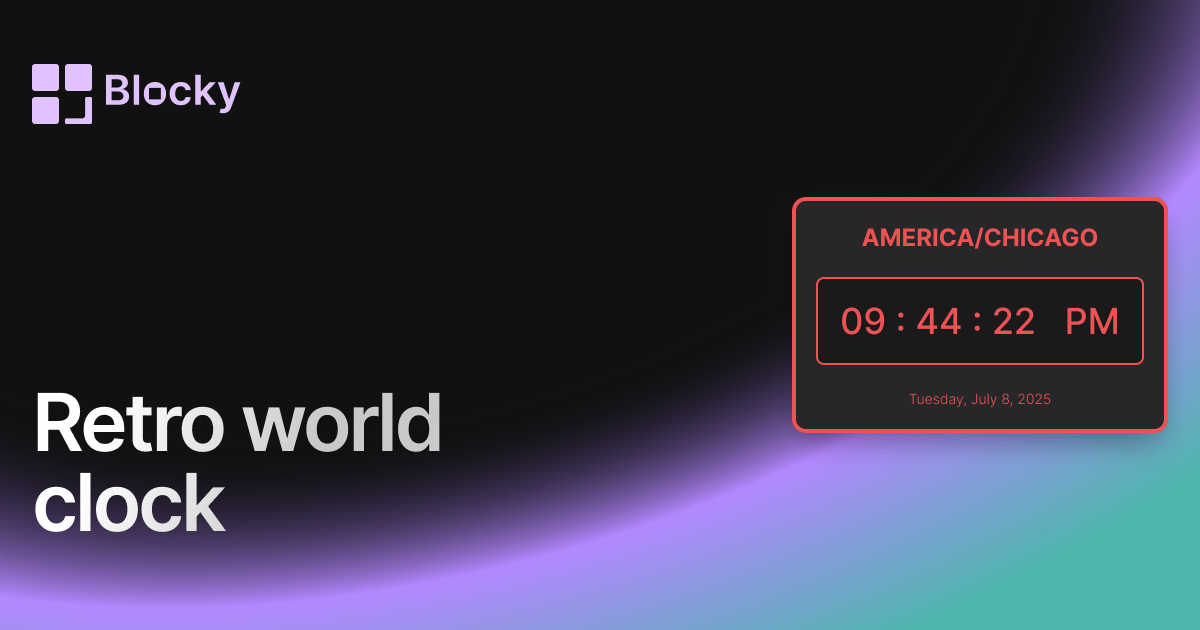
Related variant
Retro World Clock
Add vintage flair to your Notion setup with a pixel-style retro world clock — perfect for nostalgic dashboards.
Open related