
Retro World Clock
Add vintage flair to your Notion setup with a pixel-style retro world clock — perfect for nostalgic dashboards.
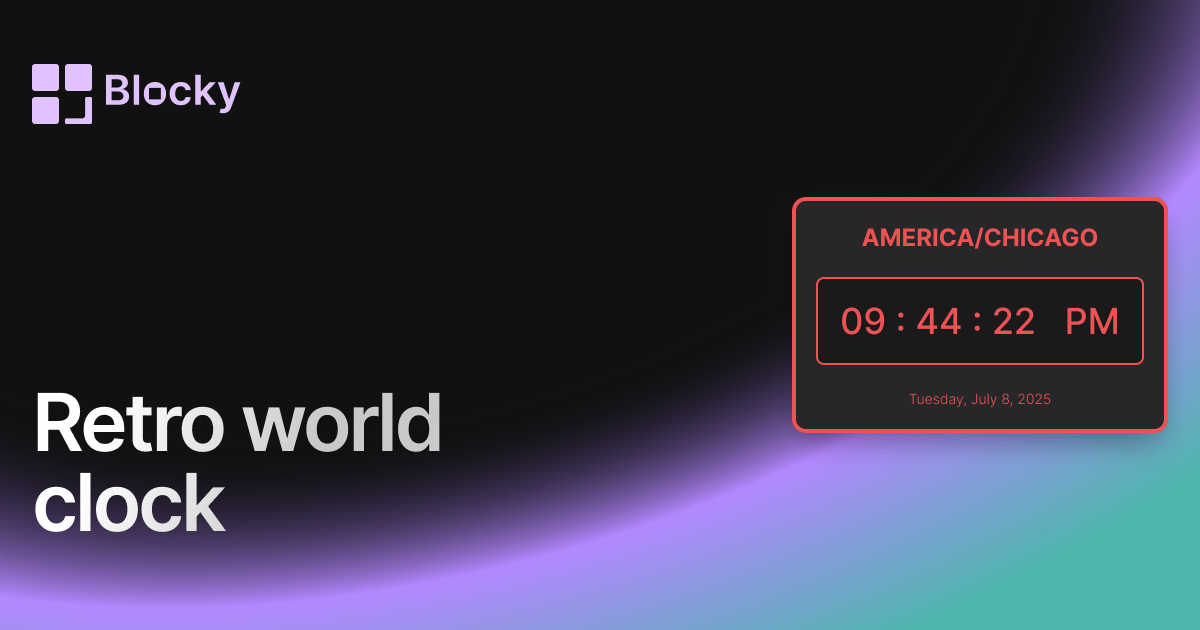
Inspect the widget before it reaches a live page.
Tune labels, data, colors, and layout from one editor.
Embed the finished specimen back into Notion.
Specimen notes — Retro World Clock
Retro World Clock Widget for Notion
The Retro World Clock brings pixel-perfect nostalgia to your global time tracking. Styled with CRT glow, pixel fonts, and arcade-inspired design, this variant displays time zones like they’re straight out of an old-school command terminal or RPG menu.
Whether you’re collaborating across time zones, managing remote teams, or just love a vintage aesthetic, this widget adds retro character to your Notion workspace while keeping your global schedule on track.
Use Cases
- Remote Team Dashboards: Display teammate time zones with retro charm.
- Digital Bullet Journals: Add world clocks to daily logs or planners.
- Themed Layouts: Pair with retro widgets for a fully styled workspace.
- Writers & Creators: Keep track of global collaborators and publishing time zones.
- Focus Tools: Combine with timers to manage productivity windows.
⏰ Features
- Display multiple time zones in one widget
- Pixelated clock digits with customizable format (12/24hr)
- CRT-style glow, flicker, and arcade frames (toggleable)
- Optional country flags, zone labels, or retro glyphs
- Auto-syncs to user’s timezone for comparison
Customization Options
- Select time zones to display (by city or zone name)
- Choose retro font style: arcade, terminal, pixel serif
- Enable CRT overlay, scanlines, or subtle screen flicker
- Customize layout: grid, stacked, horizontal scroll
- Toggle AM/PM, seconds, and local offset visibility
- Color themes: neon, grayscale, pastel, synthwave
Always in Sync
The Retro World Clock stays accurate with real-time syncing and automatic daylight saving updates. It’s stylish, nostalgic, and functionally rock solid—like a digital wristwatch from the ‘80s.
How to Embed in Notion
- Visit Blocky and select the Retro World Clock variant.
- Choose the time zones you want to display.
- Customize layout, glow effects, and font style.
- Copy the embed link.
- Paste it into Notion with
/embed.
Time travel, pixel style.
Nearby variants for the same type.
The current specimen is excluded so the grid only offers alternate treatments.
Related variant
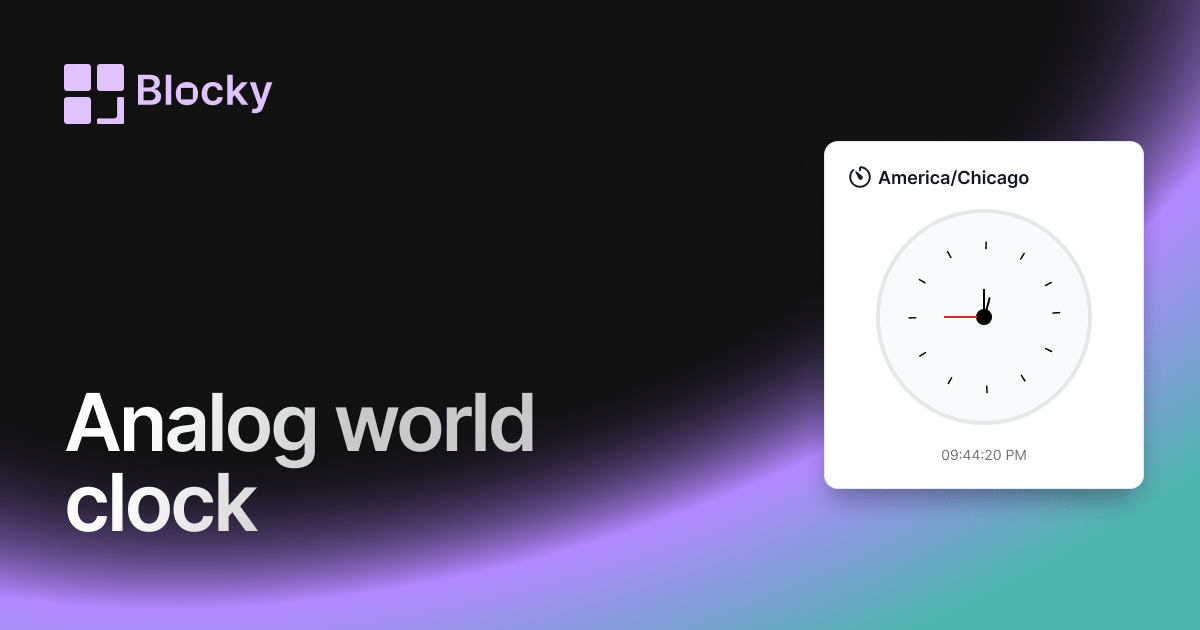
Analog World Clock
Track global time in classic style with an analog world clock — customizable, elegant, and embeddable in Notion.
Open related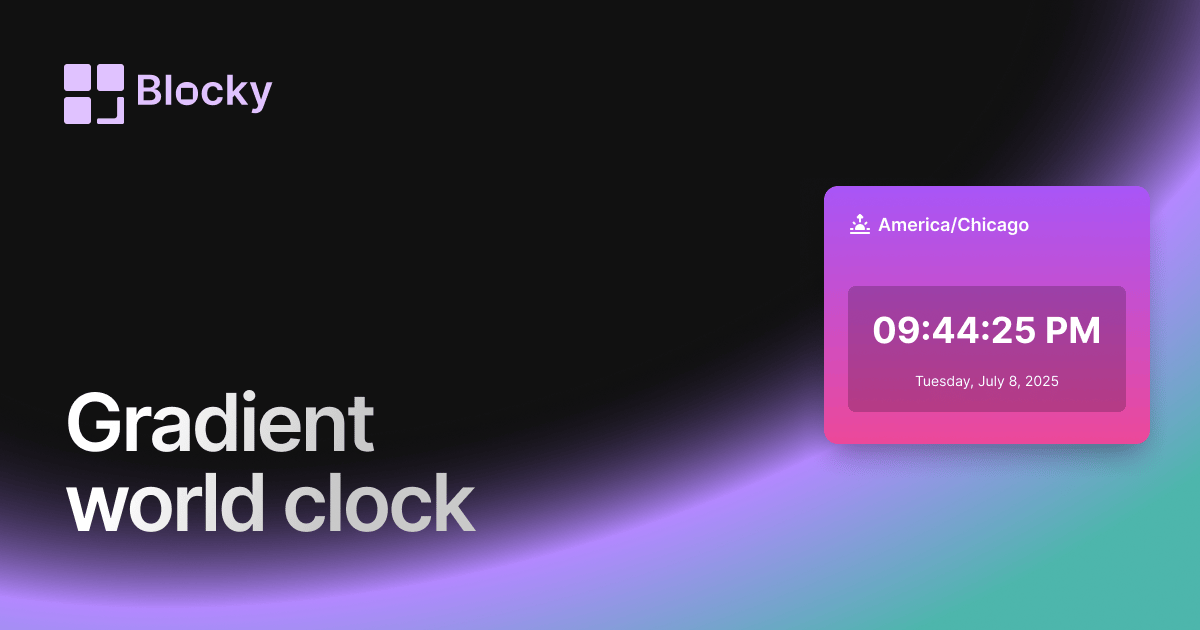
Related variant
Gradient World Clock
Display time zones with vibrant gradient themes — a modern, colorful twist on the classic world clock for Notion.
Open related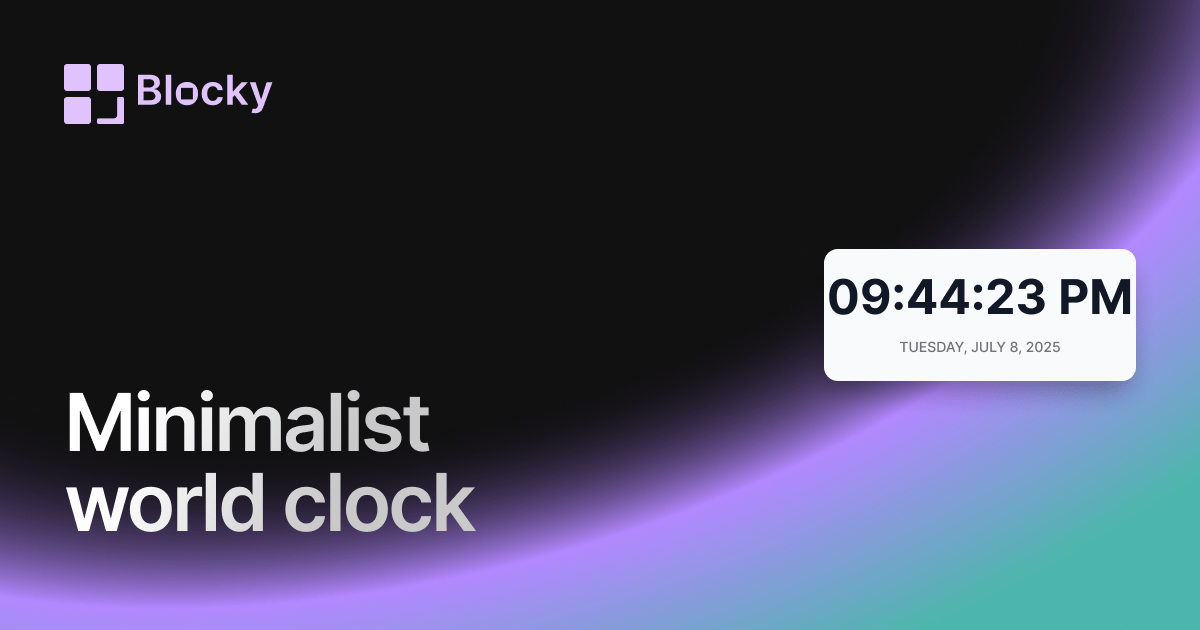
Related variant
Minimalist World Clock
Explore a clutter-free world clock built for minimalist dashboards and distraction-free productivity in Notion.
Open related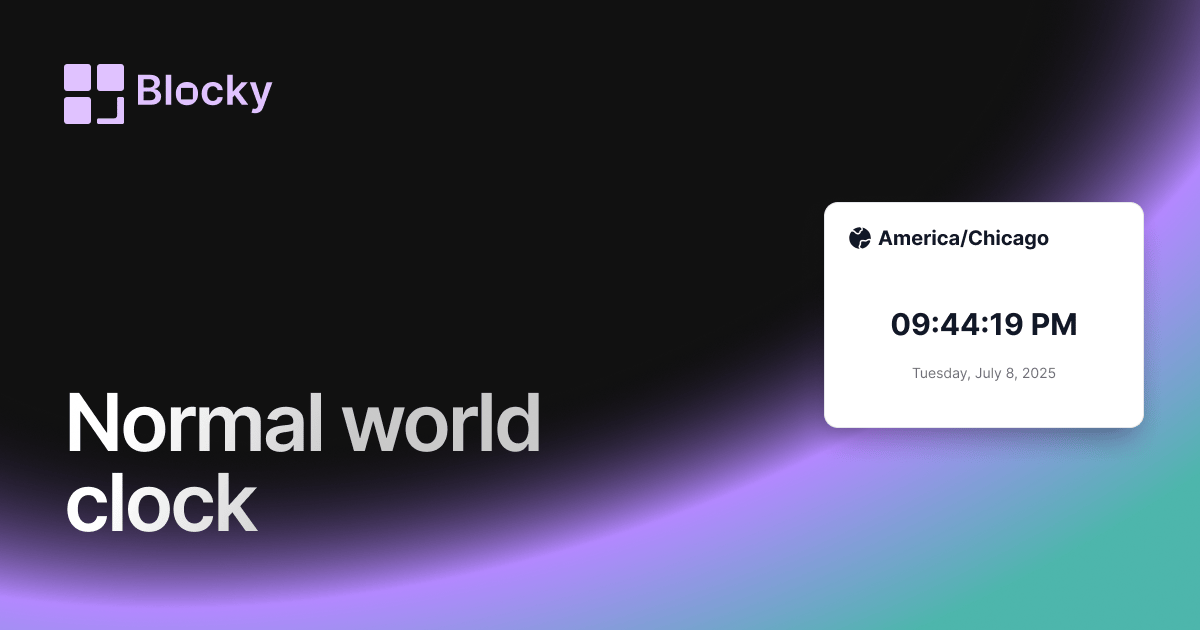
Related variant
Normal World Clock
Add a clean digital world clock to your Notion page — ideal for global teams and timezone tracking.
Open related