Thesis writing
Set Focus to 50 minutes for long writing blocks. Press play when you open the chapter and reset when you move to a new section.
How it’s set up
- Focus
- 50 minutes
- Pulse while running
- On
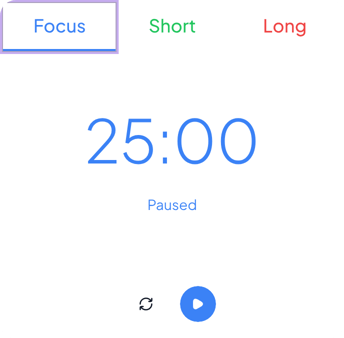
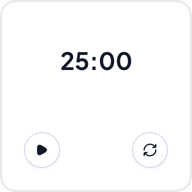
A small square white card with a gray border, the time in bold and two round white buttons. Press play to start the countdown, pause when you need to and reset to start over.
Each example puts the widget on a Notion page and lists the settings it uses.
Set Focus to 50 minutes for long writing blocks. Press play when you open the chapter and reset when you move to a new section.
Set Focus to 15 minutes and clear email until the timer reaches zero. The short limit keeps email from taking your whole morning.
Practice one piece per session with Focus set to 30 minutes. Write the tempo you reached in your log after each one.
The same pomodoro widget with a different look. Each variant has its own page.
Full Pomodoro cycles with focus sessions, short breaks and long breaks
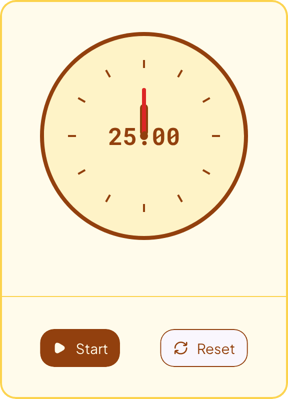
Journals, notebooks and pages with a warm cream and brown look
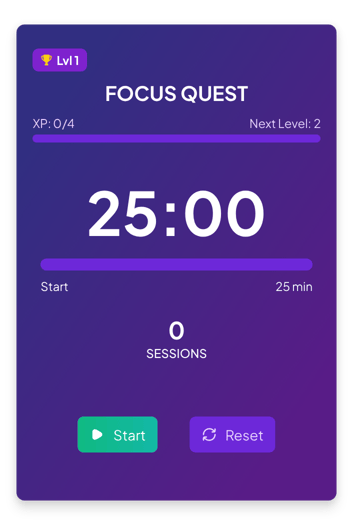
Routines that are easier to keep with a level to reach
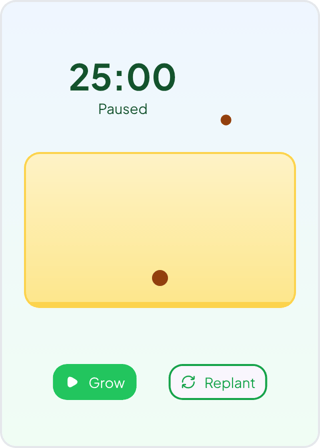
Calm pages where you want to see the session grow
Start from the Normal variant and change any part of it. Try it in your browser first, no account needed.