Widgets for Notion
Choose a widget, make it yours in the editor and embed it in your Notion page with a link. Charts, timers, study tools and small extras, ready to customize.
- 4 categories
- 18 widget types
- 75 variants

Chart widgets
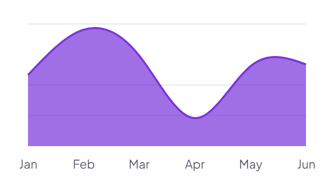
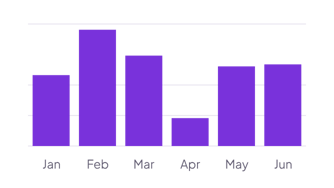
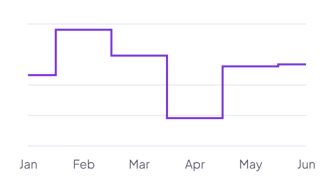
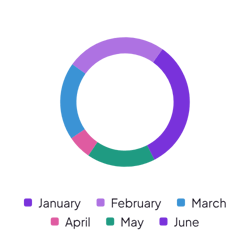
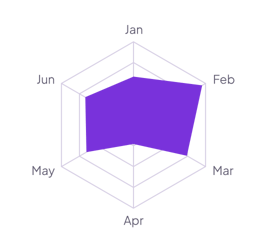
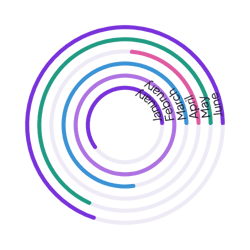
6 typesCharts for the numbers you keep in a Notion database. Pick the labels and the values, then show them as areas, bars, lines, slices, a radar web or rings on your page.
How it works
Three steps take you from this page to a widget in Notion. No code needed.
Create the widget
Click Create widget in Blocky, then choose a category, a widget type and a template.
Make it yours
Connect a Notion database if the widget takes Notion data. Change the text, colors and settings in the editor, then click Save.
Embed it in Notion
Copy the Embed link from the widget's card. On your Notion page, type /embed, choose Embed and paste the link.