
Mood tracker
Log how you feel each day on your Notion page. Pick one of five moods and the widget saves it, so your mood history builds up day by day.
- Moods
- Terrible, Bad, Neutral, Good and Great
- Entries
- One mood per day, saved with the widget
- Notion data
- None needed
5 variants to start from
Pick the one closest to what you want, then change it in the editor.
Variants 1 of 5
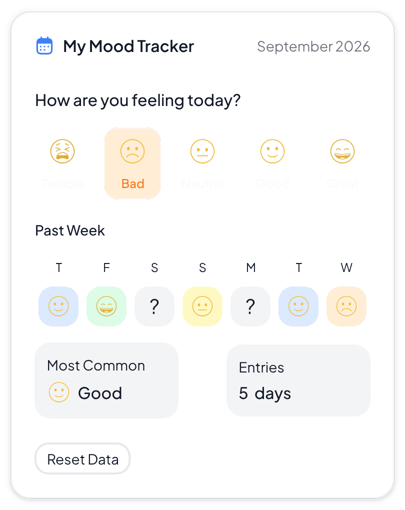 View Normal mood tracker
Normal
Daily journals and personal dashboards that need a clear weekly view
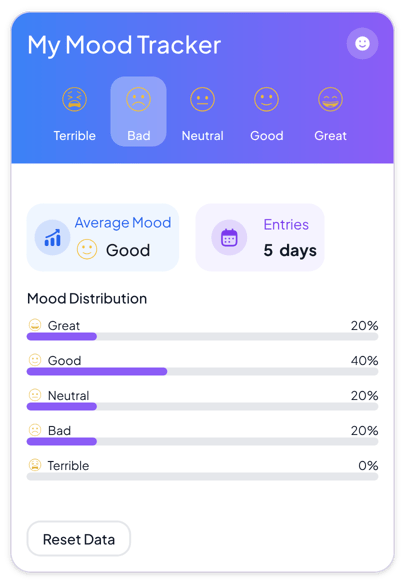 View Gradient mood tracker
Gradient
Wellness dashboards and colorful pages where the balance of moods matters most
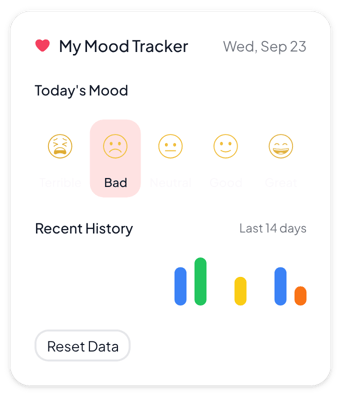 View Minimalist mood tracker
Minimalist
Clean pages and narrow columns where the tracker should stay quiet
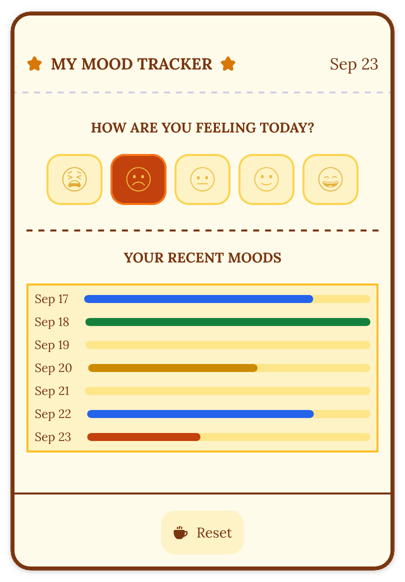 View Retro mood tracker
Retro
Bullet journals, reading diaries and warm pages with a vintage look
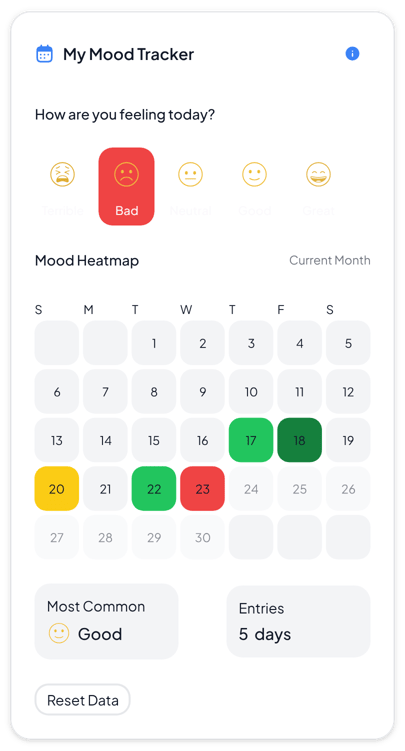 View Heatmap mood tracker
Heatmap
Monthly reviews and journals where you want to see patterns across many days
Add it to Notion in three steps
Pick a variant, make the mood tracker yours in the editor, then embed it in a Notion page.
Create the widget
Click Create widget in Blocky, then choose a category, a widget type and a template.
Make it yours
Connect a Notion database if the widget takes Notion data. Change the text, colors and settings in the editor, then click Save.
Embed it in Notion
Copy the Embed link from the widget's card. On your Notion page, type /embed, choose Embed and paste the link.
More misc widgets
View all misc widgets
Make a misc widget your own
Start from any variant, change the words and colors in the editor, and embed it in Notion with a link.