Morning check-in
Pick a mood as the first step of your morning routine. With Pulse today on, today's bar pulses so you can find it quickly.
How it’s set up
- Title
- Morning mood
- Pulse today
- On
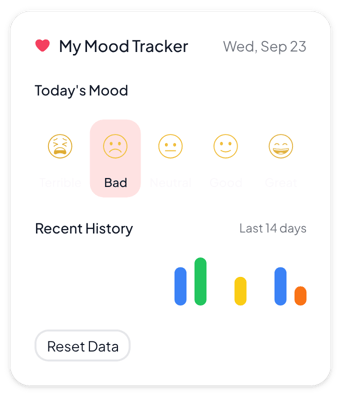
A small white card with a pink heart and today's date. Pick a mood and see the last 14 days as colored bars, with today's bar pulsing.
Each example puts the widget on a Notion page and lists the settings it uses.
Pick a mood as the first step of your morning routine. With Pulse today on, today's bar pulses so you can find it quickly.
Trying a change, like no coffee after noon? Log your mood for 14 days and compare the bars with your notes.
Log your mood after each run next to your training plan. Rename the top mood to match how a good run feels.
The same mood tracker widget with a different look. Each variant has its own page.
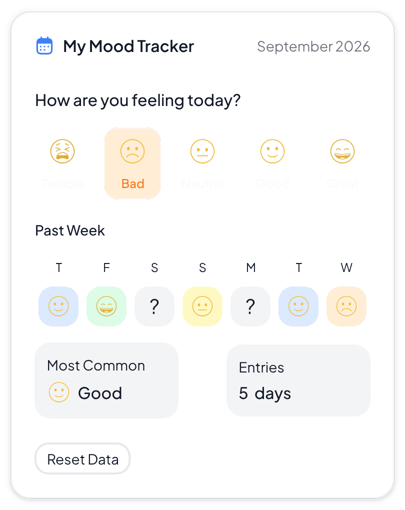
Daily journals and personal dashboards that need a clear weekly view
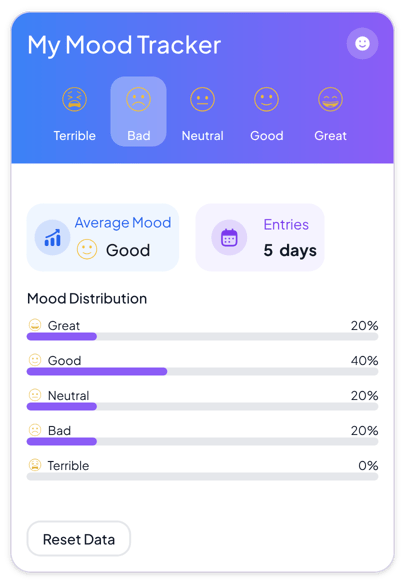
Wellness dashboards and colorful pages where the balance of moods matters most
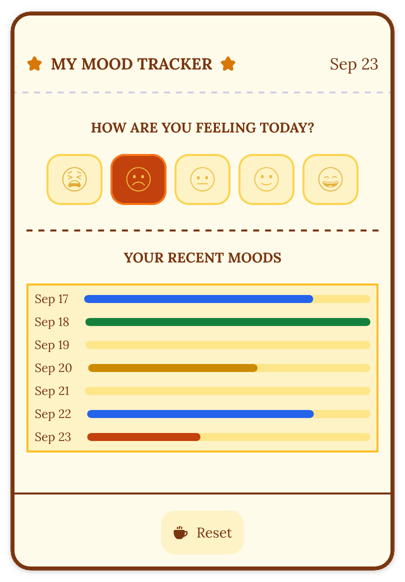
Bullet journals, reading diaries and warm pages with a vintage look
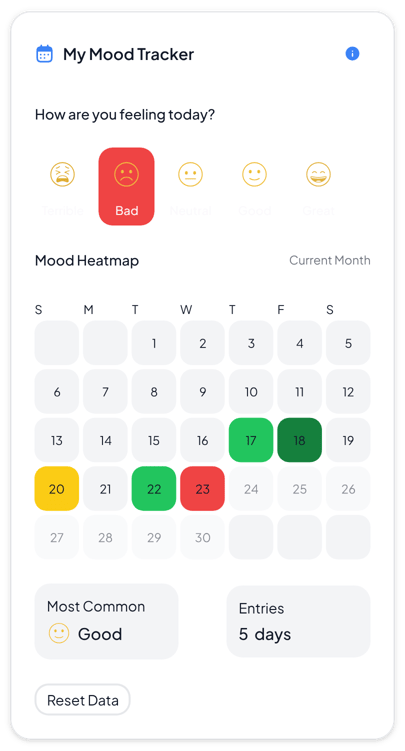
Monthly reviews and journals where you want to see patterns across many days
Start from the Minimalist variant and change any part of it. Try it in your browser first, no account needed.