Wellness dashboard
Put the tracker at the top of your wellness page and log a mood each day. The bars show which moods come up most.
How it’s set up
- Title
- How I feel
- Show percents
- On
A blue-to-purple header holds the mood tiles. Below it, purple bars show how often you picked each mood, next to your entry count.
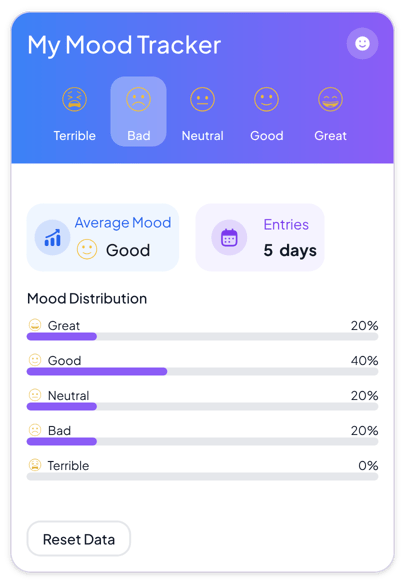
Each example puts the widget on a Notion page and lists the settings it uses.
Put the tracker at the top of your wellness page and log a mood each day. The bars show which moods come up most.
Log a mood after each study day. Before exams, look at the bars to see how the semester has felt.
Log how each workday felt while you settle in. After a month, the bars show whether good days outnumber bad ones.
The same mood tracker widget with a different look. Each variant has its own page.
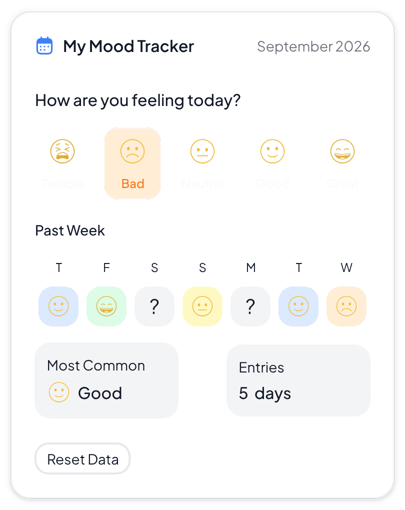
Daily journals and personal dashboards that need a clear weekly view
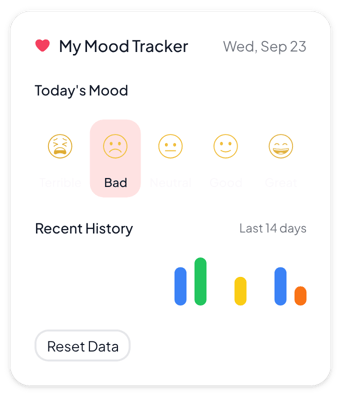
Clean pages and narrow columns where the tracker should stay quiet
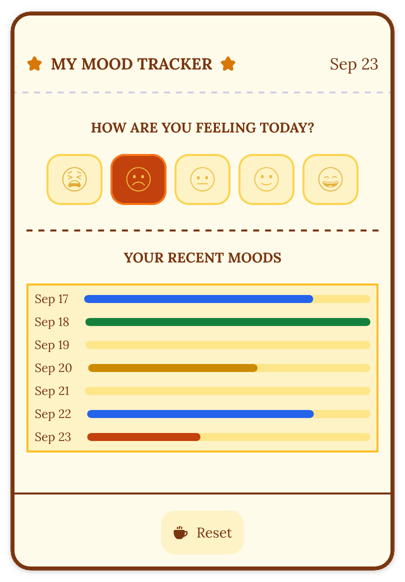
Bullet journals, reading diaries and warm pages with a vintage look
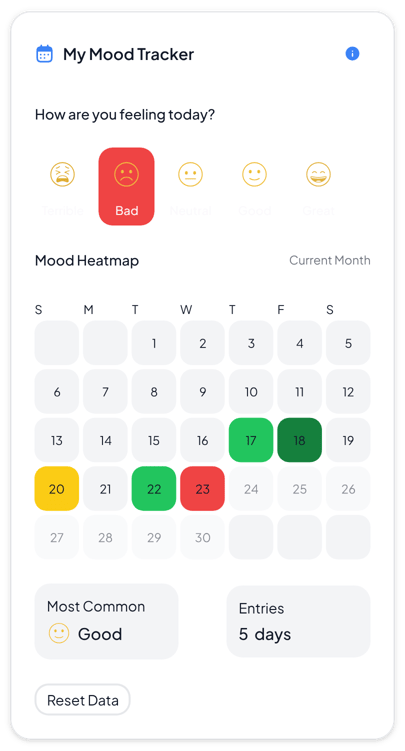
Monthly reviews and journals where you want to see patterns across many days
Start from the Gradient variant and change any part of it. Try it in your browser first, no account needed.