
Heatmap Mood Tracker
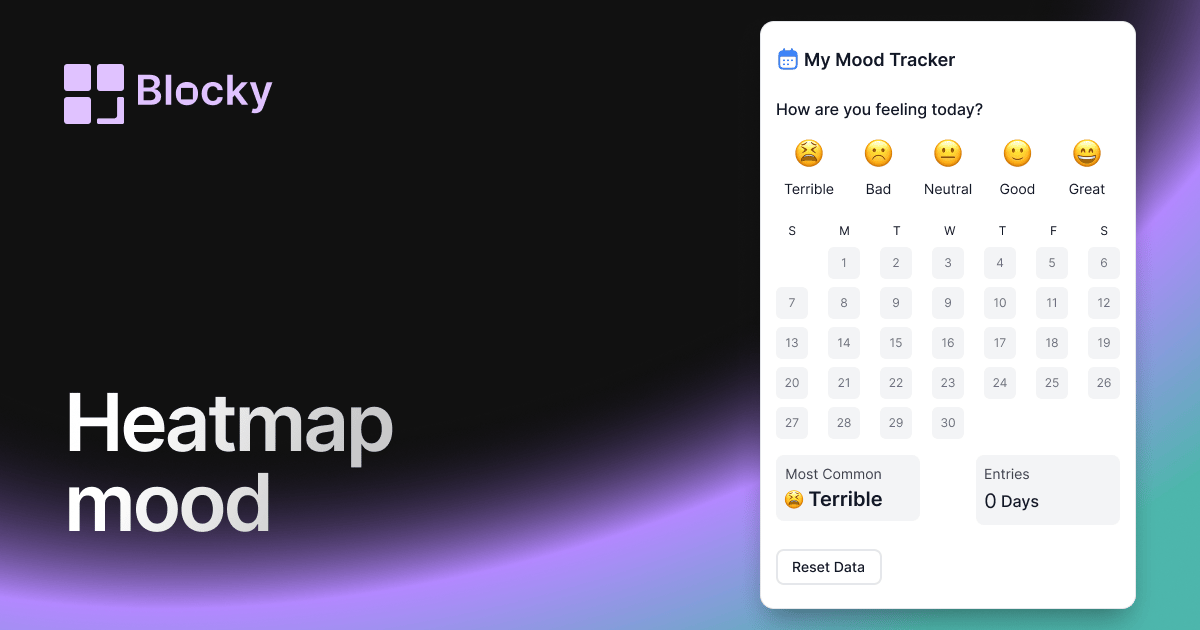
Visualize mood patterns over time with a calendar heatmap view in Notion. Ideal for long-term tracking and emotional trend spotting.
Inspect the widget before it reaches a live page.
Tune labels, data, colors, and layout from one editor.
Embed the finished specimen back into Notion.
Specimen notes — Heatmap Mood Tracker
Heatmap Mood Tracker Widget for Notion
The Heatmap Mood Tracker brings a data-visualization twist to emotional awareness. Designed like a calendar heatmap, this widget helps you quickly spot patterns, streaks, and fluctuations in your mood over time—directly inside Notion.
It’s an ideal tool for journaling, therapy tracking, self-reflection, or simply staying in touch with your emotional trends.
Use Cases
- Mental Health Logs: Understand your mood frequency over weeks and months.
- Journaling Dashboards: Complement reflections with emotional data.
- Therapy & Self-Tracking: Spot improvement areas or recurring dips.
- Visual Habit Pairing: Compare mood with habits, productivity, or sleep.
- Year in Review: Reflect on your emotional journey with one glance.
Features
- Calendar-style grid with mood-based color intensity
- Hover or tap to show mood label and date
- Custom color mapping per mood tag
- Automatically syncs to your Notion mood database
- Responsive grid layout for mobile and desktop
Customization Options
- Connect to a Notion database with daily mood entries
- Assign color intensity to each mood (calm, stressed, happy, etc.)
- Choose timeframe: last 30 days, month, or full year
- Toggle tooltip: show mood label and/or notes
- Customize square shape, spacing, and border radius
- Dark/light mode options for full theme matching
Always in Sync with Notion
Each mood entry you log in Notion updates the heatmap in real time. The more consistently you track, the more valuable and visually rich the chart becomes—letting patterns emerge naturally.
How to Embed in Notion
- Open Blocky and select the Heatmap Mood Tracker variant.
- Connect your mood-tracking database.
- Map your tags or mood labels to colors.
- Choose your layout and display preferences.
- Copy your embed link.
- Paste it into Notion with
/embed.
It’s your emotional calendar—colorful, honest, and beautifully simple.
Nearby variants for the same type.
The current specimen is excluded so the grid only offers alternate treatments.
Related variant
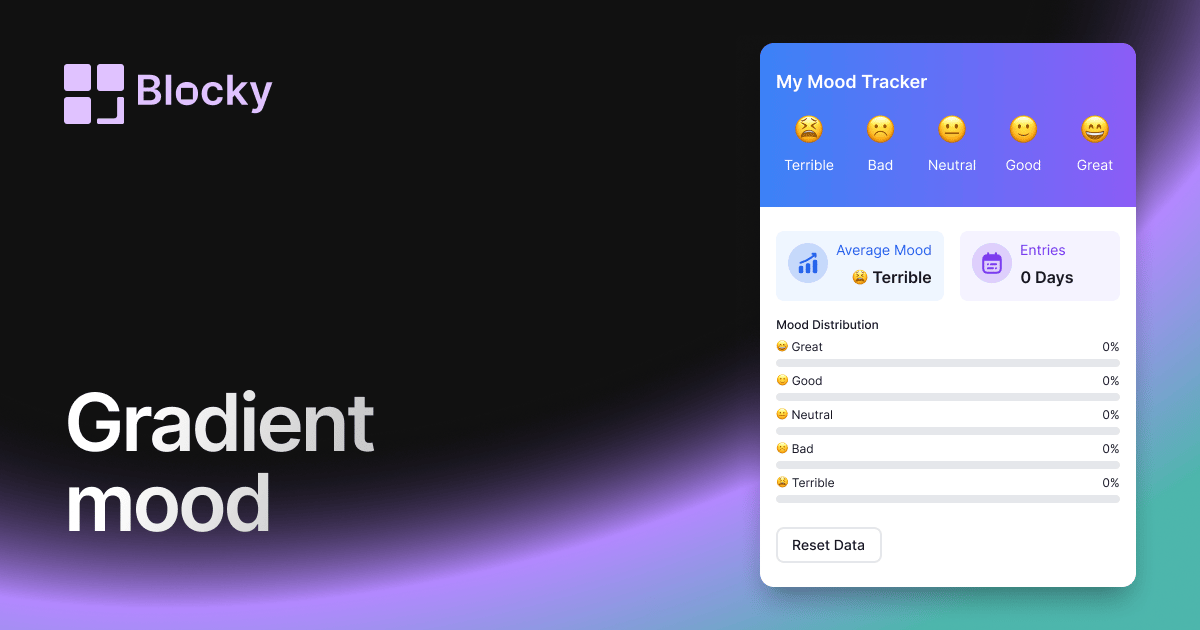
Gradient Mood Tracker
Track moods in Notion with a gradient widget for daily reflections, wellness dashboards, and easy visual pattern spotting.
Open related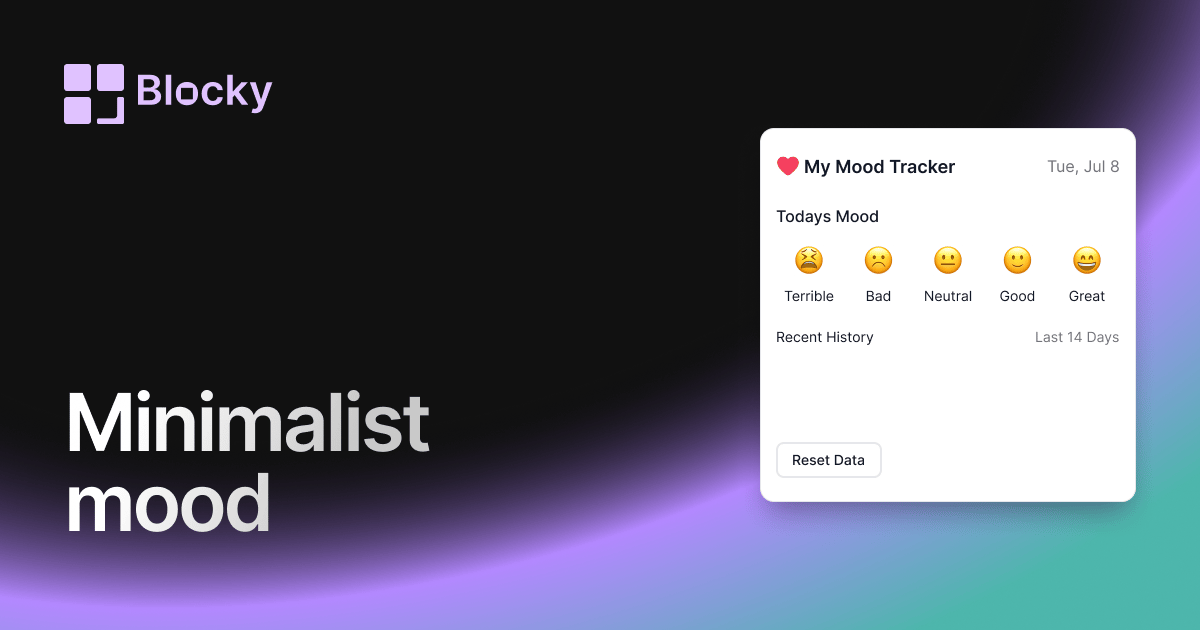
Related variant
Minimalist Mood Tracker
Keep things clean and clear with a lightweight mood tracker for Notion. Perfect for focused emotional logging without distractions.
Open related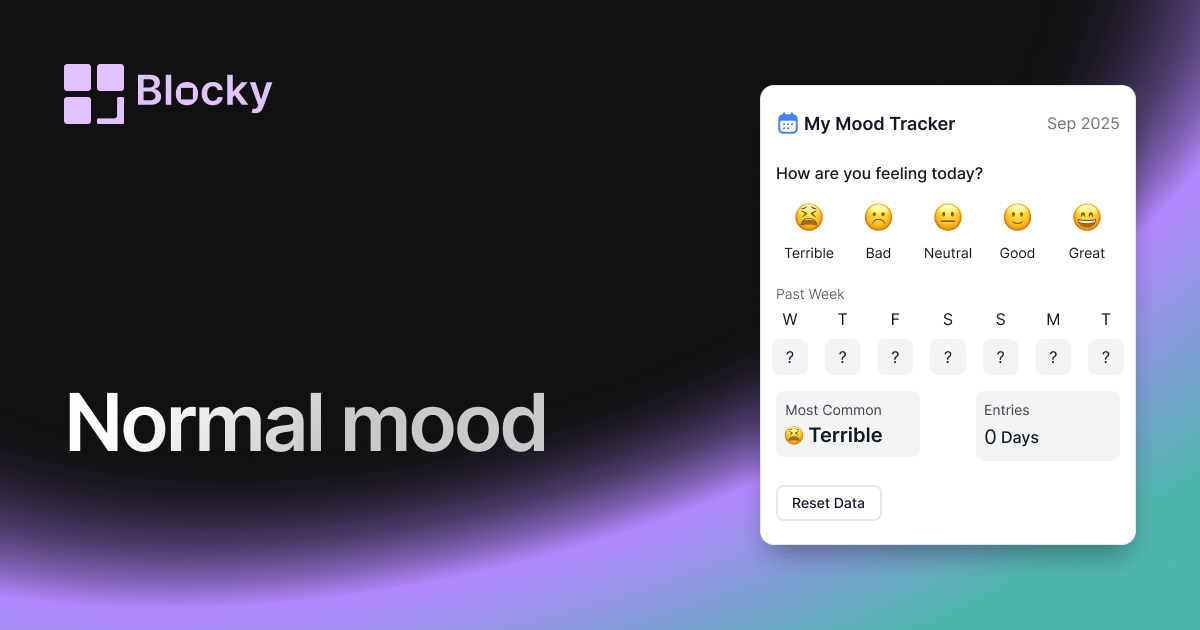
Related variant
Normal Mood Tracker
Track your emotional well-being daily with the classic Mood Tracker widget. Simple, clean, and great for personal reflection.
Open related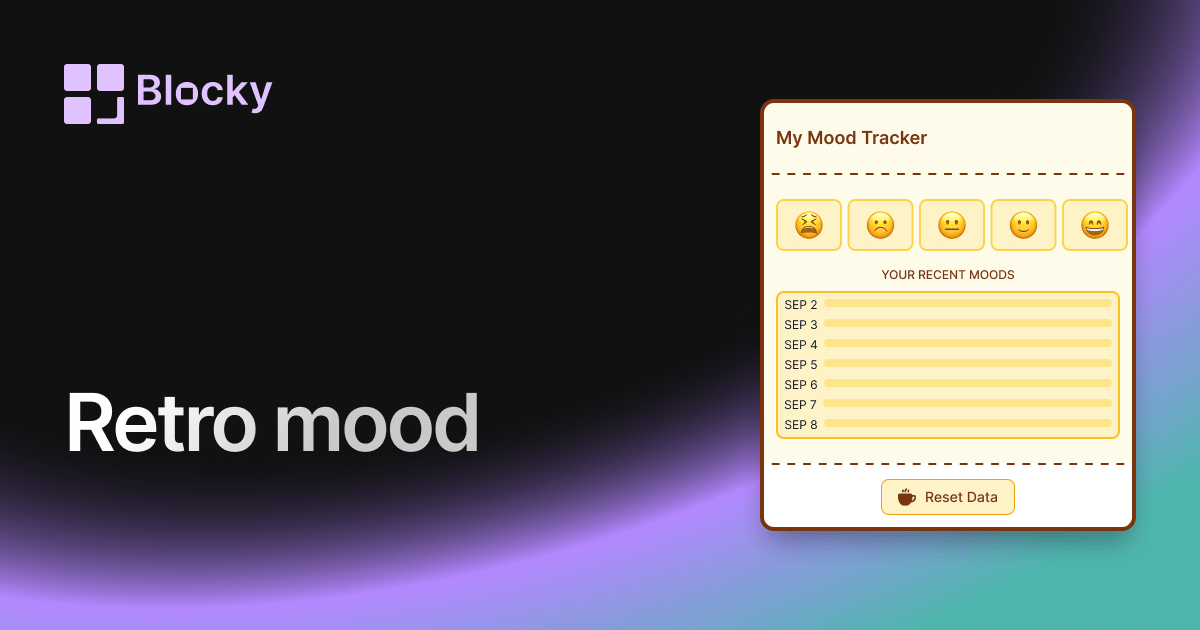
Related variant
Retro Mood Tracker
Bring nostalgic vibes into your mood tracking with a pixel-inspired, vintage color scheme. Ideal for journaling enthusiasts who love a retro aesthetic.
Open related