Evening reflection
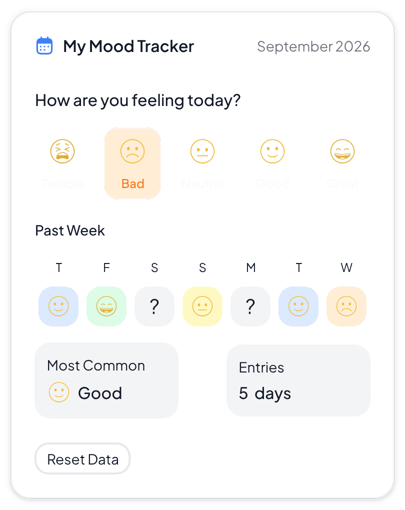
Pick your mood at the end of each day as part of your evening routine. The week row shows how the last seven days went.
How it’s set up
- Title
- Evening check-in
- View
- Week
The classic layout: a white card with mood tiles and a row for the past week. Pick how you feel today, then see your most common mood and your entry count.
Each example puts the widget on a Notion page and lists the settings it uses.
Pick your mood at the end of each day as part of your evening routine. The week row shows how the last seven days went.
Keep a week of moods next to your therapy notes. Rename the moods to match the words you use in sessions.
Log your mood each morning and your hours of sleep in a table below. Over a week you can see how rest affects your day.
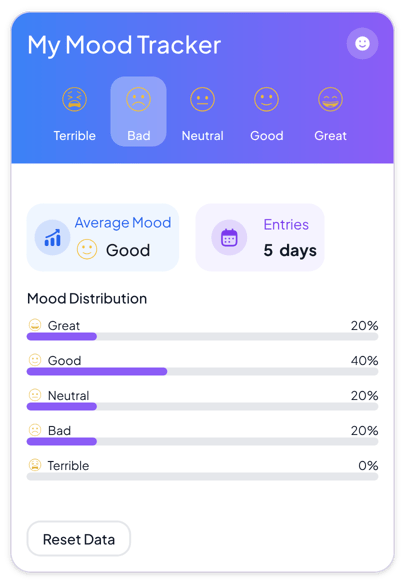
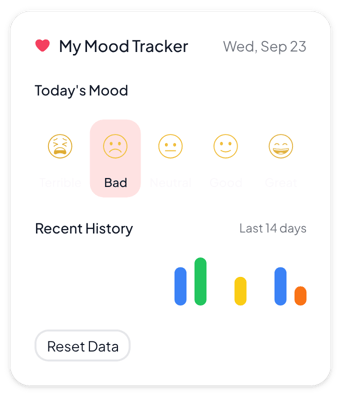
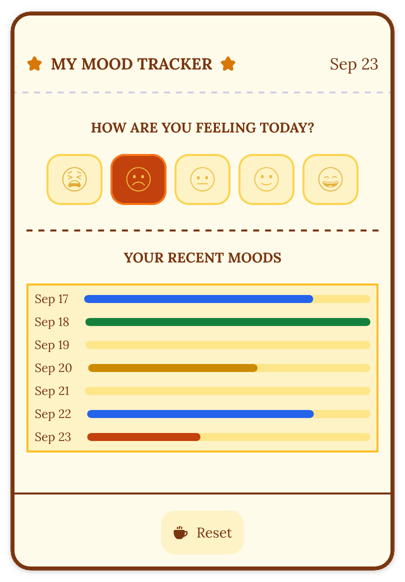
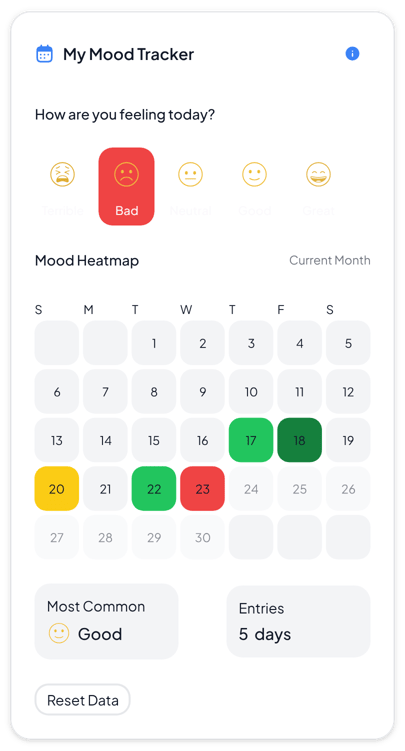
The same mood tracker widget with a different look. Each variant has its own page.
Wellness dashboards and colorful pages where the balance of moods matters most
Clean pages and narrow columns where the tracker should stay quiet
Bullet journals, reading diaries and warm pages with a vintage look
Monthly reviews and journals where you want to see patterns across many days
Start from the Normal variant and change any part of it. Try it in your browser first, no account needed.