How do I create a habit tracker in Notion?

How to create a habit tracker in Notion

Learn how to create a habit tracker in Notion with Blocky, compare habit variants, preview the editor, and publish an embed.

01Guide

Create habit trackers in Notion with Blocky.

These notes target the common Google question and explain the no-code Blocky flow before you choose a variant.

How to create a habit tracker in Notion with Blocky

Use Blocky to create a habit tracker in Notion for routines, streaks, wellness, reading, or study goals. Choose the Habit Trackers widget, add the habits you want to follow, and preview the tracker layout before embedding it.

The editor lets you style habit rows, progress states, colors, spacing, and visual feedback. Copy the embed URL into Notion once the tracker matches your dashboard.

Habit tracker variants

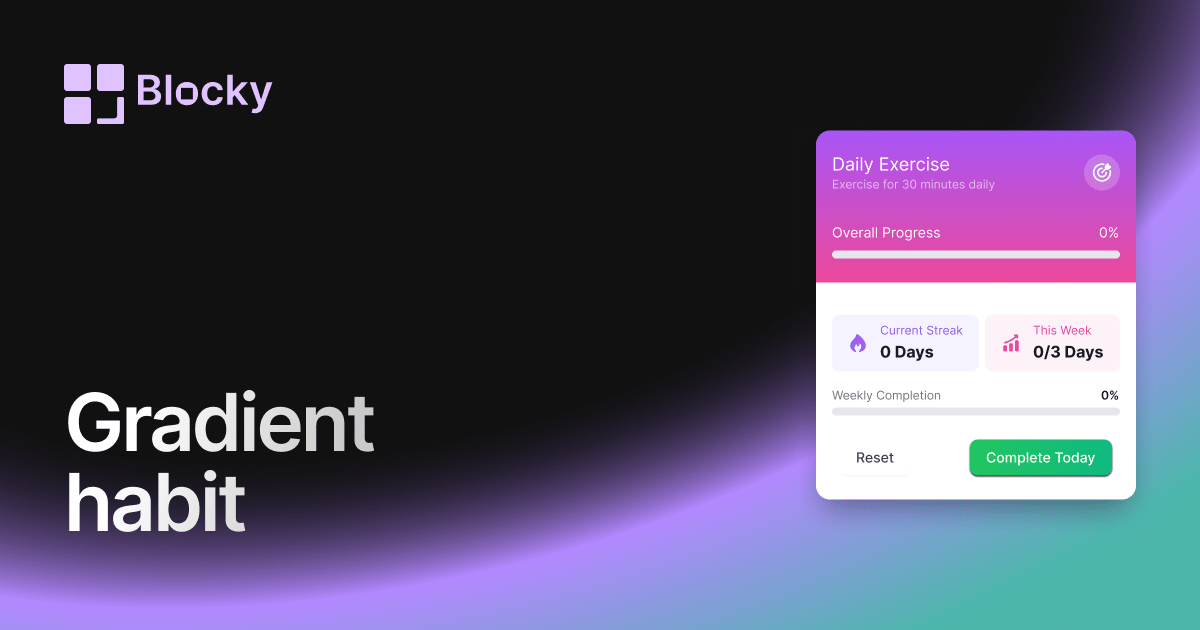
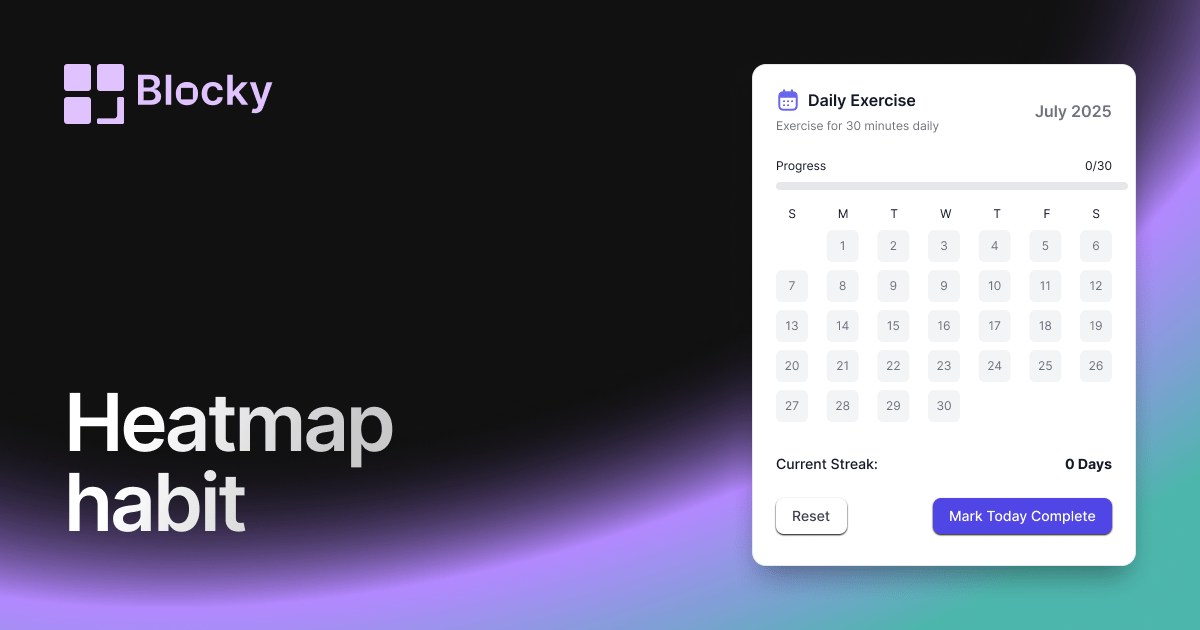
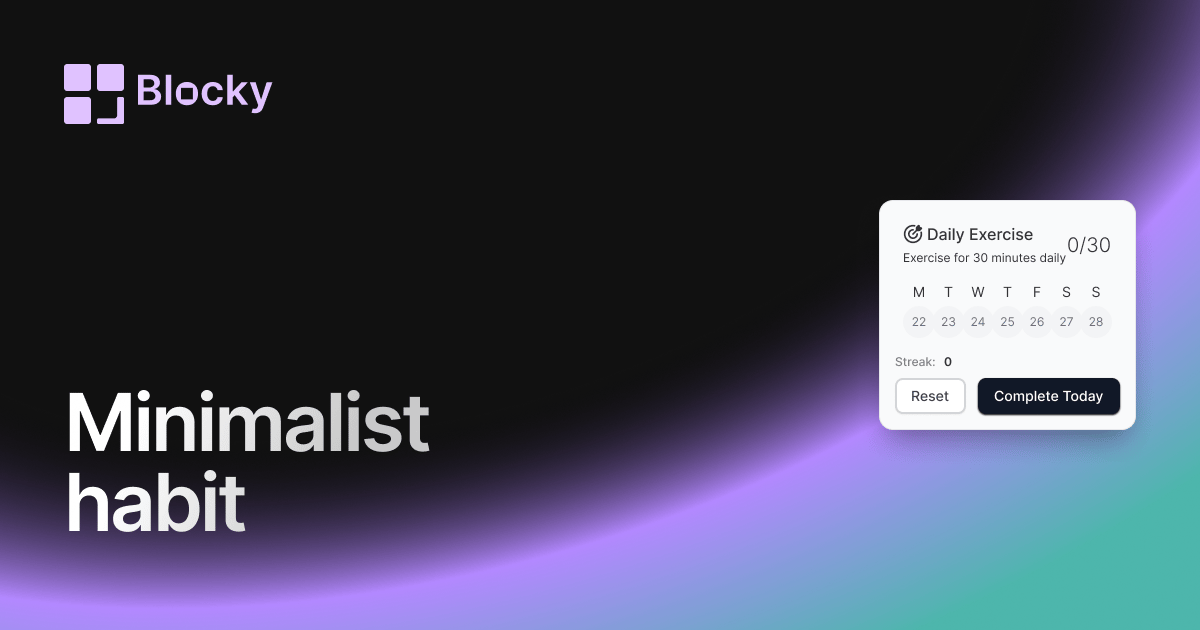
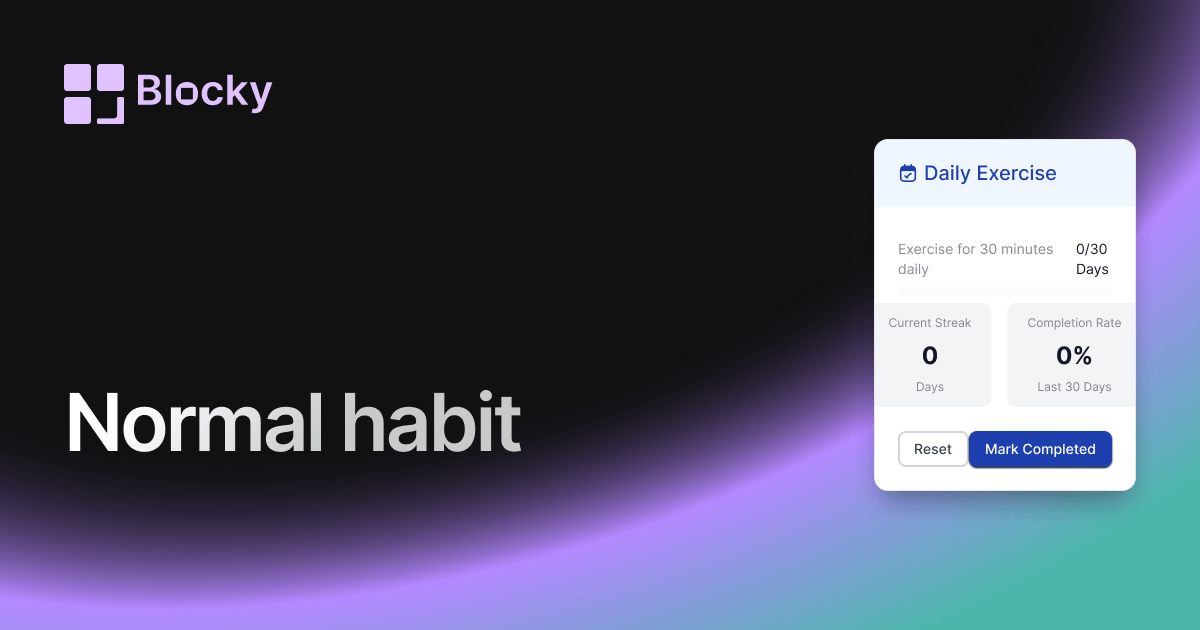
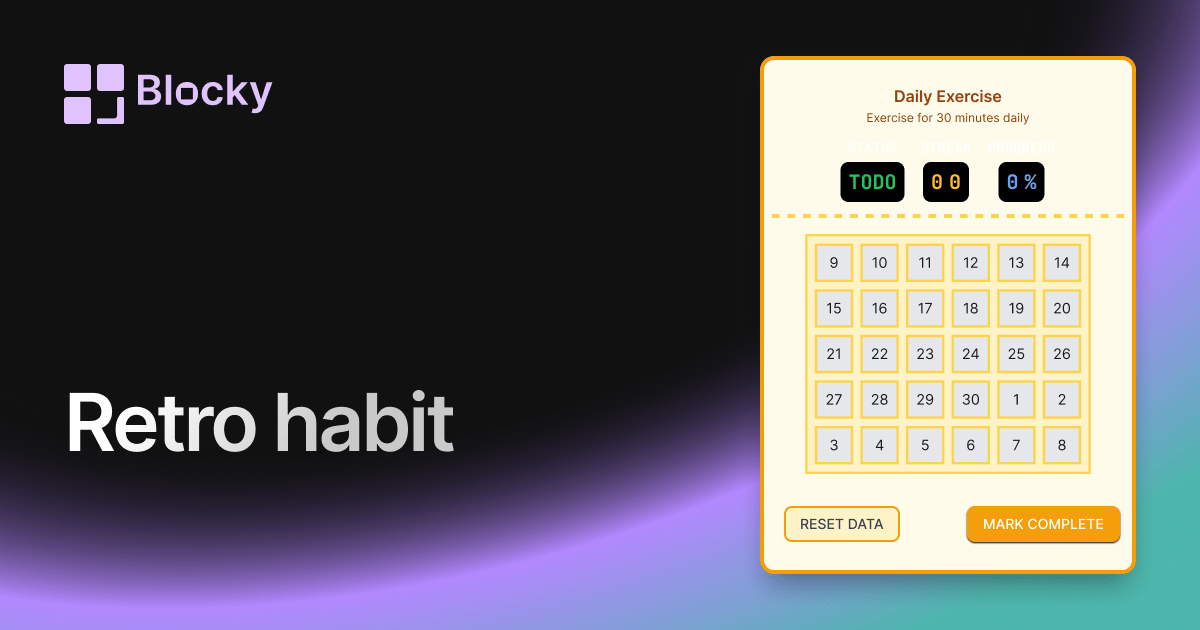
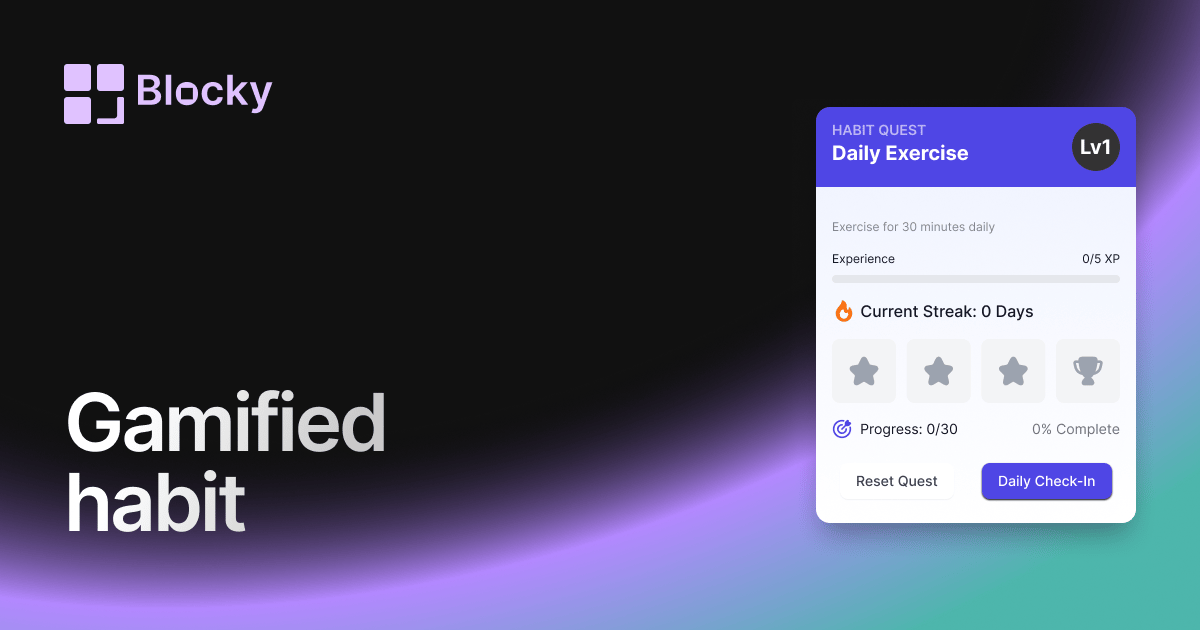
Blocky includes Normal, Minimalist, Retro, Gradient, Heatmap, and Gamified habit tracker variants. Use the variant pages to compare the structure and choose the right motivator for your workspace.

Benefits of a Notion habit tracker

A habit tracker keeps routines visible where planning already happens. It helps you connect goals, tasks, and reflections in Notion while using a more visual progress interface than a plain database table.

02Steps

The Blocky setup flow.

Use this sequence to create, preview, publish, and embed the widget inside a Notion page.

  1. 01

    Pick the widget type in Blocky and start from the closest template.

  2. 02

    Connect a Notion database or add the manual values the widget needs.

  3. 03

    Adjust the variant, colors, labels, sizing, and preview state in the editor.

  4. 04

    Copy the Blocky embed URL and paste it into Notion with the /embed block.

04Benefits

Why add habit trackers to Notion?

Blocky keeps the widget beside the notes, projects, and dashboards where the context already lives.

Keep habit trackers visible beside the Notion page where the work is planned.

Use a live preview before publishing so the embed matches the dashboard layout.

Update the Blocky widget once and keep the Notion embed URL stable.

Studio · CustomizeLive preview

Compose · Preview · Embed

Customize a widget, then embed it anywhere in Notion

Shape one of Blocky’s 60+ widgets to your data and layout, preview the result live, then drop the embed link into any Notion page. Sign in to start customizing.

Start customizing