
Gradient Progress Tracker
Add a gradient progress tracker to Notion for colorful goal tracking, study progress, project milestones, and habits.
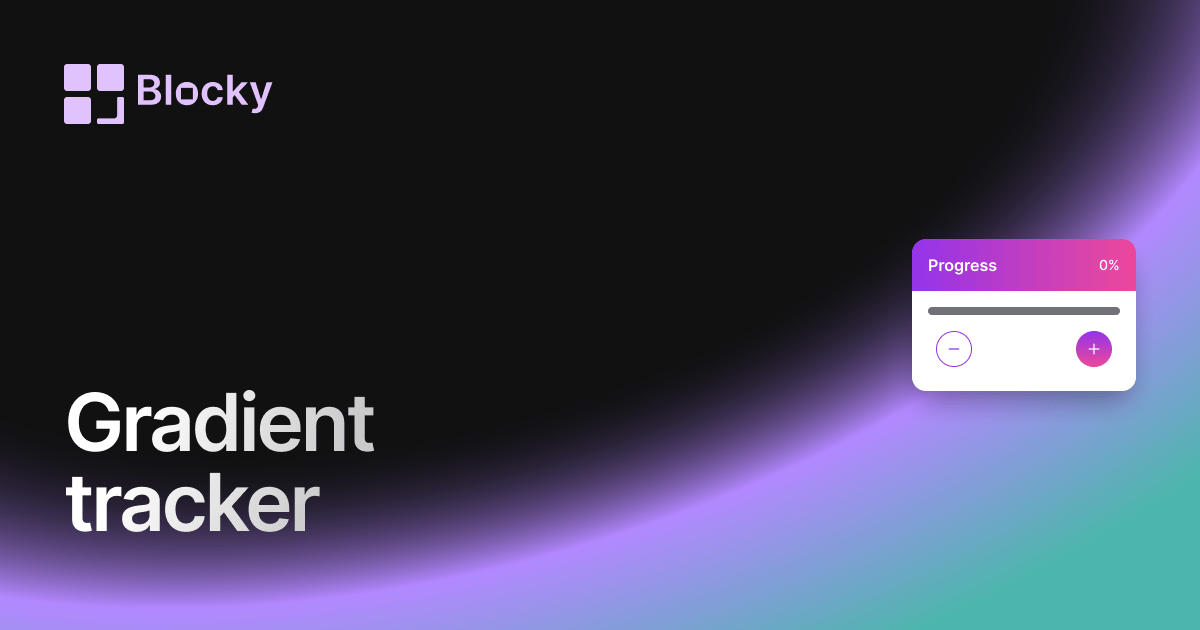
Inspect the widget before it reaches a live page.
Tune labels, data, colors, and layout from one editor.
Embed the finished specimen back into Notion.
Specimen notes — Gradient Progress Tracker
Gradient Progress Tracker Widget for Notion
The Gradient Progress Tracker blends functionality with aesthetics, using vivid color transitions to show progress in an eye-catching way. Whether you're completing a course, finishing a book, or hitting daily milestones, this variant lets you visualize your journey with elegance.
Ideal for colorful dashboards, personal growth pages, or visually driven Notion workspaces.
Use Cases
- Learning Dashboards: Show progress through colorful study bars.
- Aesthetic Goal Pages: Match your widget with your Notion workspace’s palette.
- Business KPIs: Track objectives with a vibrant progress line.
- Mood & Wellness Logs: Reflect balance or growth visually.
- Monthly Challenge Boards: Add visual flair to your completion bars.
Features
- Smooth gradient fill that reflects progress visually
- Optional label with % and value display
- Multiple prebuilt color themes or custom hex gradients
- Adjustable bar height, radius, and spacing
- Subtle animations for smooth transitions
Customization Options
- Link to a Notion database with value + total fields
- Choose gradient colors (start → end)
- Customize bar thickness, width, and animation speed
- Toggle percentage, numeric, or title labels
- Responsive to dark/light Notion themes
- Optional label alignment and emoji indicators
Always Synced with Notion
The Gradient Progress Tracker auto-updates as your Notion database changes. Just update your items or values, and the progress bar reflects it in real time—always matching your data.
How to Embed in Notion
- Open Blocky and choose the Gradient Progress Tracker variant.
- Connect your Notion database.
- Select completed and total fields for your goal.
- Customize the gradient, size, and display format.
- Copy your embed URL and paste it into Notion using
/embed.
Now your progress looks as good as it feels.
Nearby variants for the same type.
The current specimen is excluded so the grid only offers alternate treatments.
Related variant
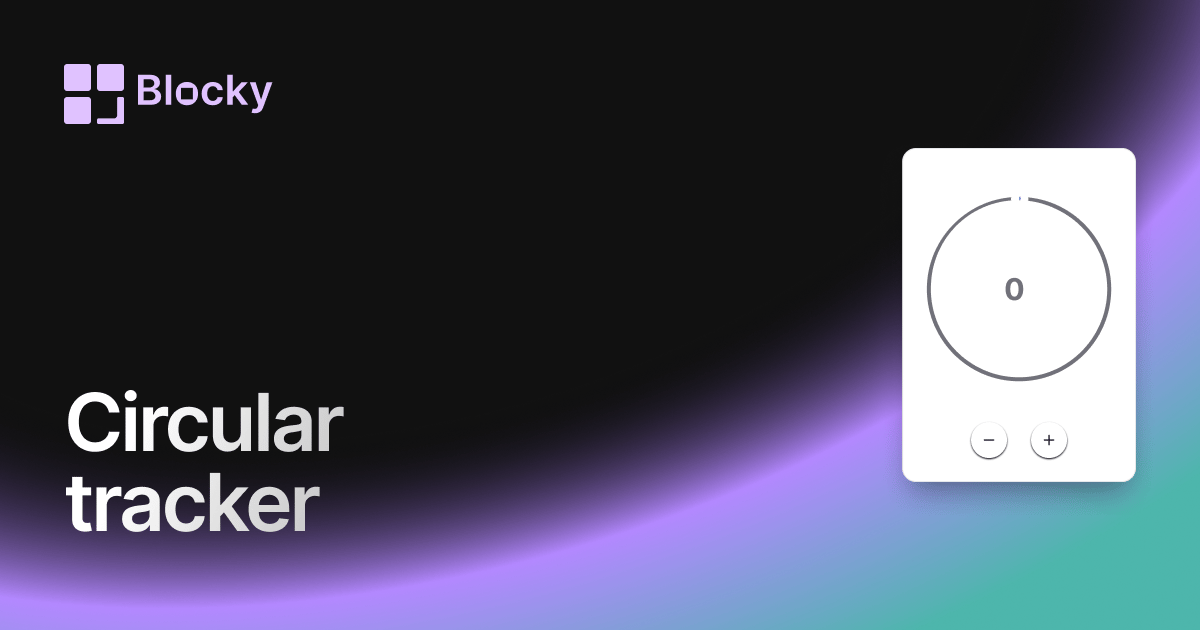
Circular Progress Tracker
Track progress with a beautiful circular widget that fits cleanly in your Notion dashboard.
Open related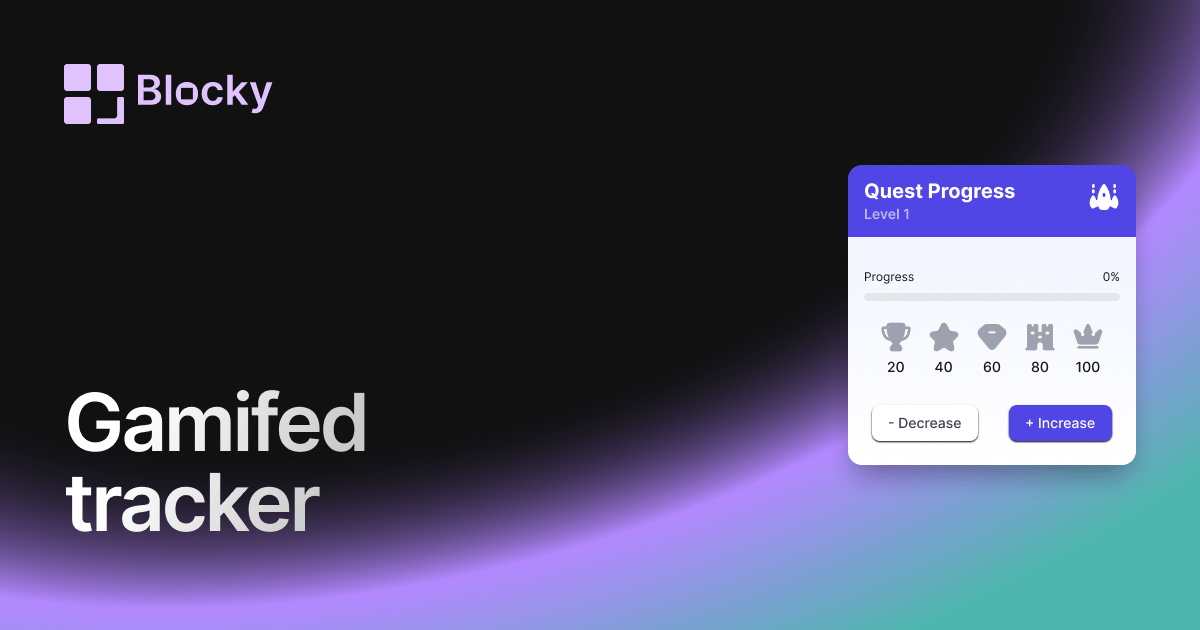
Related variant
Gamified Progress Tracker
Track Notion goals with a gamified progress widget that adds rewards, milestones, and motivation to daily dashboards.
Open related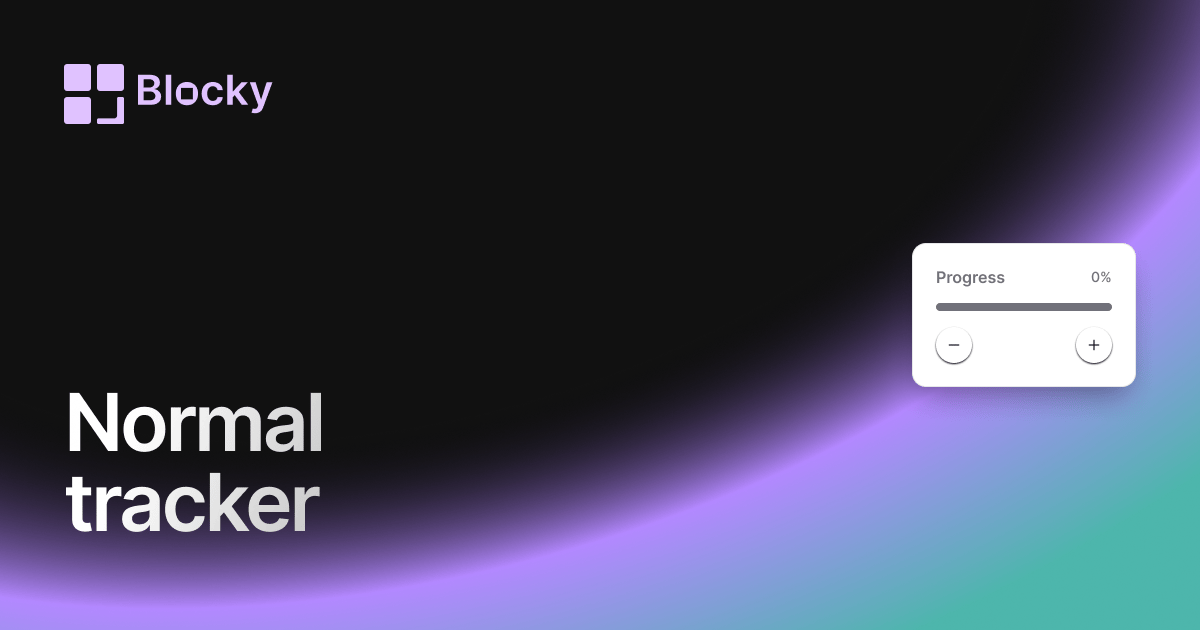
Related variant
Normal Progress Trackers
Track goals and habits in Notion with a clean progress tracker widget for projects, study plans, and routines.
Open related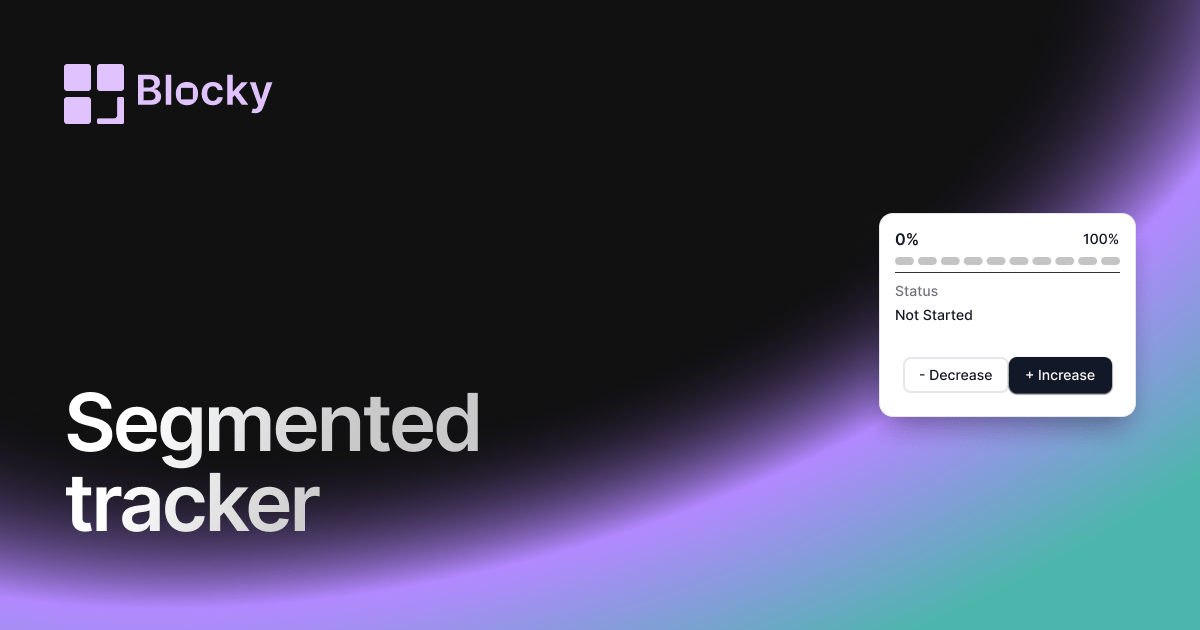
Related variant
Segmented Progress Tracker
Track Notion goals step by step with segmented progress bars for projects, habits, courses, and milestone dashboards.
Open related