Mock exam
Set the goal to the 50 questions on the practice paper and press Increase after each one. The five milestones sit at 10, 20, 30, 40 and 50.
How it’s set up
- Title
- Exam quest
- Goal
- 50
- Step size
- 1
An indigo header shows Quest Progress and your level above a thick indigo bar and a row of emoji milestones. Press Increase to move one step, and faded milestones fill in as you reach them.
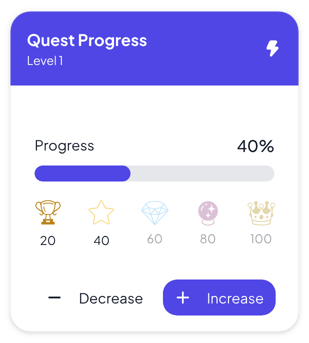
Each example puts the widget on a Notion page and lists the settings it uses.
Set the goal to the 50 questions on the practice paper and press Increase after each one. The five milestones sit at 10, 20, 30, 40 and 50.
Set a goal of 30 correct answers for the whole class and press Increase for each one. Rename the title so the class knows the quest.
Set a goal of 25 small tasks and press Increase after each one. Set Unreached to 20% so the milestones ahead stay faint.
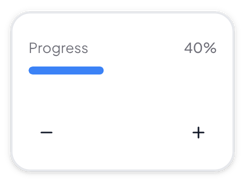
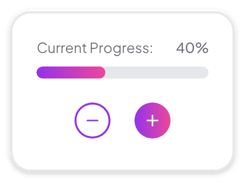
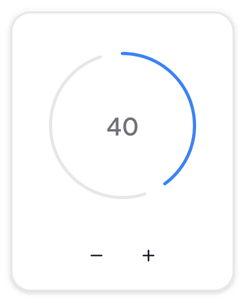
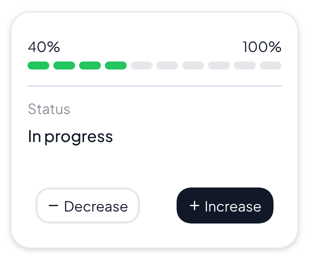
The same progress widget with a different look. Each variant has its own page.
Study sessions, writing sprints and plain pages that need one clear bar
Colorful pages where one session's progress should stand out
Narrow columns and dashboards that show one goal at a glance
Checklists and sessions that move through clear stages
Start from the Gamified variant and change any part of it. Try it in your browser first, no account needed.