Random quote
Leave your quote list empty and press Inspire Me to get a random quote. You do not need to write any quotes.
How it’s set up
- Source
- Written here
- Quotes
- None
A light blue card that fades to white, with blue text and a short accent bar. The author sits between two lines. Press Inspire Me for the next quote.

Each example puts the widget on a Notion page and lists the settings it uses.
Leave your quote list empty and press Inspire Me to get a random quote. You do not need to write any quotes.
Add lines from your coach and from runners you follow. Turn Shuffle on so the order changes each time the page loads.
Write short notes to yourself as quotes, with Note to self as the author. Press Inspire Me before you start each application.
The same quotes widget with a different look. Each variant has its own page.
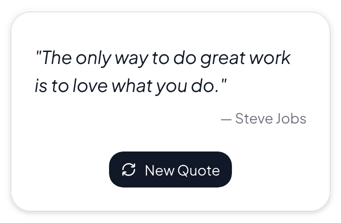
Dashboards, journals and study pages where the quote should be easy to read
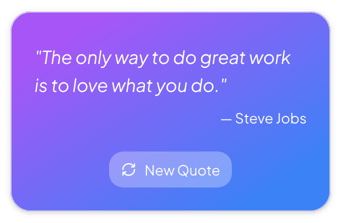
Goal pages and mood boards where the quote also adds color
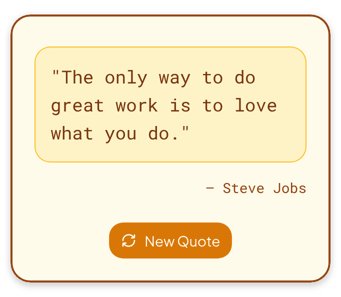
Journals, notebooks and pages with a warm cream and brown look
Start from the Inspirational variant and change any part of it. Try it in your browser first, no account needed.