How do I add a world clock in Notion?

How to add a world clock in Notion

Learn how to add a world clock in Notion with Blocky, compare world clock variants, preview time zones, and publish an embed.

01Guide

Create world clocks in Notion with Blocky.

These notes target the common Google question and explain the no-code Blocky flow before you choose a variant.

How to add a world clock in Notion with Blocky

Use Blocky to add a world clock in Notion when your dashboard needs global time zones. Choose the World Clocks widget, select the cities or time zones you want to show, then preview the clock layout in the editor.

You can customize labels, visual style, spacing, colors, and clock format before copying the embed link. Paste the link into Notion with the embed block and keep time zones visible beside project context.

World clock variants

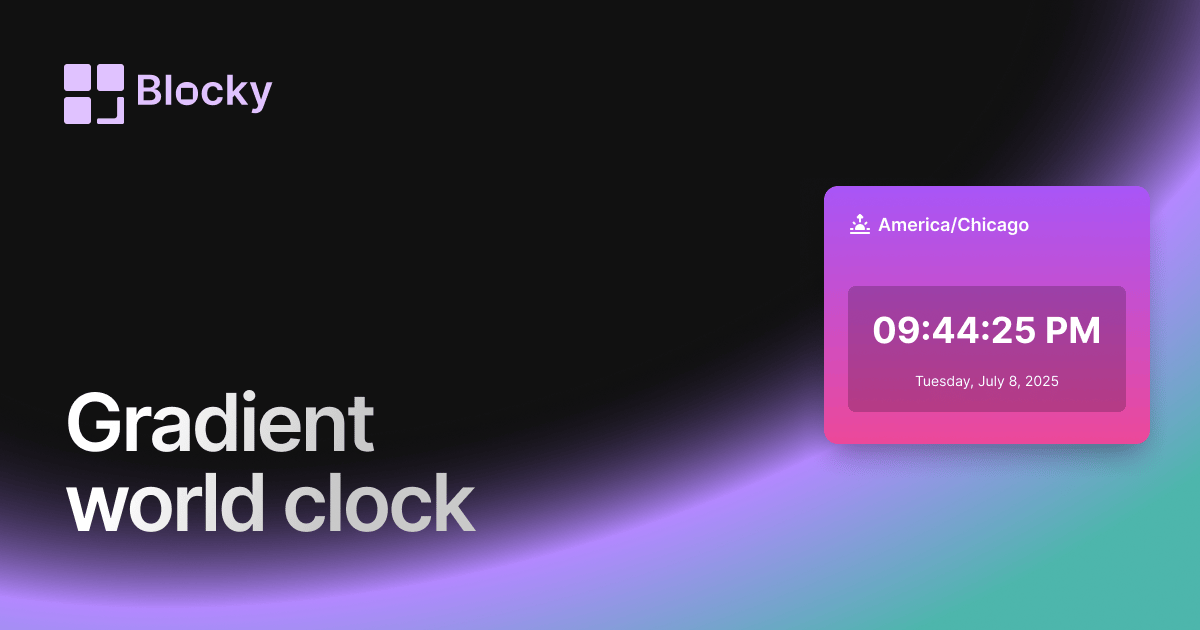
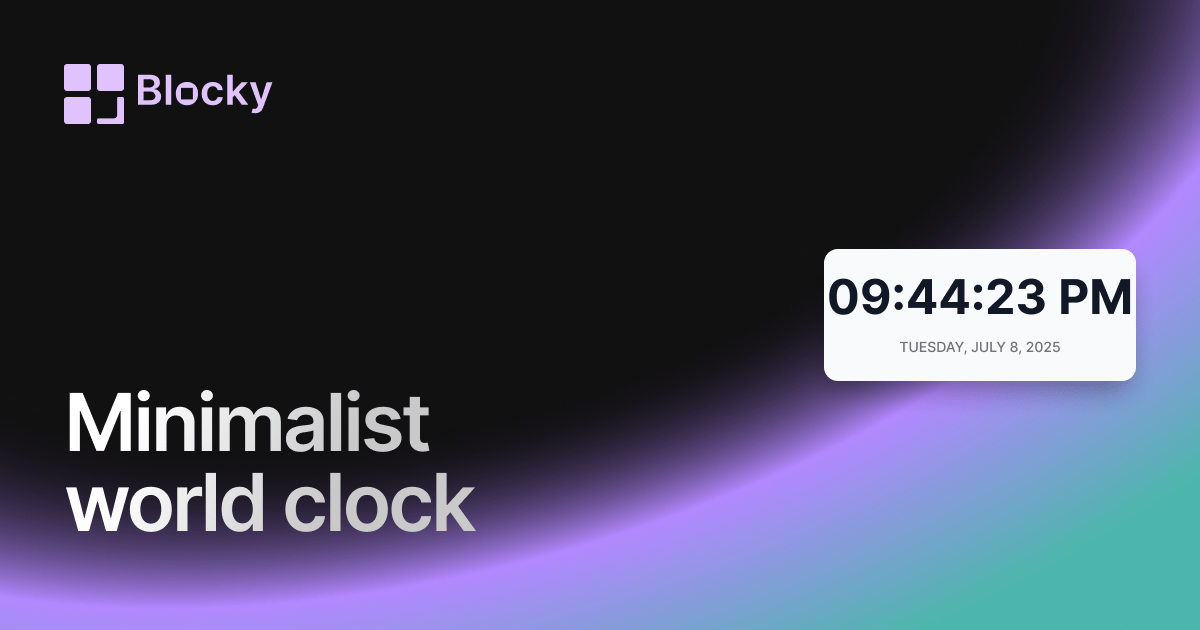
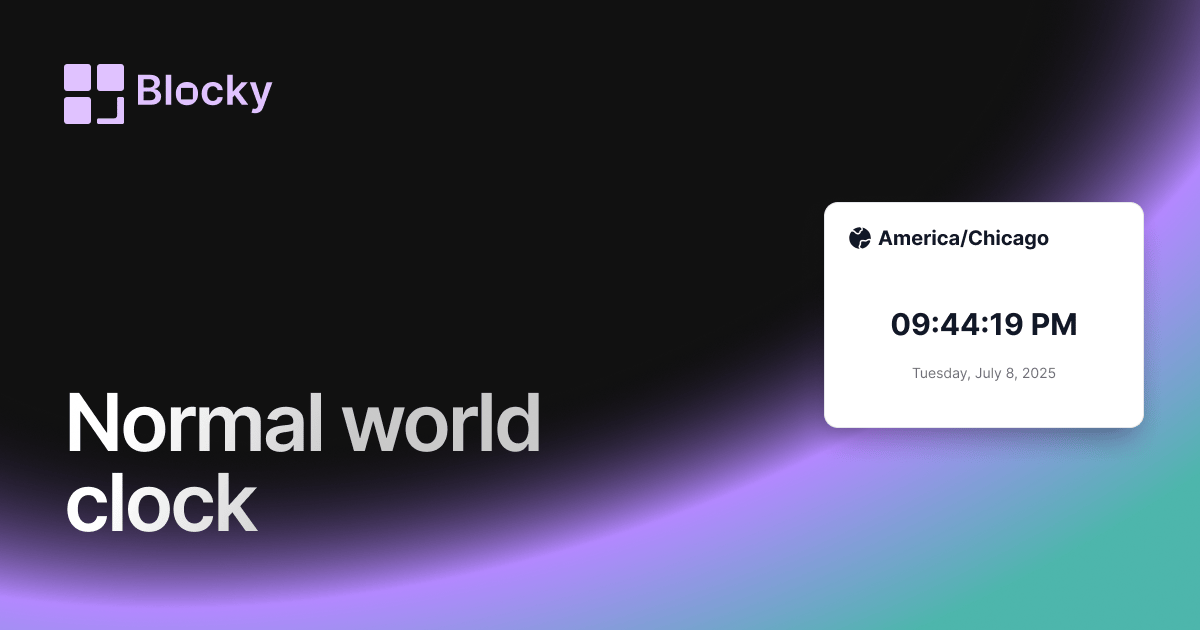
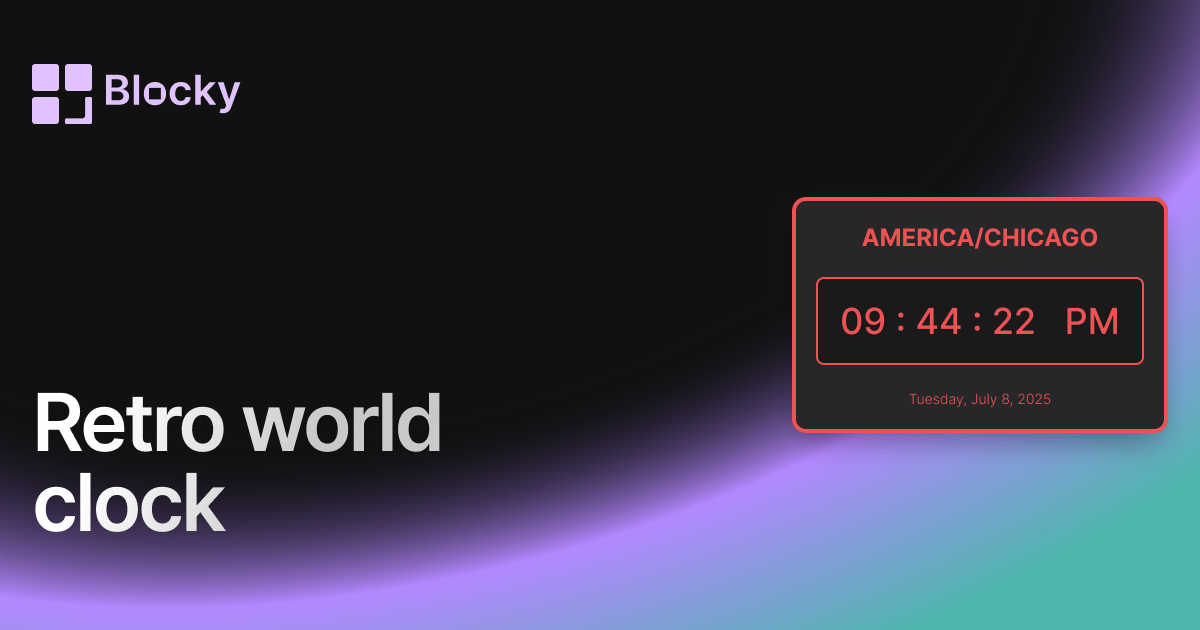
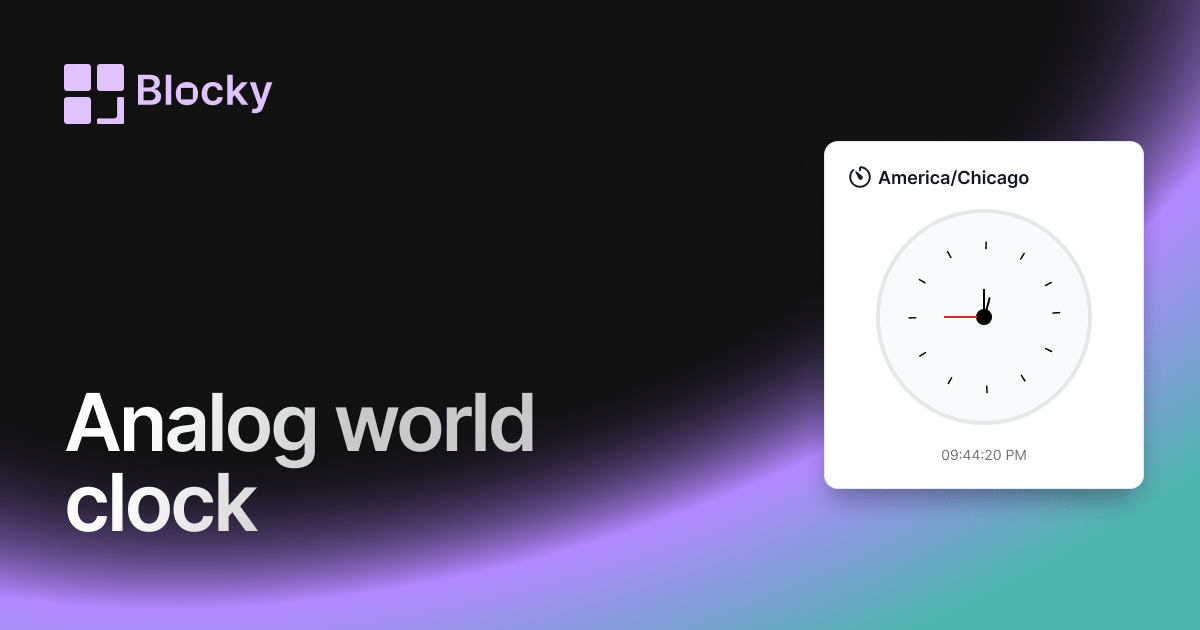
Blocky includes Analog, Normal, Minimalist, Retro, and Gradient world clock variants. Each variant has a linked page and can be compared from the full World Clocks explorer.

Benefits of a Notion world clock

A world clock helps remote teams, creators, travelers, and operators make scheduling decisions without leaving Notion. It keeps time zone awareness inside the same workspace as plans and calendars.

02Steps

The Blocky setup flow.

Use this sequence to create, preview, publish, and embed the widget inside a Notion page.

  1. 01

    Pick the widget type in Blocky and start from the closest template.

  2. 02

    Connect a Notion database or add the manual values the widget needs.

  3. 03

    Adjust the variant, colors, labels, sizing, and preview state in the editor.

  4. 04

    Copy the Blocky embed URL and paste it into Notion with the /embed block.

04Benefits

Why add world clocks to Notion?

Blocky keeps the widget beside the notes, projects, and dashboards where the context already lives.

Keep world clocks visible beside the Notion page where the work is planned.

Use a live preview before publishing so the embed matches the dashboard layout.

Update the Blocky widget once and keep the Notion embed URL stable.

Studio · CustomizeLive preview

Compose · Preview · Embed

Customize a widget, then embed it anywhere in Notion

Shape one of Blocky’s 60+ widgets to your data and layout, preview the result live, then drop the embed link into any Notion page. Sign in to start customizing.

Start customizing