Daily reading
Check in each day you read at least 10 pages. A milestone of 14 days gives you two weeks to aim for.
How it’s set up
- Title
- Reading streak
- Milestone days
- 14
A white card with a light blue header, a large day count and a blue bar toward your milestone. Press Check in today once a day, and the card shows your last visit.
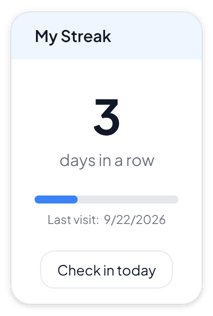
Each example puts the widget on a Notion page and lists the settings it uses.
Check in each day you read at least 10 pages. A milestone of 14 days gives you two weeks to aim for.
Check in after each daily lesson. The last visit date tells you if you already practiced today.
Check in on each day you buy nothing beyond the essentials. A short milestone of 7 days keeps the goal within reach.
The same streaks widget with a different look. Each variant has its own page.
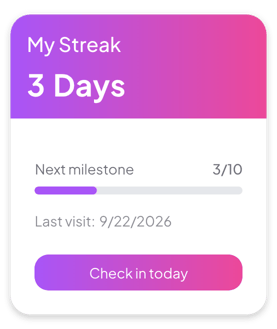
Colorful dashboards and goal pages where the streak should stand out
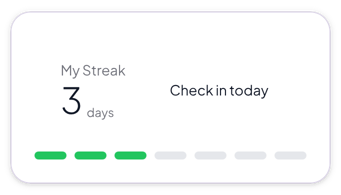
Calm, simple pages where the streak should support the content
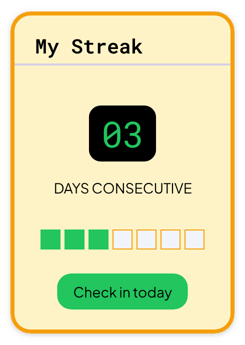
Themed planners and hobby pages with a retro look
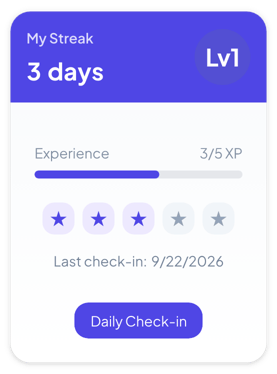
Study planners, family chore charts and people who like levels and badges
Start from the Normal variant and change any part of it. Try it in your browser first, no account needed.