Study sessions
Check in after each study block. Set five badges so one lights up for each check-in until you reach level 2.
How it’s set up
- Title
- Study streak
- Badge count
- 5
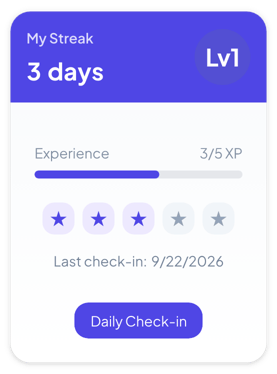
An indigo header with your day count and a level badge, plus an XP bar and star badges. Press Daily Check-in each day. Every 5 days in a row adds a level.
Each example puts the widget on a Notion page and lists the settings it uses.
Check in after each study block. Set five badges so one lights up for each check-in until you reach level 2.
Check in when the day's chores are done. Rename the button so kids know what to press.
Check in after your evening walk. Set the date format to Date and time to see exactly when you last checked in.
The same streaks widget with a different look. Each variant has its own page.
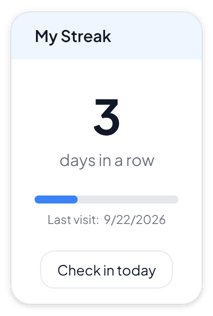
Habit pages and personal dashboards that need a clear daily count
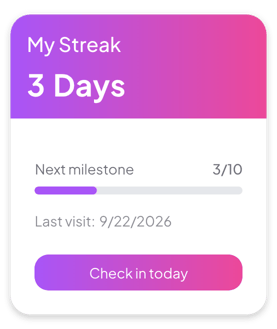
Colorful dashboards and goal pages where the streak should stand out
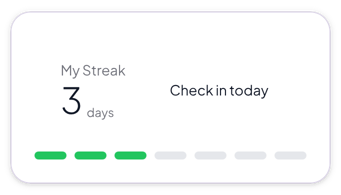
Calm, simple pages where the streak should support the content
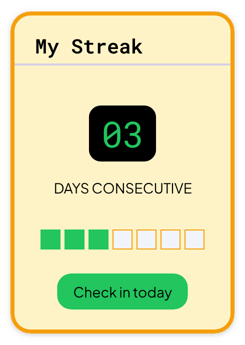
Themed planners and hobby pages with a retro look
Start from the Gamified variant and change any part of it. Try it in your browser first, no account needed.