
Gradient Horoscope
Add a gradient horoscope widget to Notion for daily zodiac prompts, aesthetic dashboards, and lightweight personal check-ins.
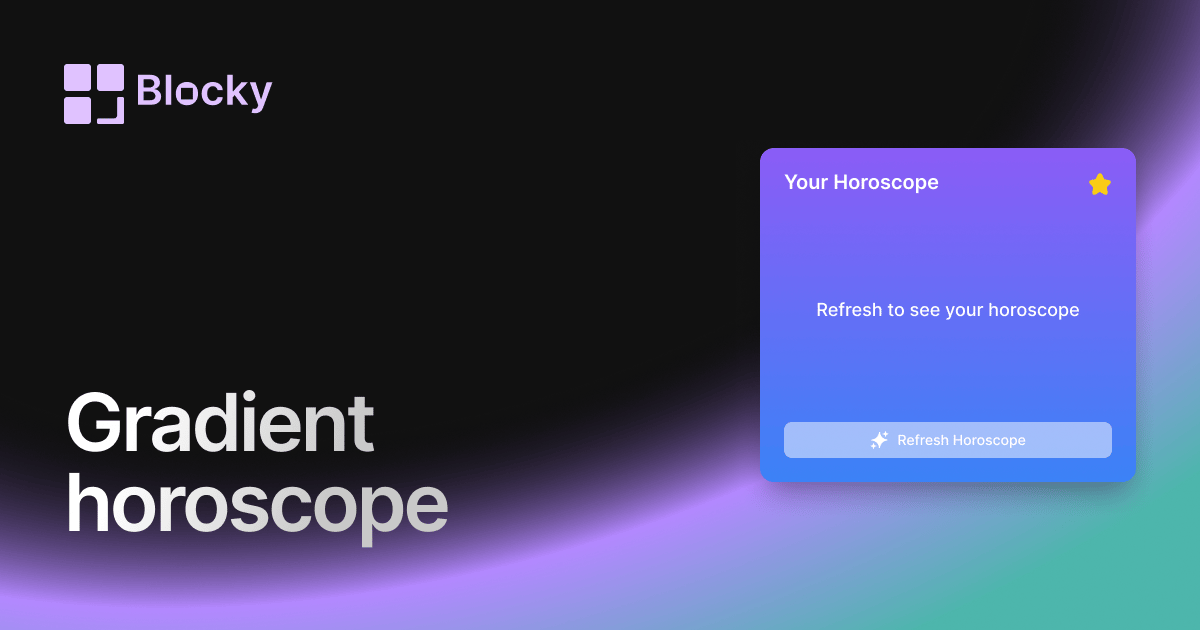
Inspect the widget before it reaches a live page.
Tune labels, data, colors, and layout from one editor.
Embed the finished specimen back into Notion.
Specimen notes — Gradient Horoscope
Select your sign to see your horoscope
Gradient Horoscope Widget for Notion
The Gradient Horoscope widget delivers your daily zodiac forecast in a stylish, colorful design that lights up your Notion dashboard. With a dynamic gradient background and crisp typography, it’s perfect for those who want both spiritual insights and modern aesthetics.
Whether you're a casual astrology fan or a dedicated zodiac follower, this widget brings a burst of cosmic guidance—beautifully rendered.
Use Cases
- Morning Routine Pages: Start your day with style and intention.
- Spiritual Journals: Add daily astrological cues to your log or reflection pages.
- Aesthetic Dashboards: Pair with mood trackers and quotes for a vibe-forward workspace.
- Planning Boards: Get insight into your sign’s energy before tackling your to-do list.
- Creative Writing Prompts: Use your sign’s theme to inspire daily writing or sketching.
Features
- Auto-updated daily horoscope per zodiac sign
- Gradient background transitions (preset or custom)
- Clean, readable layout with date and zodiac metadata
- Optional zodiac emoji, constellation icon, or glyph symbol
- Fully responsive and theme-aware
Customization Options
- Choose your zodiac sign (auto-detect via birthday or manual)
- Select gradient background: soft, vibrant, dark mode compatible
- Toggle horoscope category: general, love, career, wellness
- Customize font, padding, and alignment
- Enable or disable sign icon and date display
Synced Daily Astrology
The widget pulls updated horoscopes each morning and refreshes directly within your Notion embed. No copy-pasting. No missed messages from the stars.
How to Embed in Notion
- Go to Blocky and choose the Gradient Horoscope variant.
- Select your zodiac sign or let it auto-detect.
- Customize your color gradient and display settings.
- Copy your embed URL.
- Paste it into Notion using
/embed.
Your cosmic update now has style.
Nearby variants for the same type.
The current specimen is excluded so the grid only offers alternate treatments.
Related variant
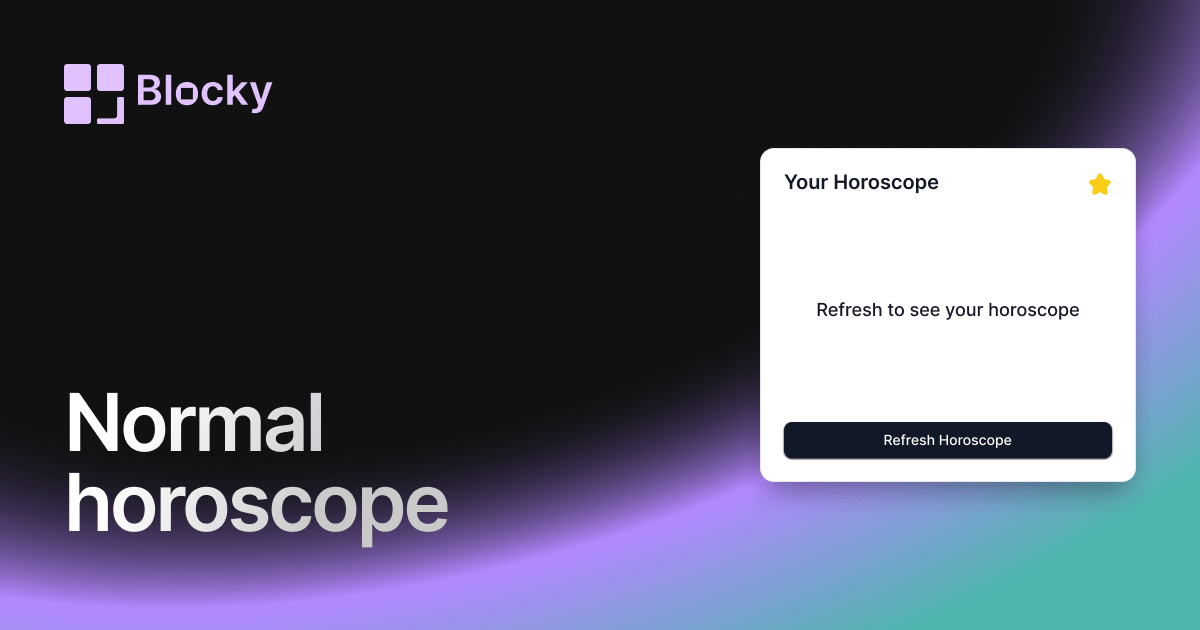
Normal Horoscope
Embed daily horoscopes in your Notion workspace with a clean, informative card layout. Customize text, icons, and button colors to align with your aesthetic.
Open related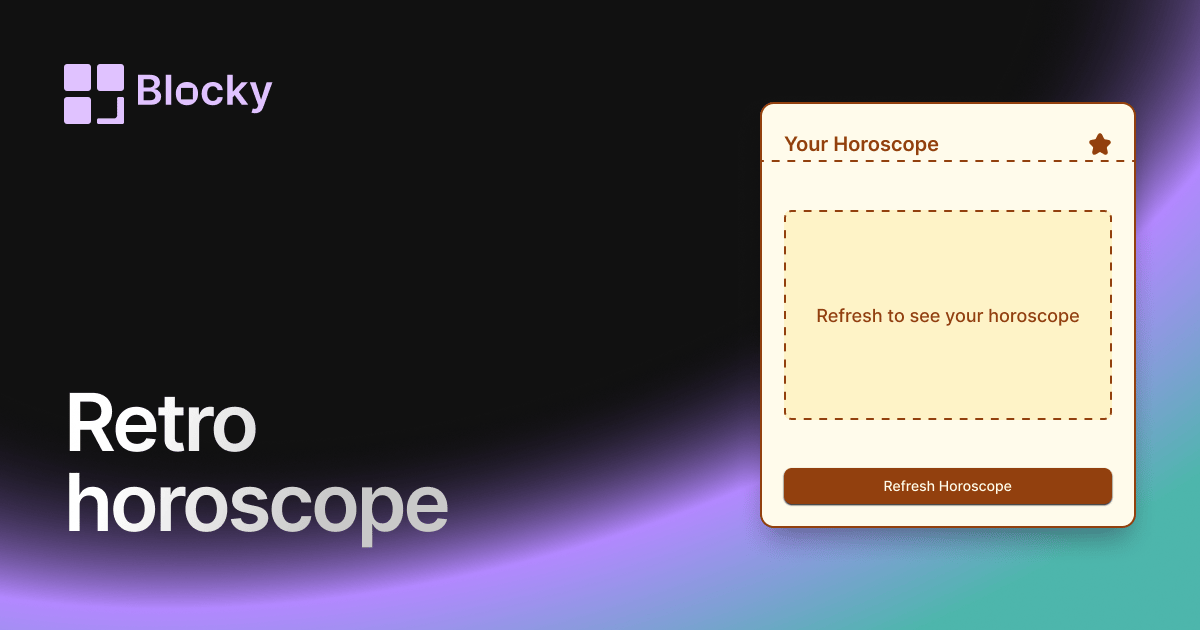
Related variant
Retro Horoscope
Add a retro horoscope widget to Notion for daily zodiac prompts, themed dashboards, and vintage-style personal pages.
Open related