How to create flashcards in Notion with Blocky
Blocky lets you create flashcards in Notion for studying, recall practice, onboarding, or spaced review. Choose the Flashcards widget, add card prompts and answers, then preview the study flow in the editor before publishing.
Use the editor to adjust the deck style, card layout, colors, interaction pattern, and spacing. When it looks right, paste the Blocky embed URL into Notion and keep active recall beside your notes.
Flashcard variants
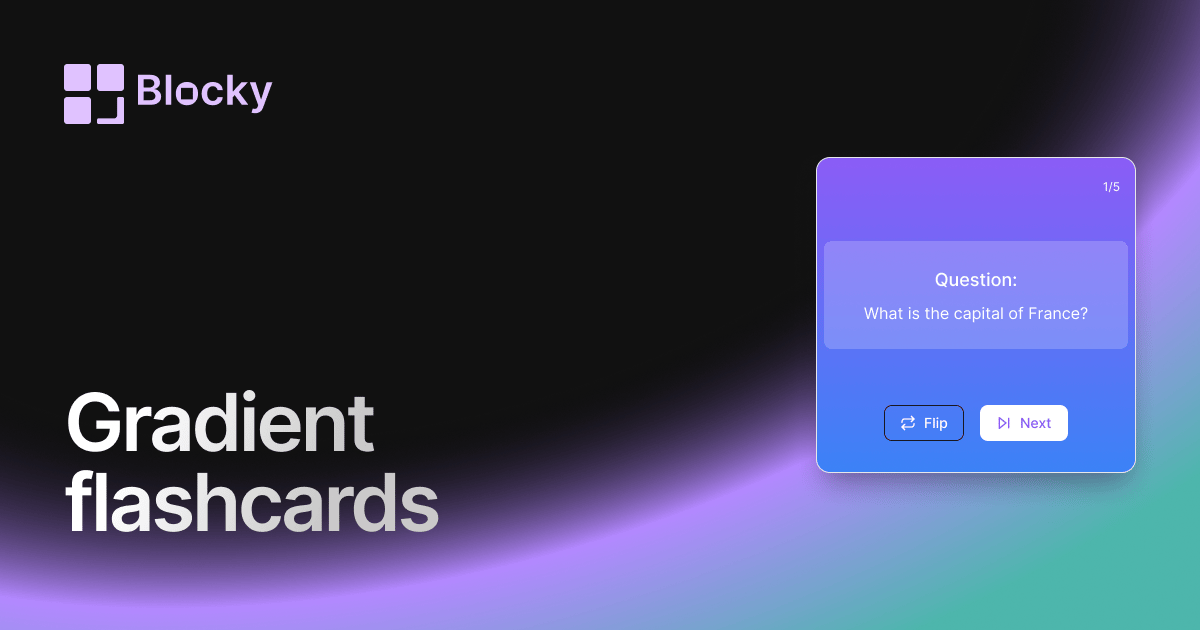
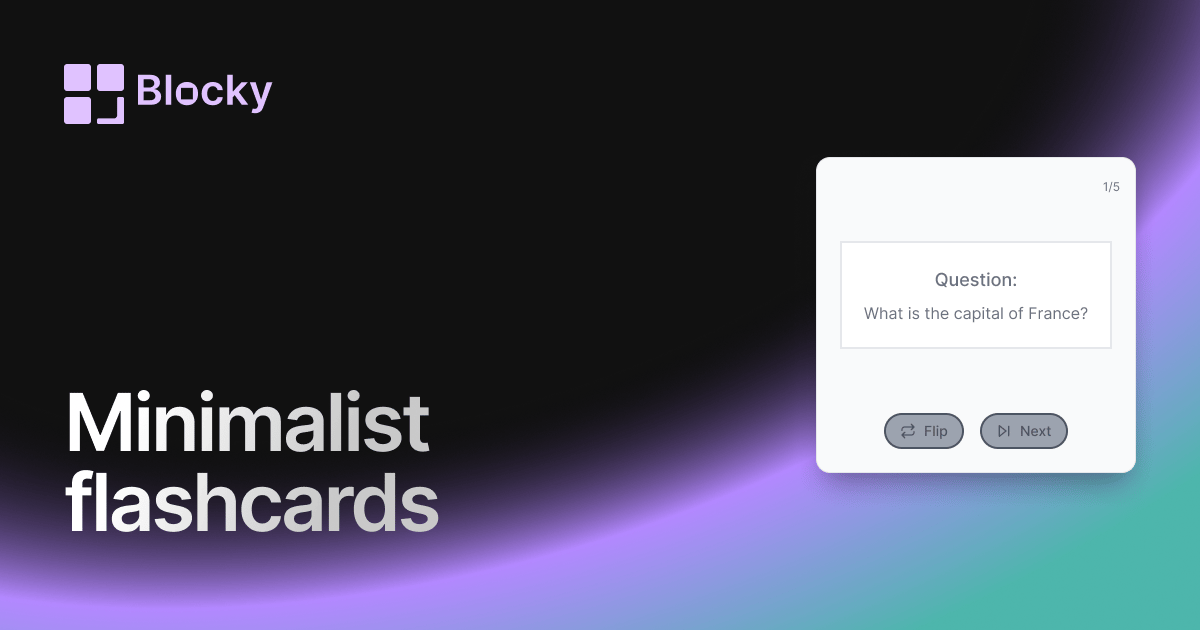
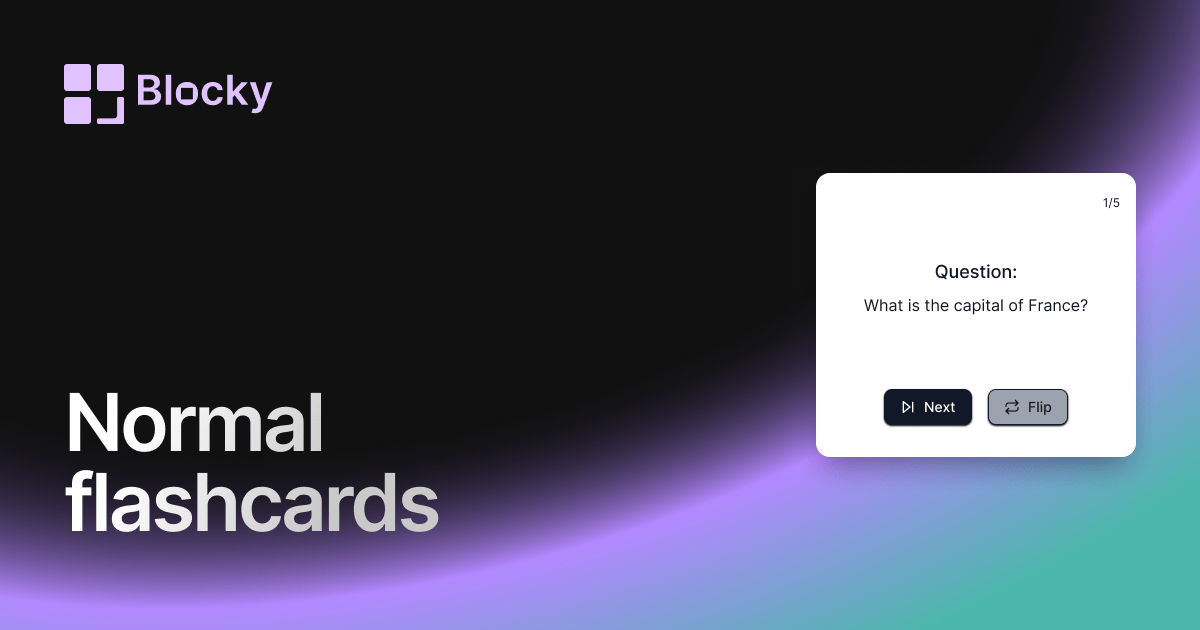
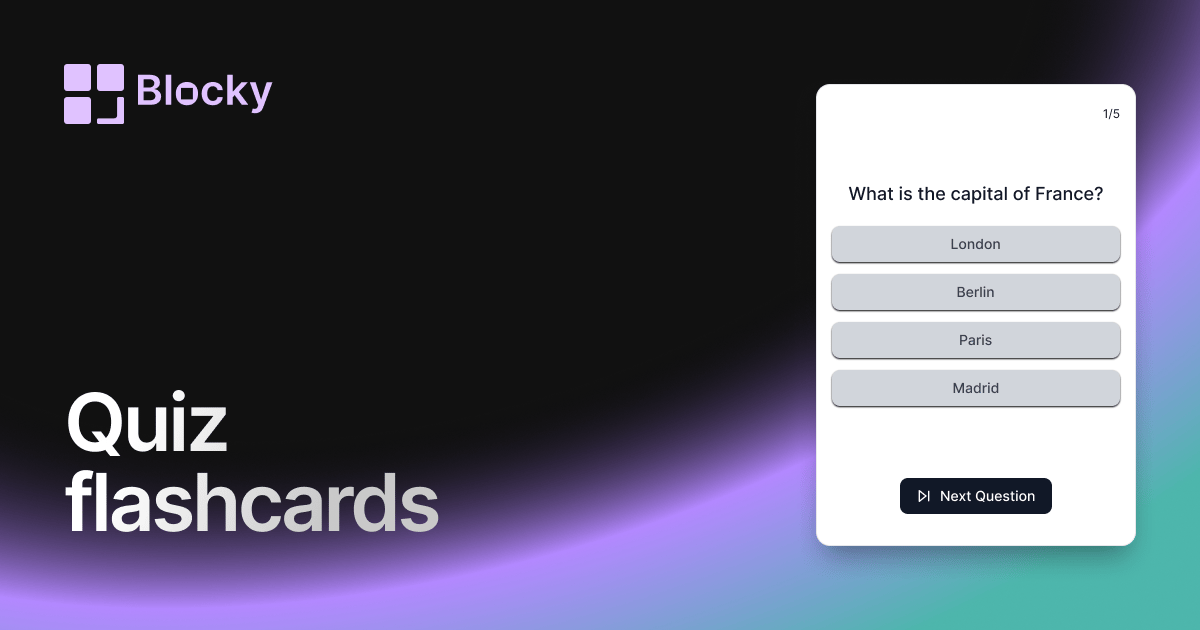
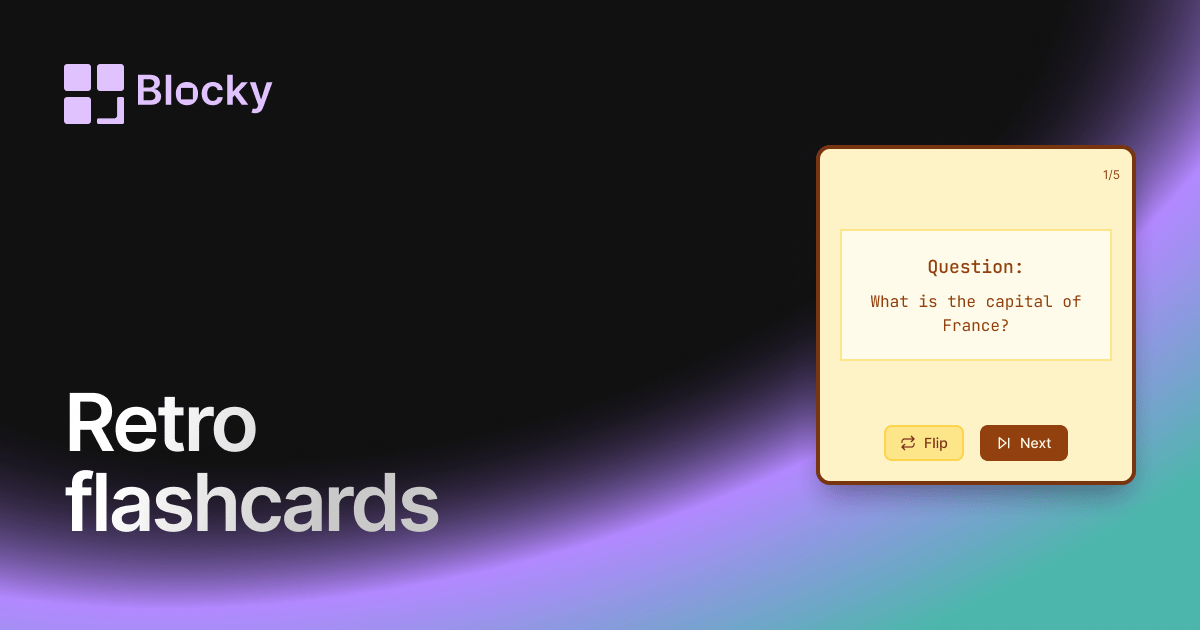
Blocky includes Normal, Minimalist, Retro, Gradient, and Quiz flashcard variants. Each variant page shows a different study experience, and the full Flashcards explorer links them together.
Benefits of Notion flashcards
Flashcards make a Notion study hub more active. Instead of storing only static notes, you can practice questions, review concepts, and keep learning tools in the same workspace as source material.