How to add daily quotes in Notion with Blocky
Blocky helps you add daily quotes in Notion for inspiration, journaling, team dashboards, or personal home pages. Choose the Quotes widget, select the quote style, and preview the card in the editor before publishing.
Use the editor to adjust typography, background, attribution, colors, and spacing. Then copy the Blocky embed URL and paste it into Notion with the embed block.
Daily quote variants
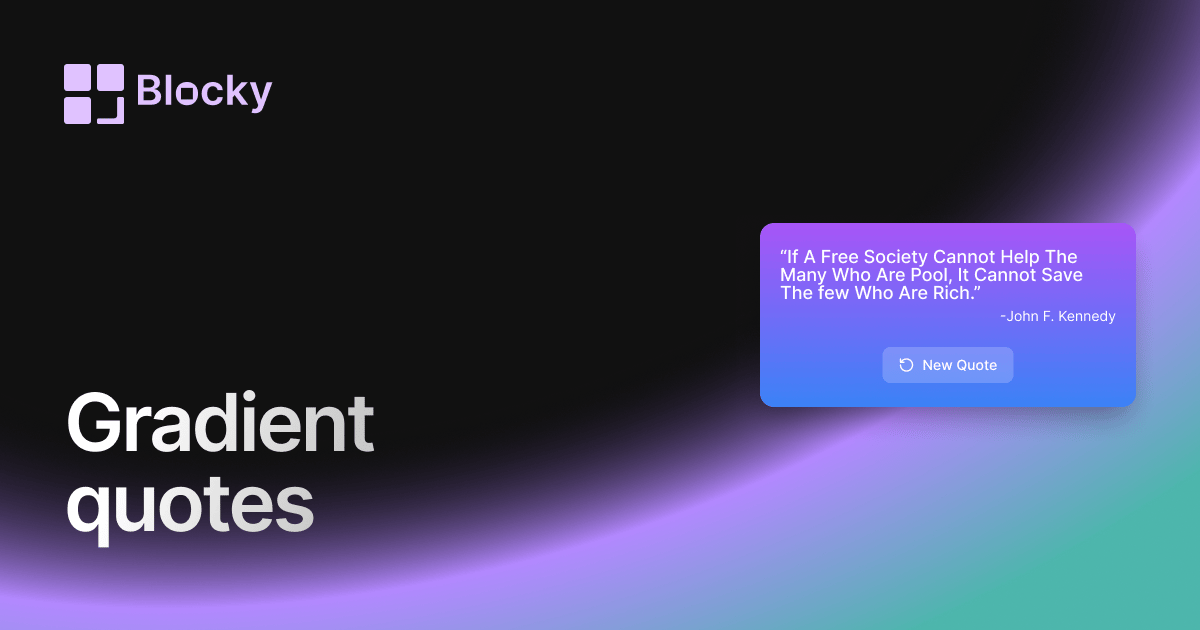
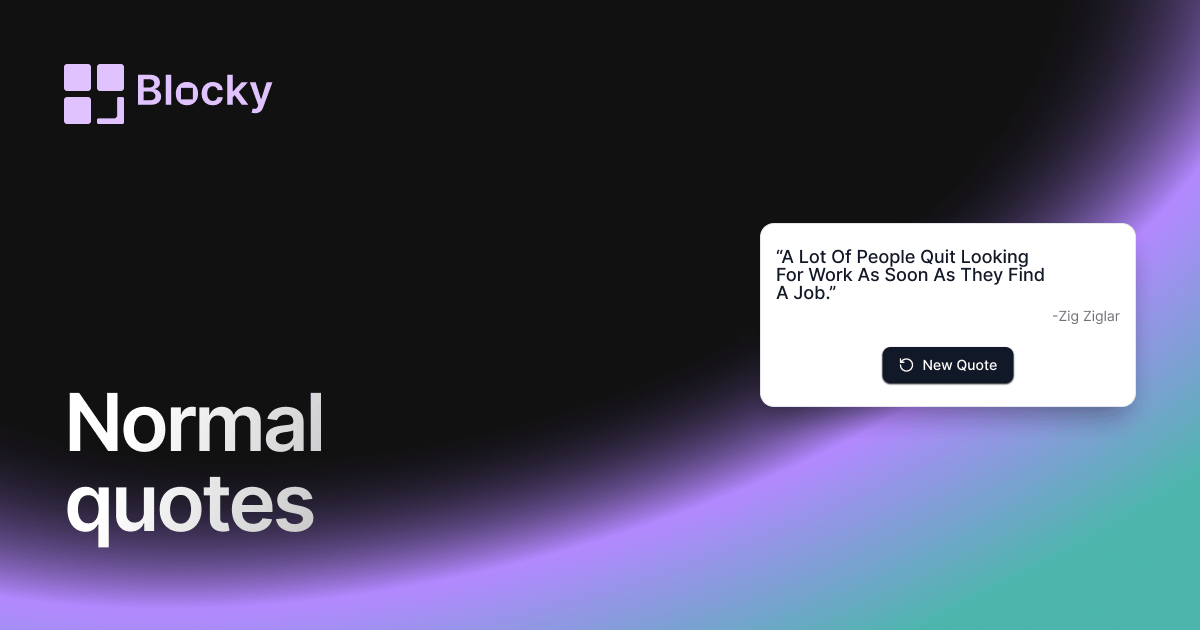
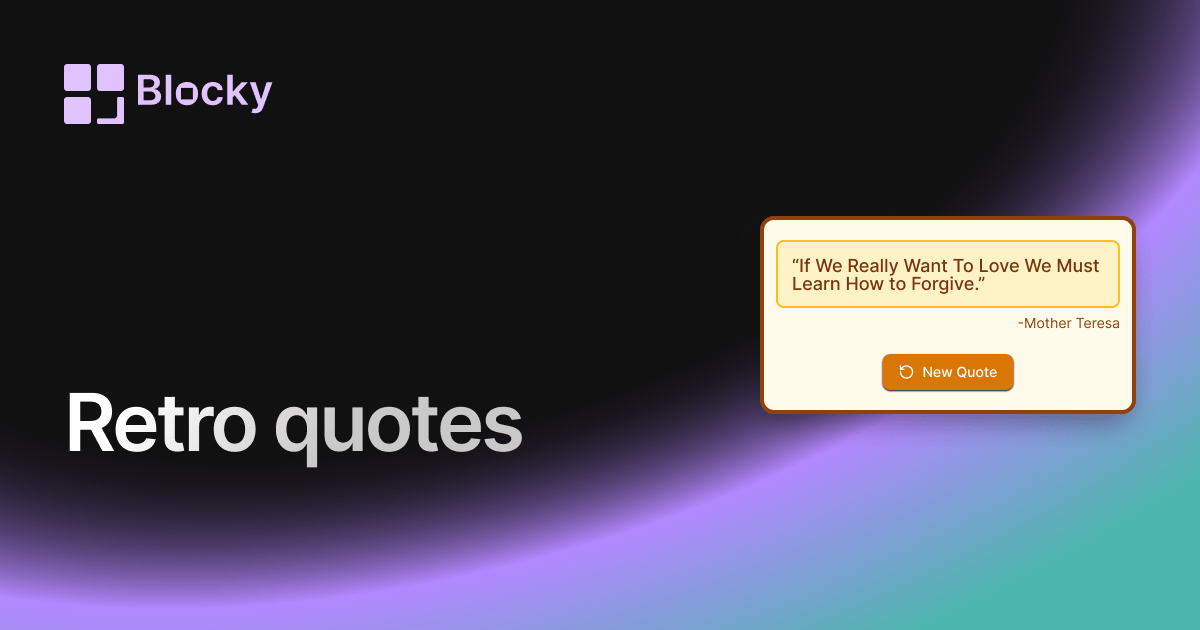
Blocky includes Normal, Retro, Gradient, and Inspirational quote variants. Use the linked variant pages to compare the visual treatment or open the full Quotes explorer.
Benefits of Notion daily quotes
Daily quotes add a lightweight ritual to Notion. They can set a tone for planning, reflection, team culture, or a personal dashboard without requiring another widget service.