
Compact Dice Roller
A space-saving DND dice roller widget for Notion, designed for minimalist dashboards and quick, clutter-free tabletop RPG rolls.
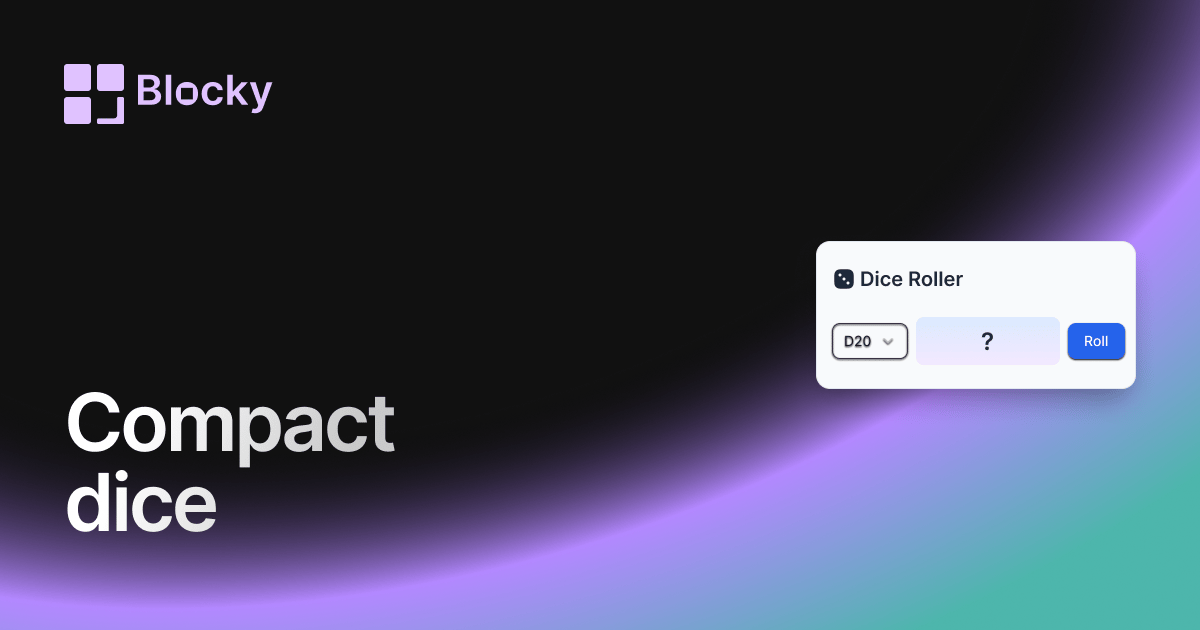
Inspect the widget before it reaches a live page.
Tune labels, data, colors, and layout from one editor.
Embed the finished specimen back into Notion.
Specimen notes — Compact Dice Roller
Compact Dice Roller Widget for Notion
The Compact Dice Roller is a sleek and minimal version of Blocky’s dice rolling widget—designed to fit seamlessly into narrow columns, mobile dashboards, or embedded sidebars. It keeps the full rolling functionality while saving space with a tighter layout and simplified design.
Whether you're tracking game progress, using dice as prompts, or adding a bit of randomness to your workspace, this version fits anywhere.
Use Cases
- Mobile DnD Dashboards: Roll dice on the go in limited screen space.
- Side Panels or Columns: Add dice without cluttering your page layout.
- Prompt Generators: Use tight layouts for daily dice-based ideas.
- RPG Reference Pages: Compact roll widget for Notion-based character sheets.
- System Tools: Add utility without sacrificing design balance.
Features
- Clean layout optimized for compact views
- Interactive roll animation (d6, d20, others)
- Result displayed below or beside dice (auto responsive)
- Quick tap/click to re-roll
- Fully responsive and mobile-friendly
Customization Options
- Select dice type(s): d4, d6, d8, d10, d12, d20
- Toggle layout: vertical or inline
- Adjust dice size and margin spacing
- Customize result font and display location
- Choose minimal, borderless styles for seamless UI
Responsive & Interactive
Despite its size, the Compact Dice Roller maintains all the roll logic and animations of the full version—just streamlined for space-conscious Notion embeds.
How to Embed in Notion
- Go to Blocky and select the Compact Dice Roller variant.
- Choose your dice options and layout style.
- Copy the generated embed link.
- Paste it into Notion using
/embed.
Small in size, big in impact.
Nearby variants for the same type.
The current specimen is excluded so the grid only offers alternate treatments.
Related variant
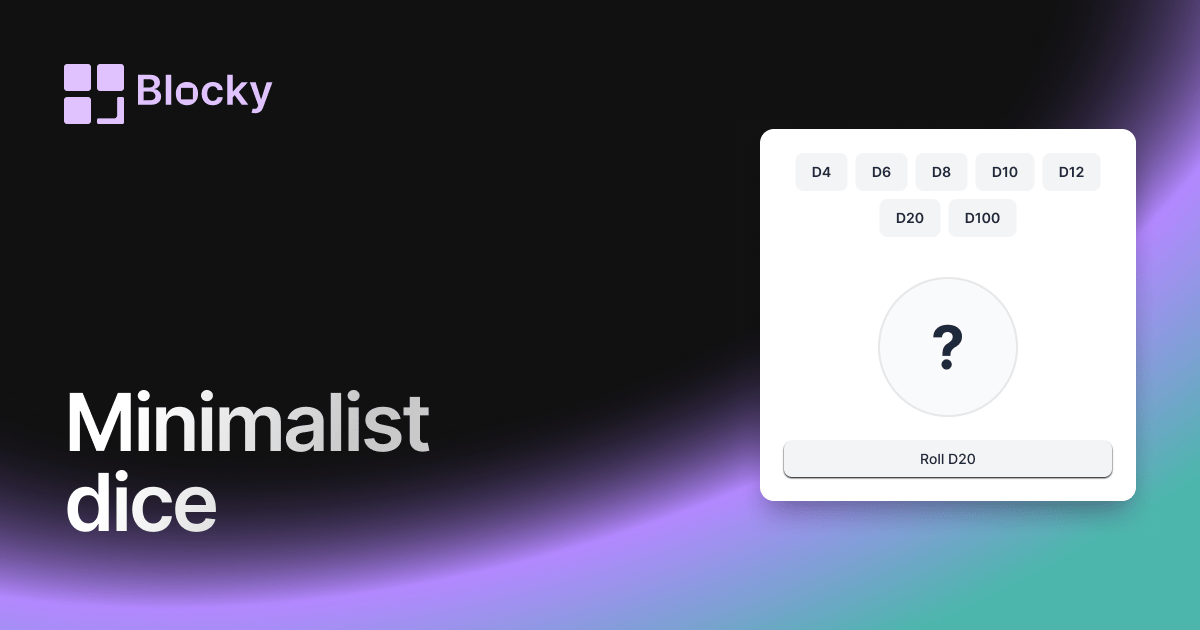
Minimalist Dice Roller
A sleek, distraction-free DND dice roller for Notion, perfect for players who want a modern, lightweight widget for their RPG sessions.
Open related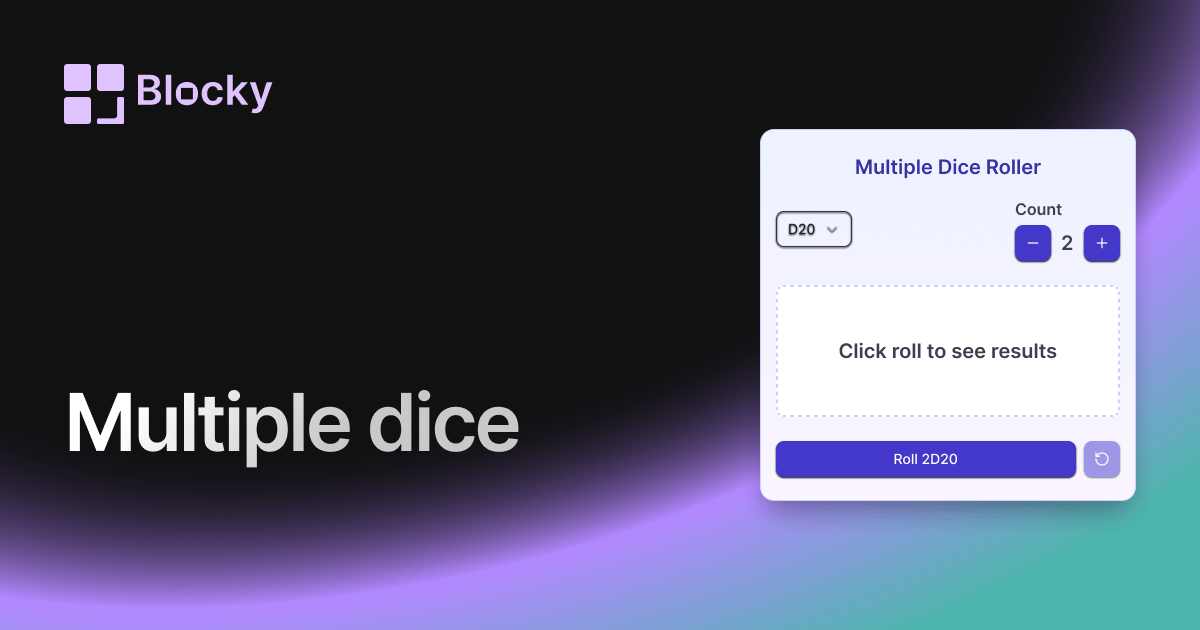
Related variant
Multiple Dice Roller
Roll multiple DND dice at once in Notion with this versatile widget, perfect for complex encounters, character rolls, and quick gameplay.
Open related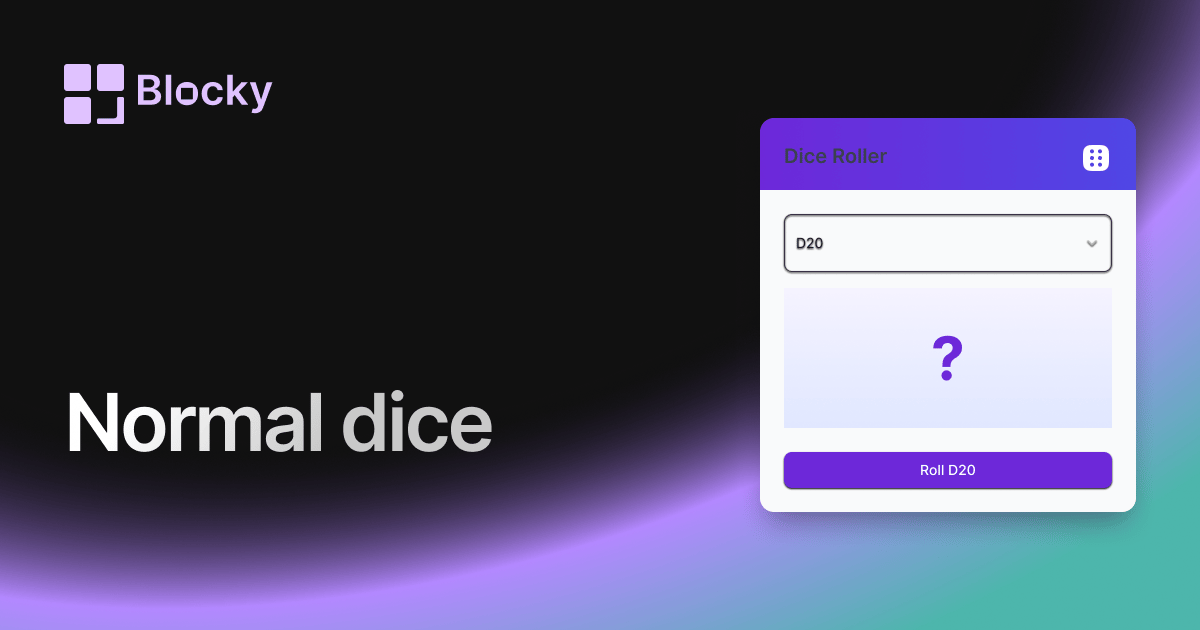
Related variant
Normal Dice Roller
A classic DND dice roller for Notion with a clean interface, ideal for quick rolls and easy tabletop RPG tracking on your dashboards.
Open related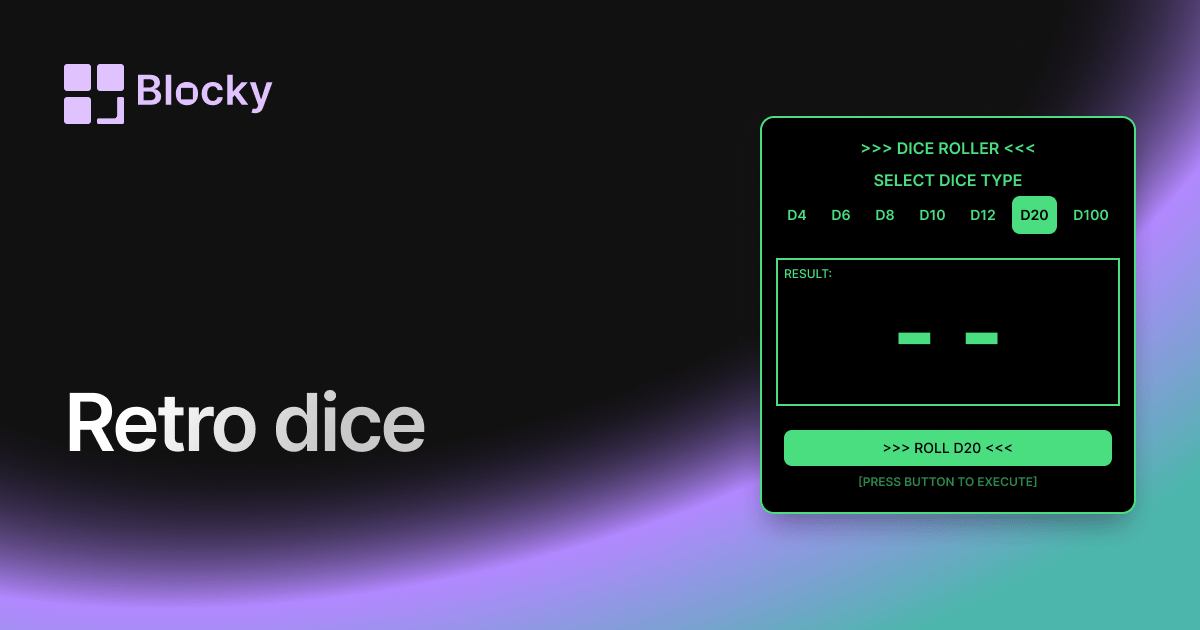
Related variant
Retro Dice Roller
Bring a nostalgic flair to your Notion dashboard with this retro-themed DND dice roller, blending classic style with modern functionality.
Open related