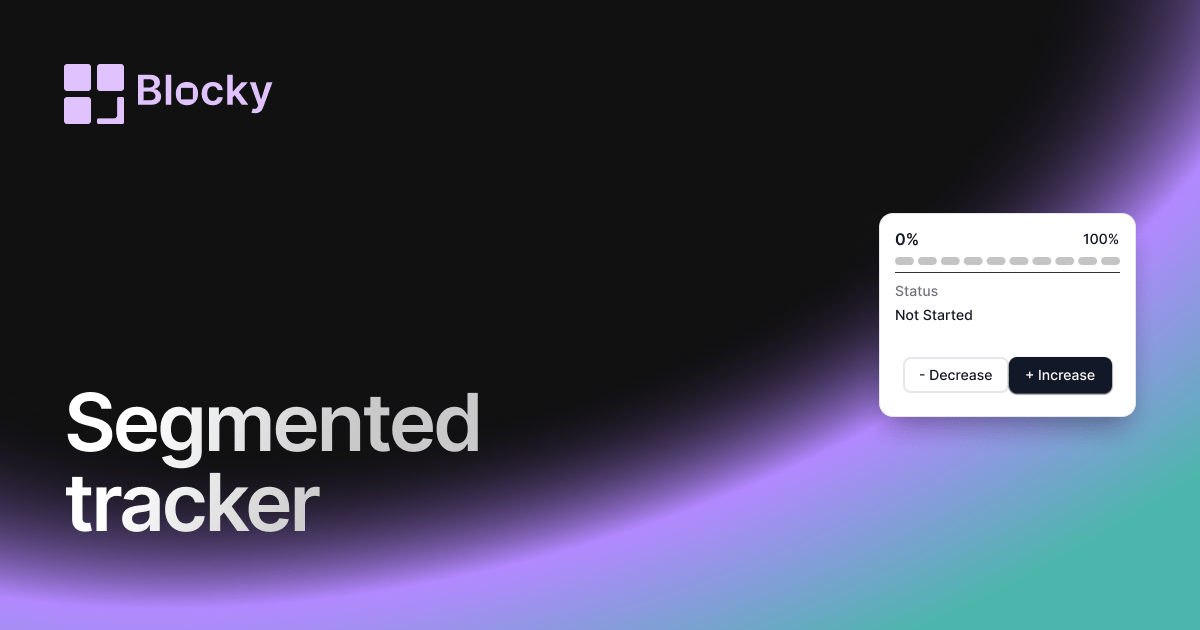
How to create a progress tracker in Notion with Blocky
Blocky helps you create a progress tracker in Notion for goals, courses, projects, fundraising, or checklists. Choose the Progress Trackers widget, enter or connect the progress value, then preview the visual tracker in the editor.
Customize labels, colors, completion states, layout, and sizing before you publish. The finished embed can sit beside the tasks and notes that explain what the progress means.
Progress tracker variants
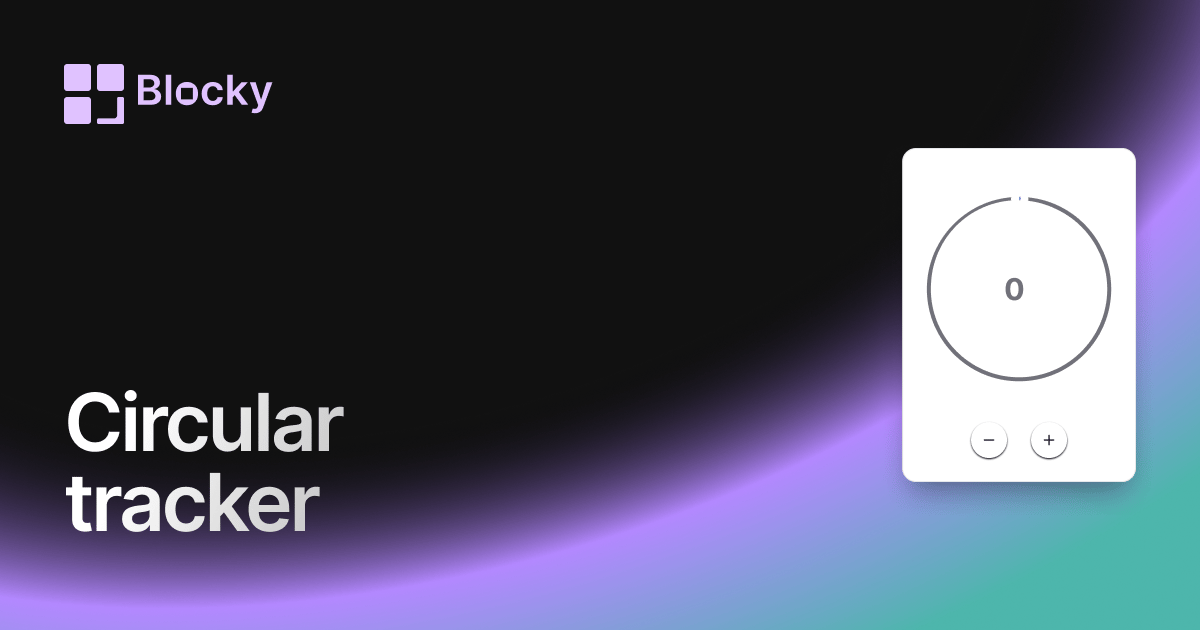
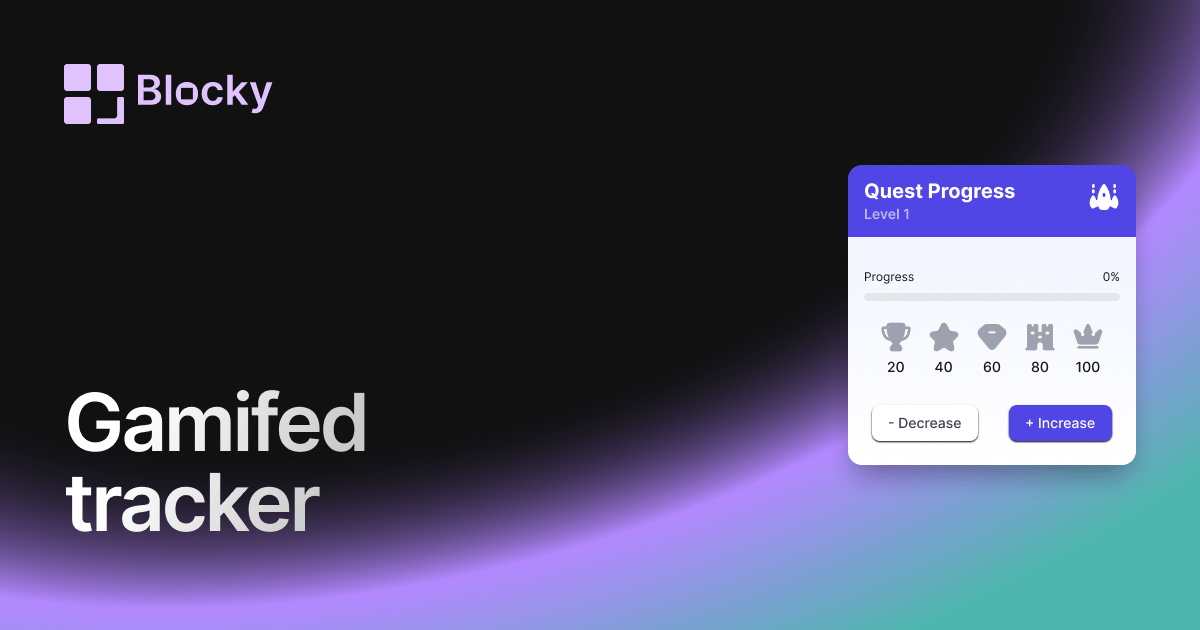
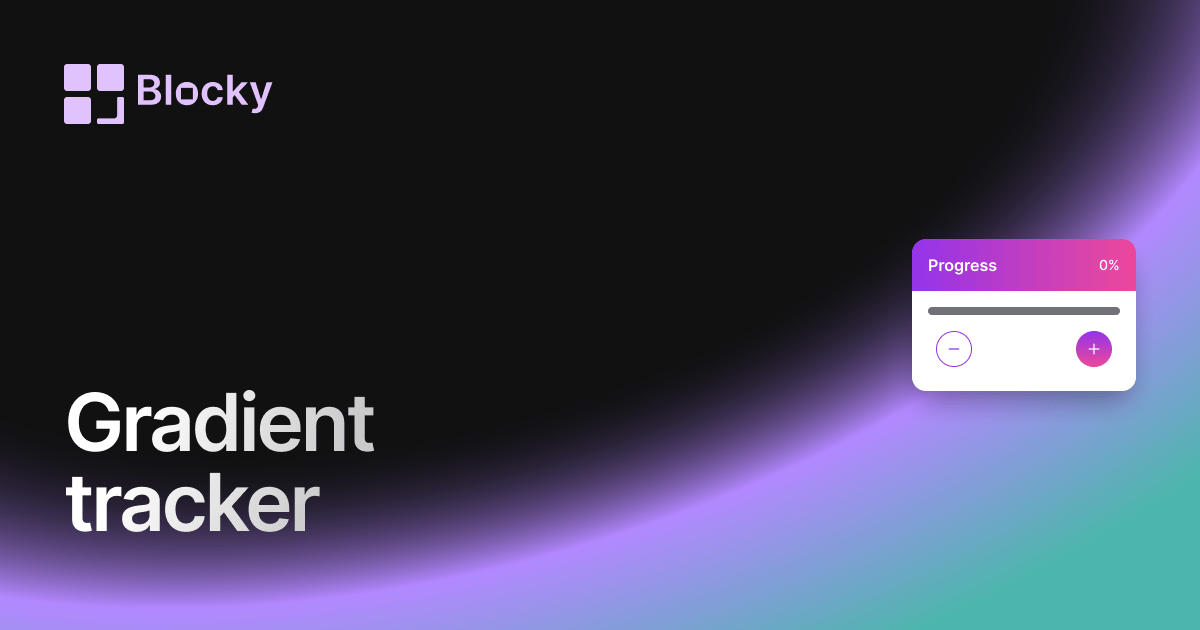
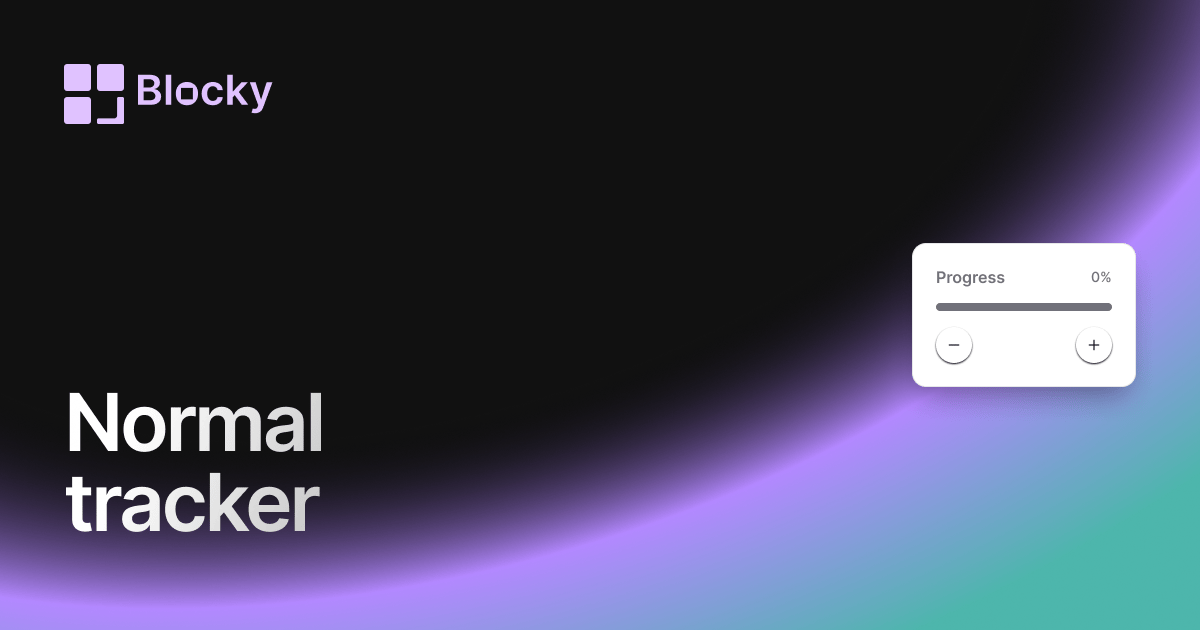
Blocky includes Normal, Gradient, Segmented, Circular, and Gamified progress tracker variants. Open the variant pages for exact previews or use the full Progress Trackers explorer.
Benefits of a Notion progress tracker
A progress tracker turns abstract status into a visible signal. It helps teams and individuals understand how far a goal has moved without scanning a database or recalculating a percentage.