How to add a Pomodoro timer in Notion with Blocky
Use Blocky to add a Pomodoro timer in Notion for focus sessions and study blocks. Choose the Pomodoro widget, set work and break durations, preview the timer controls, and publish the embed when it matches your workspace.
The editor lets you customize session labels, colors, timer style, button treatment, and visual feedback. Then copy the Blocky embed URL into Notion and start focus sessions from your dashboard.
Pomodoro timer variants
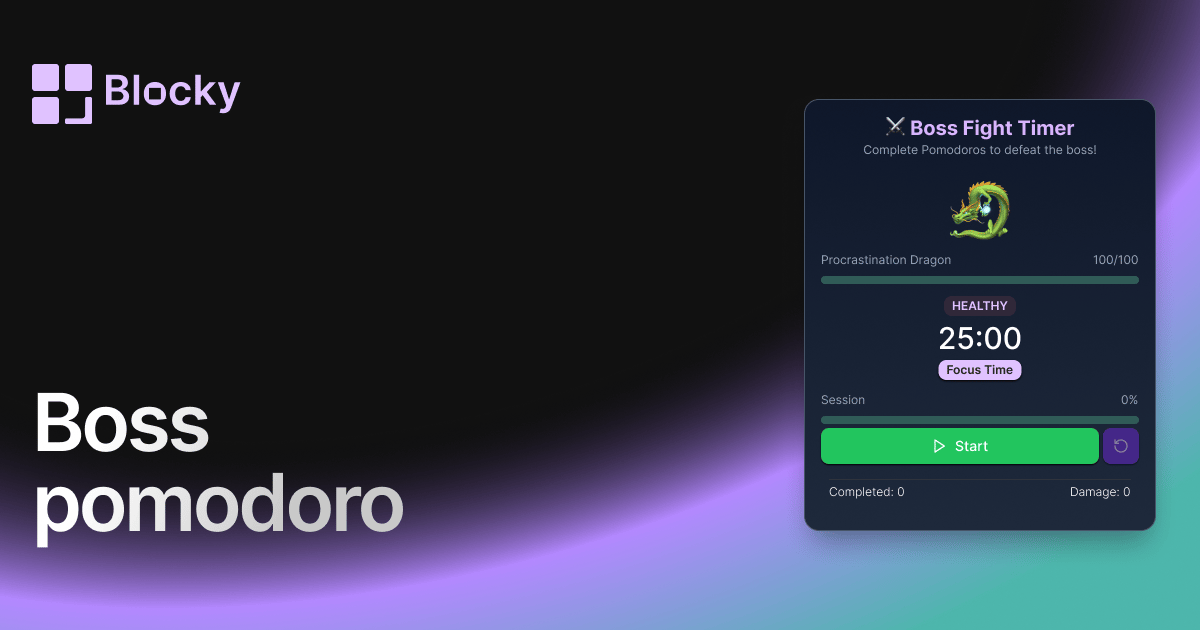
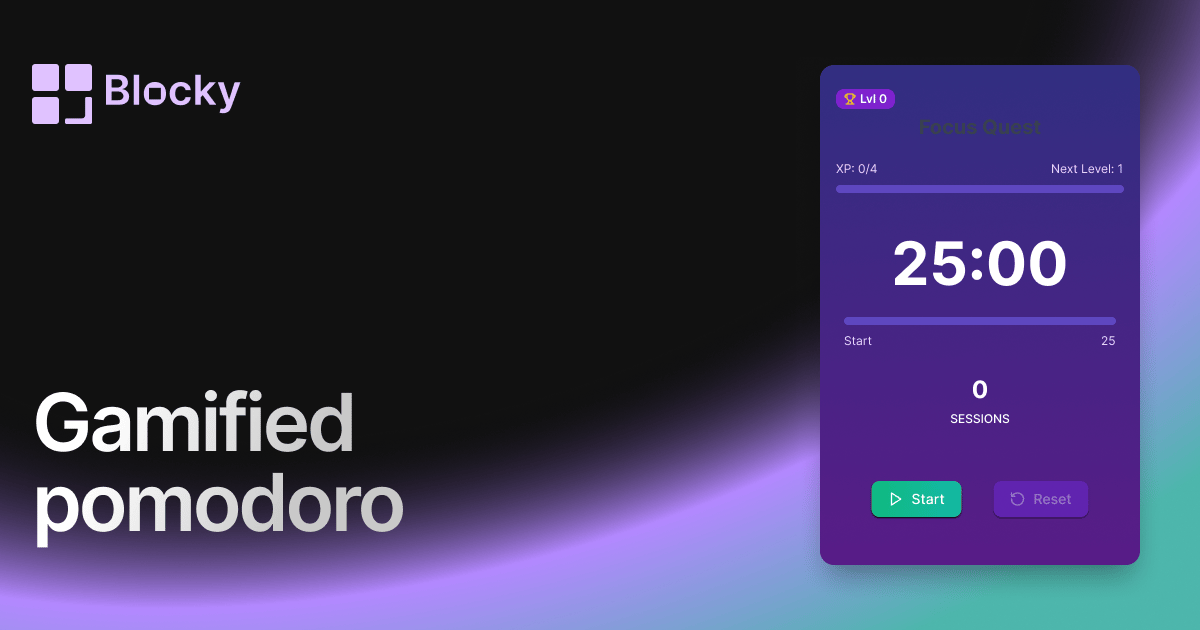
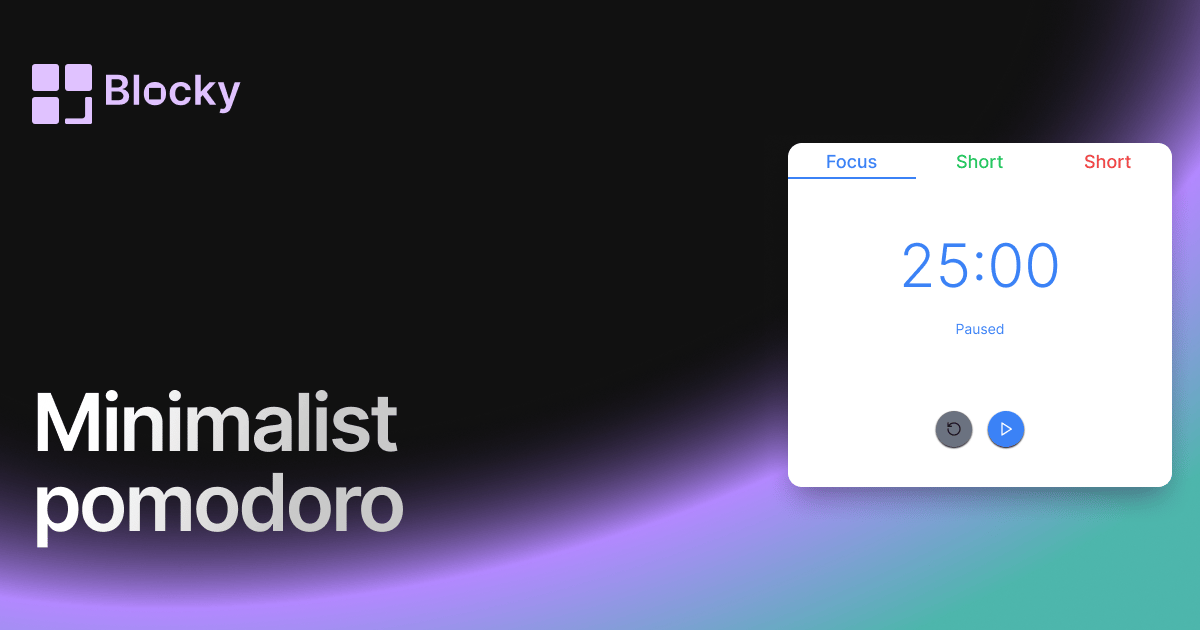
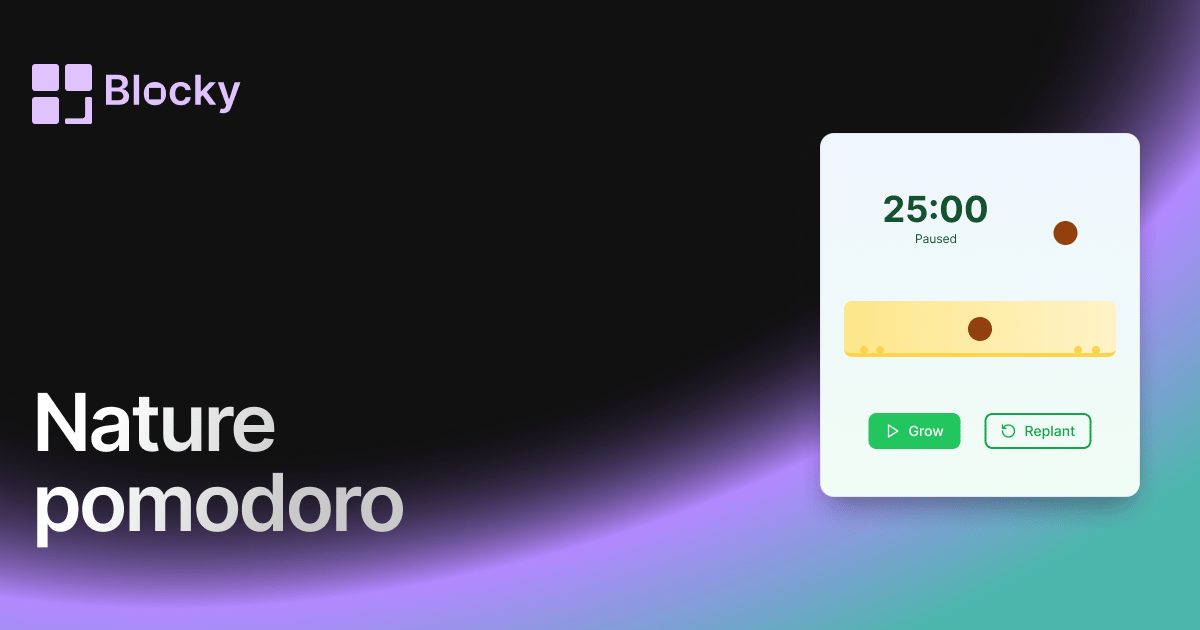
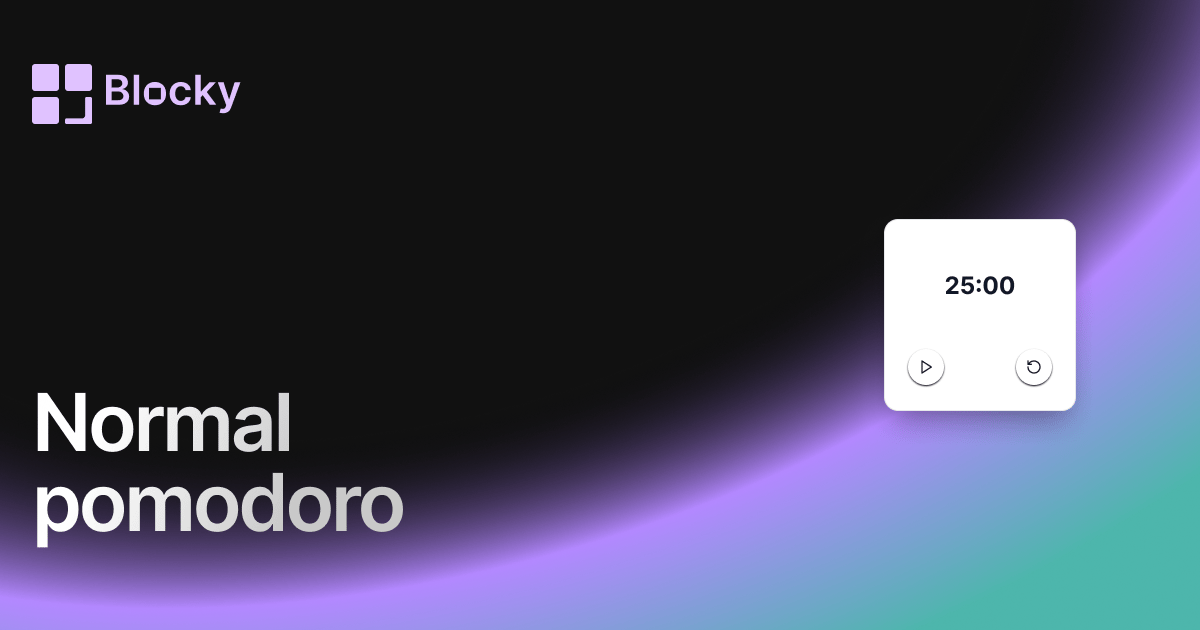
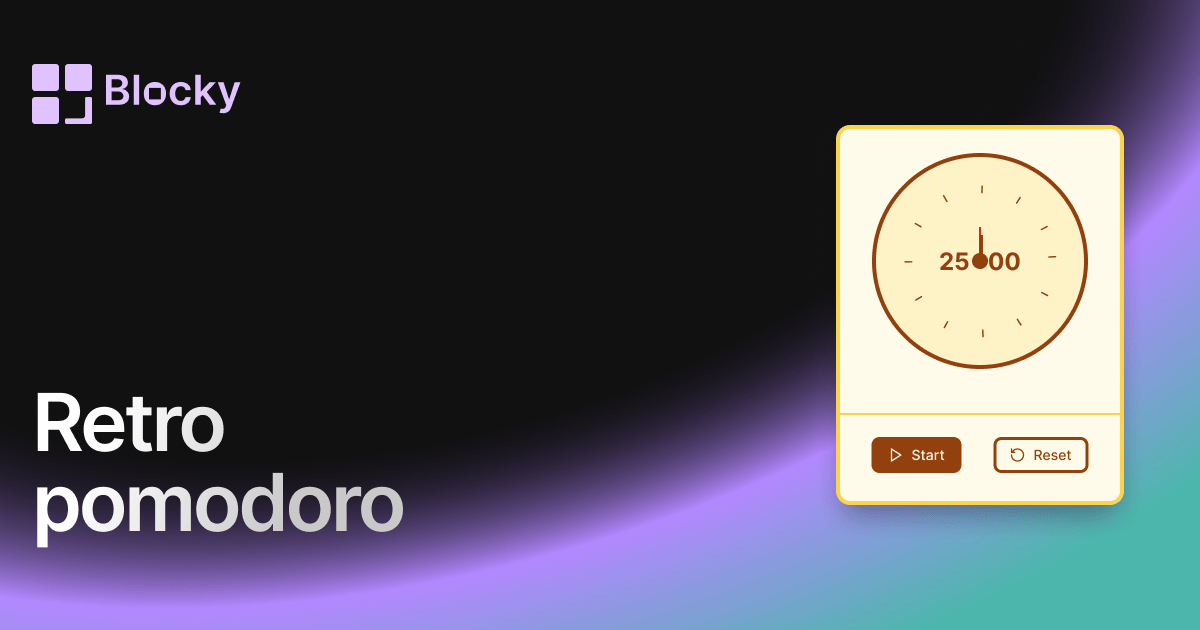
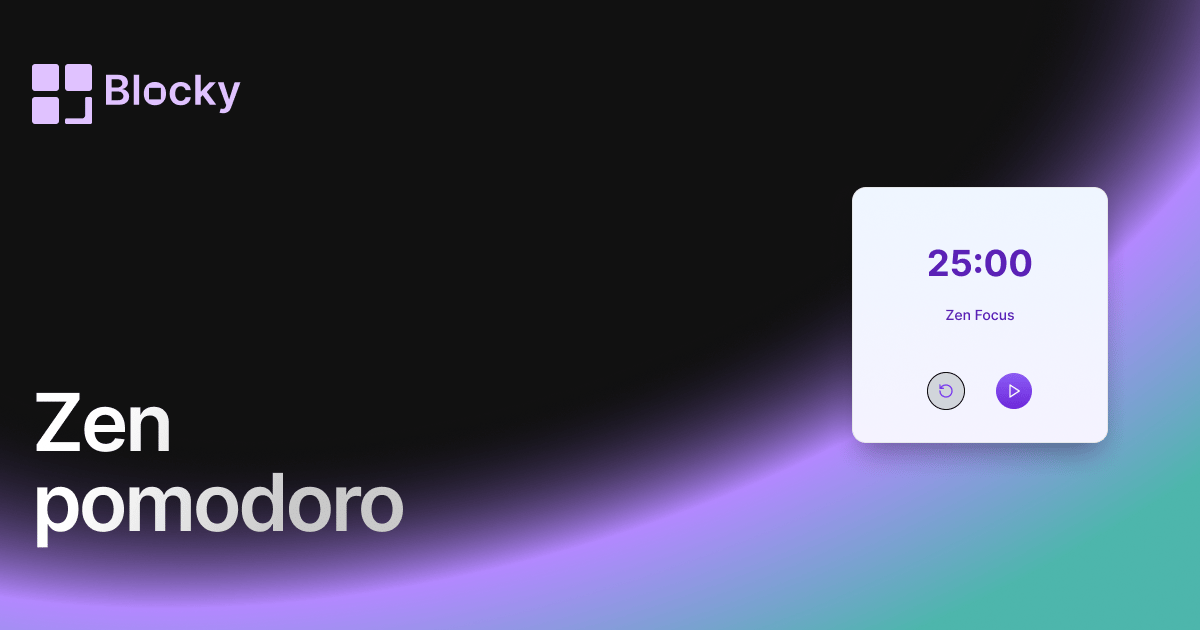
Blocky includes Normal, Minimalist, Retro, Zen, Nature, Boss, and Gamified Pomodoro variants. The variant pages show the different visual styles and the full explorer collects them in one place.
Benefits of a Notion Pomodoro timer
A Pomodoro timer keeps focus work next to the tasks, reading notes, or study plans it supports. It reduces context switching and makes timed work sessions part of the Notion system you already use.