How to add your horoscope in Notion with Blocky
Blocky lets you add your horoscope in Notion as a daily dashboard widget. Choose the Horoscopes widget, select the sign and style you want, then preview the widget before publishing it to a Notion page.
Use the editor to customize the card treatment, colors, typography, spacing, and display options. Once the preview fits your dashboard, copy the Blocky embed URL into Notion.
Horoscope variants
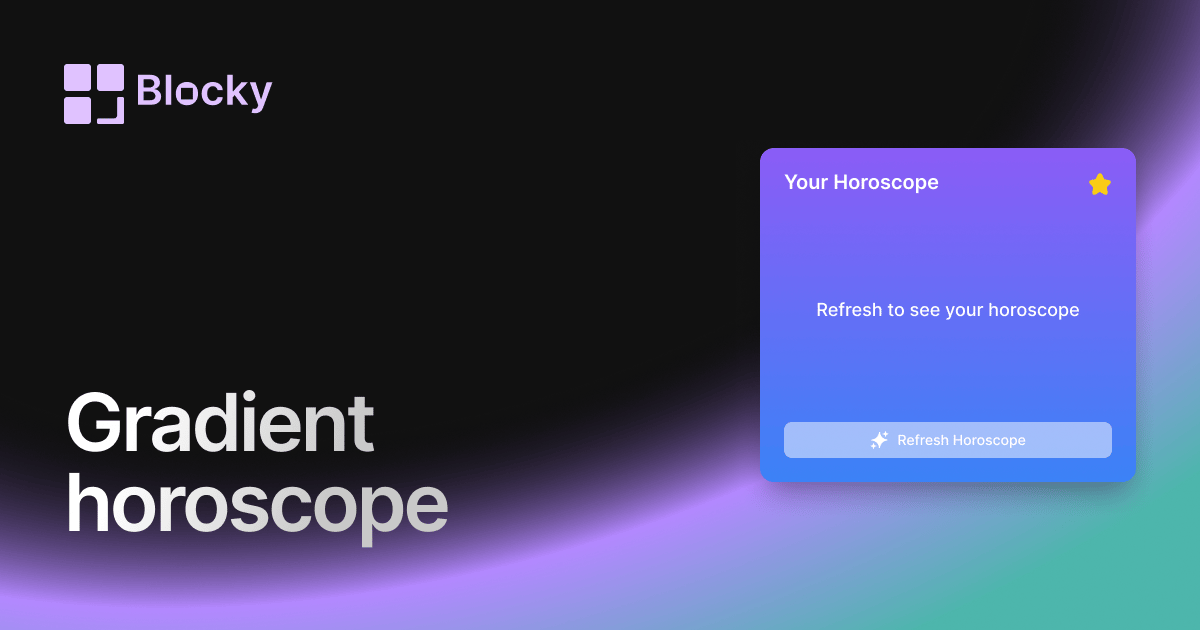
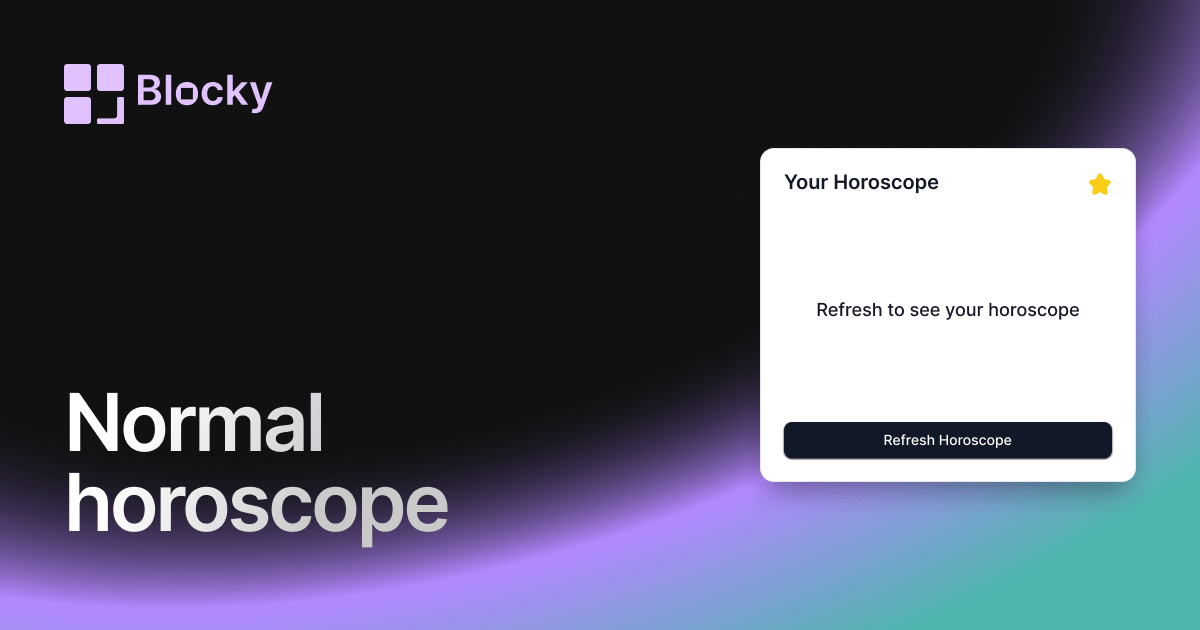
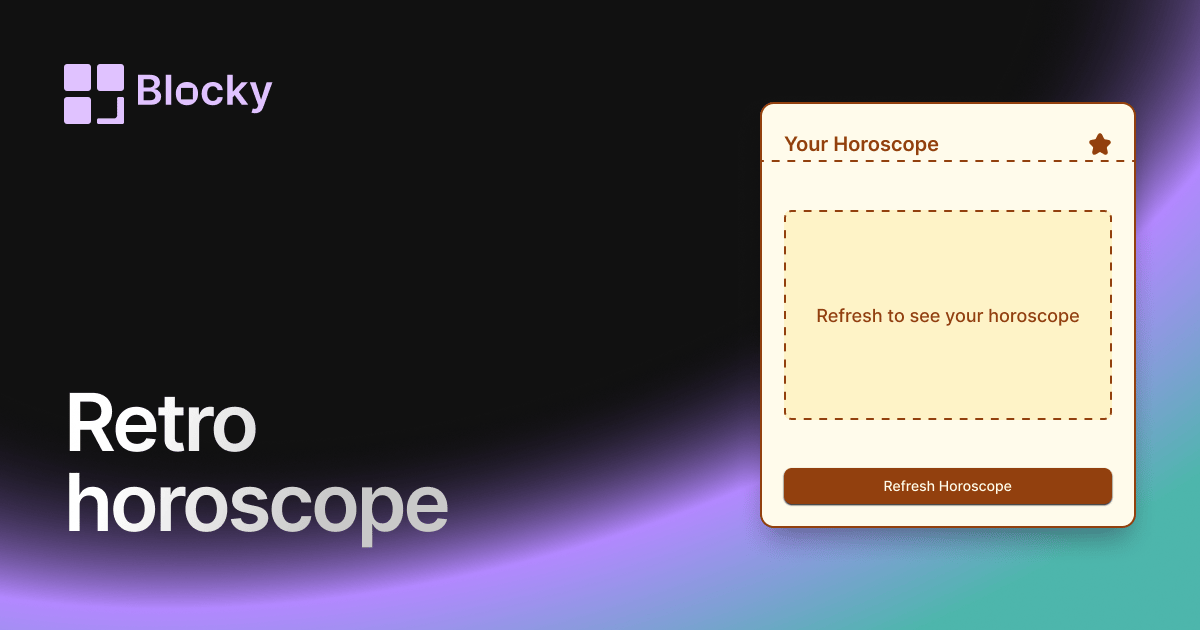
Blocky includes Normal, Retro, and Gradient horoscope variants. Use the linked variant pages to compare the visual style and open the full Horoscopes explorer for the complete set.
Benefits of a Notion horoscope widget
A horoscope widget adds a personal daily touch to Notion. It works well in morning dashboards, journals, wellness pages, and personal home bases that mix planning with reflection.