
Radial Chart
Radial charts are circular progress-style widgets for showing completion, contribution, or status at a glance in Notion dashboards.
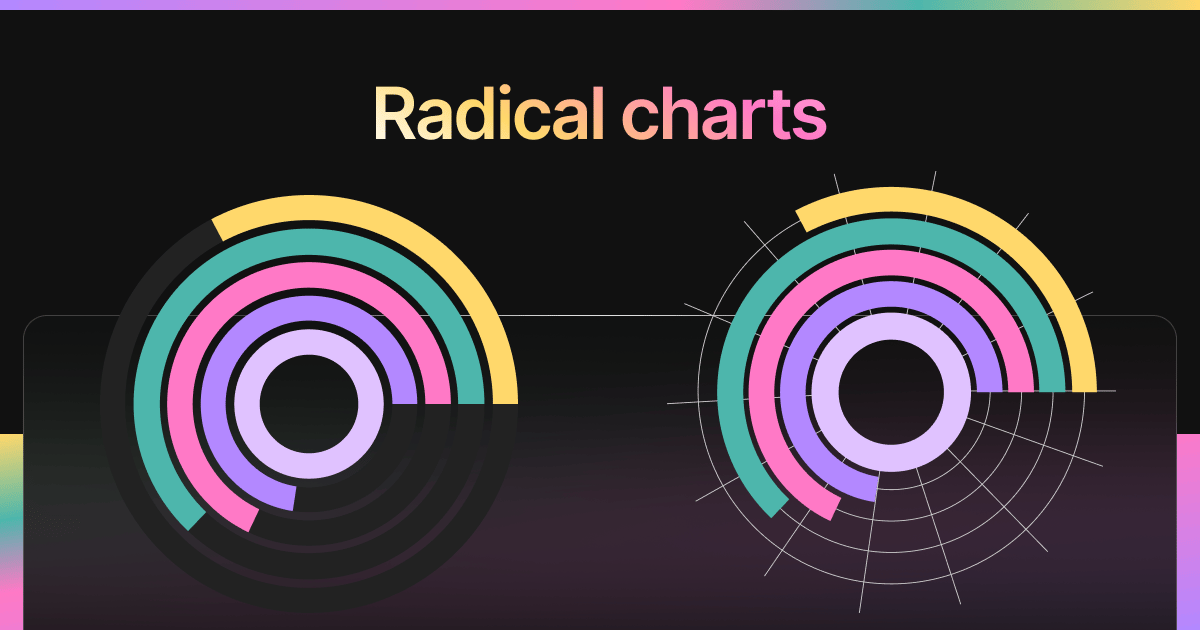
Inspect the widget before it reaches a live page.
Tune labels, data, colors, and layout from one editor.
Embed the finished specimen back into Notion.
Build with Radial Chart
Radial Chart Widget for Notion
The Radial Chart Widget is a circular, progress-style chart that’s perfect for showing completion, contribution, or focus at a glance. Unlike pie charts, radial charts focus on progress toward a single value — such as 75% complete — and present it with modern, elegant visuals.
Ideal for Notion dashboards tracking goals, habits, or status indicators.
Use Cases
- Goal Progress: Display how close you are to completing personal or team objectives.
- Habit Completion: Show % of weekly habit success in a single number.
- KPI Dashboards: Visualize real-time metrics like uptime, capacity, or ticket resolution.
- Mood/Wellness Logs: Show how consistent you’ve been with mindfulness or journaling.
- Sprint Progress: Track backlog completion or deliverable milestones for agile teams.
Radial Chart Variants
Blocky offers several visual styles for Radial Charts:
1. Solid Fill Ring
- Simple progress ring with percent in the center.
- Clean and compact.
2. Gradient Ring
- Progress bar fades from one color to another.
- Adds visual flair and dimension.
3. Outline Ring
- Thin-ring progress with minimal styling.
- Ideal for tight layouts or minimalist dashboards.
4. Multi-Ring Radials
- Stack multiple progress circles in one widget.
- Useful for comparing 2–3 goals side-by-side.
Each variant includes:
- Optional label
- Center value (percentage or absolute)
- Configurable animation
- Smooth render and responsive design
Customization Options
- Set goal value, current value, and max value from your database
- Control stroke thickness and ring size
- Customize center text (%, label, value)
- Choose colors, gradient direction, and ring styles
- Toggle animation and tooltip on hover
Works beautifully on light or dark Notion pages.
Live Updates from Notion
Your Radial Chart stays in sync with your Notion database — perfect for live dashboards, progress reviews, and check-ins. Just update the value in Notion, and your chart reflects it instantly.
How to Embed in Notion
- In Blocky, select the Radial Chart widget.
- Link your Notion database and choose the value + goal fields.
- Pick a ring style (solid, gradient, outline, or multi-ring).
- Customize size, color, and display preferences.
- Copy the embed link and paste it into Notion using
/embed.
Now your progress is always within sight.